Gigabit FOMO

After my recent internet upgrades I ended up with a new dilemma. A good dilemma, but still.

For a while now I have been running Tailscale on all my devices. It handles all my internal services and lets me connect to everything on my home network from anywhere without having to think about it. For privacy on top of that I added the Mullvad VPN exit nodes that Tailscale offers as an add-on. Five dollars a month, integrated straight into the Tailscale network, pick a city and go. No toggling anything off, no conflicts with my internal services. It has been a great setup.

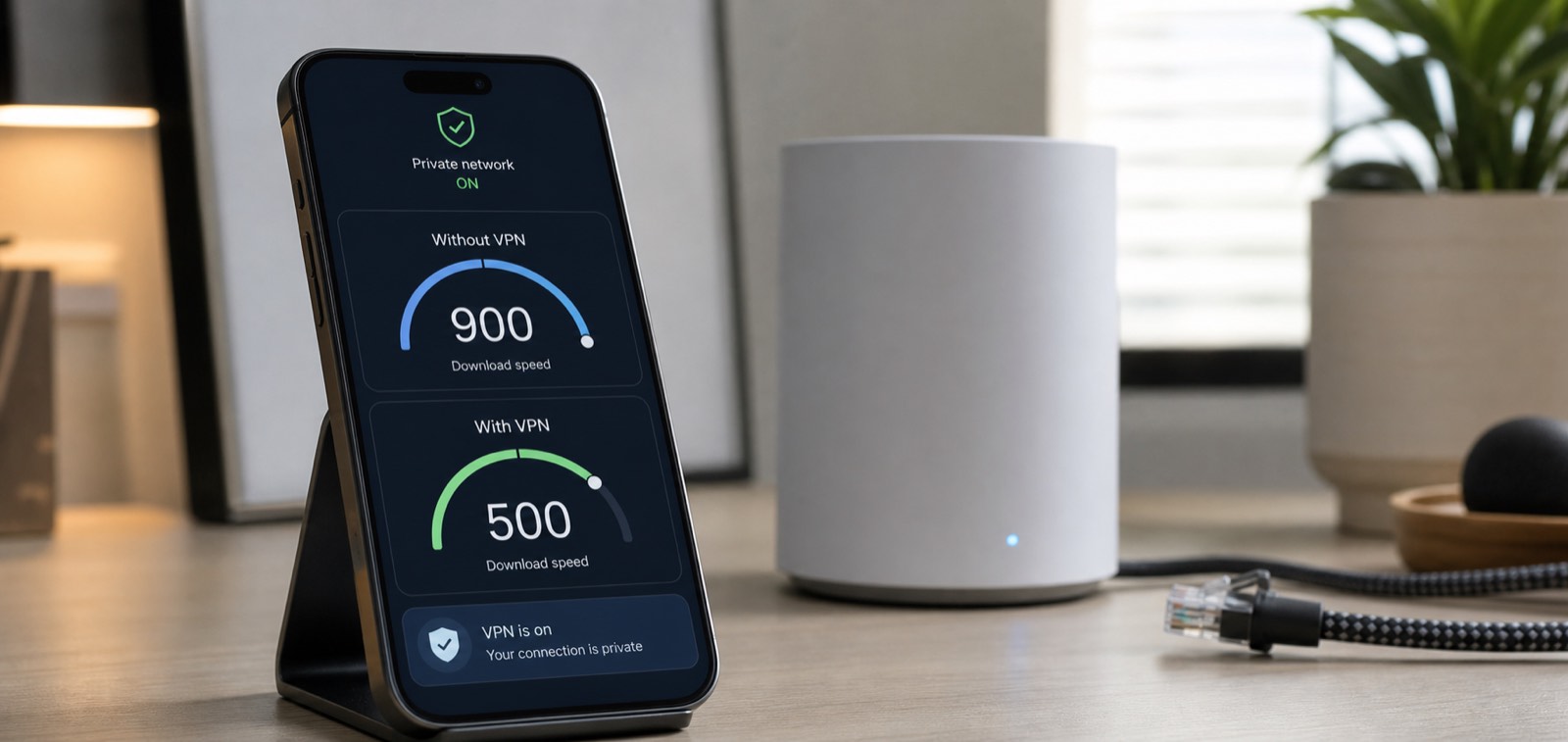
Then I upgraded my home internet to gigabit. And suddenly I started noticing something. On my phone, without the VPN, I was pulling 800 to 900 megabit down. With the VPN on, more like 500. And something in my brain did not like that.

I kept telling myself it was probably in my head. But I wanted to actually know for sure.

So I did some research and thought it through properly. And the conclusion was pretty straightforward. On a phone, do I actually need gigabit download speeds? Am I going to notice the difference between those numbers when loading a webpage? The answer is no. At those speeds the bottleneck is never my connection. It is the server on the other end, or the screen, or just how fast things can render. The gigabit matters when I am downloading something substantial on my computer or my NAS. On a phone or tablet, even streaming HD video, it simply does not matter.

What I had was not a performance problem. It was a psychological one. I upgraded to gigabit, I could see a faster number without the VPN, and some part of my brain decided I was being shortchanged even though in practice I was not missing anything.

The rational answer is obvious. Keep the VPN on. It is more private, more secure, and the speed difference is not something I will ever notice in real use. I just needed to actually verify that before I could accept it.

VPN stays on.

AI For the Mundane Stuff…

I have been using AI for increasingly mundane things I always meant to do but never actually got around to. Most recently, a mystery Mac DMG file.

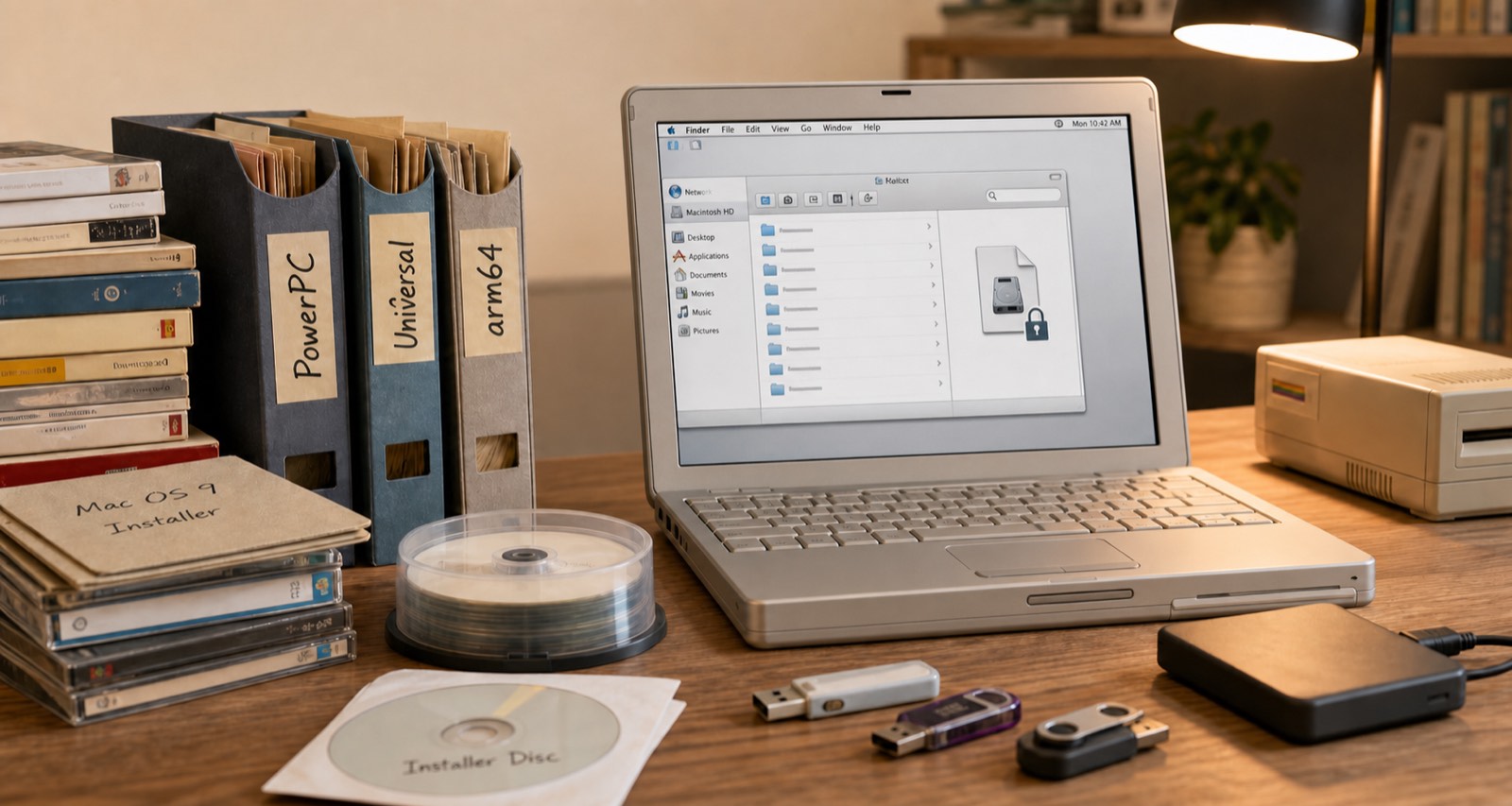
I had a Mac DMG file. About eight gigs. Password protected. I have no idea why I password protected it. I knew roughly what was in it, a big archive of installer packages going back years, but I could not get in because the password I thought it was was not working.

I have been saving installers since back when software did not just update itself over the internet and you actually needed to hold onto major versions. Over time the archive grew across different Mac architectures. PowerPC stuff, then x86 and Universal binaries, and now arm64. So there is a lot in there going back a long time.

I put Claude on the case. I gave it my best guesses at what the password might be, because I did not want it going through every possible combination until the end of time, and it set up a cracking tool locally on my MacBook Air and let it run with those hints. It got in.

So now I had all this data, plus a bunch of other old archives, and the problem was figuring out what was what. File dates only get you so far. Some of it was obvious, certain versions of Microsoft Office are a dead giveaway for the era and architecture. But a lot of it was not.

This matters because I have two PowerPC Macs I picked up vintage that I actually want to use, and I have been thinking about picking up an older Intel Mac for similar reasons. Half of it is just because it is cool to have. The other half is that occasionally I do want to run some old software. So getting the right installer on the right machine is not a trivial question.

A few prompts later, Claude had written a set of scripts that parsed through everything, sorted it by architecture, and organised it all into the right folders. A few back and forth sessions where it asked me questions and I confirmed things, and it had a pretty solid result.

Then I went a step further. I had it size and create read only DMG images for each architecture, correctly sized so the PowerPC stuff would fit on a DVD if I want to burn one, or on a USB key I can move to one of the older machines. Right file systems, right sizes, the lot. About 100 gigs of stuff in total so it took a while to churn through, but my actual involvement was maybe 20 to 30 minutes of back and forth.

I had wanted to do this for years. Total elapsed time was maybe three hours, almost all of it the computer doing the work.

Now it is all backed up, the images are ready, and whenever I get around to spinning up those old machines I can actually do it. Which might not be for a while. But at least now I can.

Grogu, the Blanket, and the Accusations

This happened at Christmas. It is almost August when I got around to writing. Some stories take a while to get to

For Christmas, M bought me a throw blanket. Presumably me. Possibly the cat.

The idea was to have something to leave on top of the comforter so that when Grogu comes to bed, I can give him something to settle into without sacrificing half the duvet. He is a Devon Rex, which means he runs cold and treats any available warmth like a personal entitlement. In warmer months I would just toss the comforter over him and he would curl up in it and stay there. In winter that is not really an option unless I want to freeze.

The blanket solves that. He has something warm to nest in, I keep the comforter, everyone wins.

Except there is context here.

For a while now, A has had her own fuzzy blanket that she wraps him up in at bedtime. He sleeps in her bed, she crawls up around him, and neither of them seems to mind at all. It has been a whole thing. She is genuinely good at snuggling him and he clearly appreciates it.

When the new blanket arrived, A’s immediate reaction was that I was stealing her cat. She was kidding. Mostly. Or that is what I keep telling myself.

What she glossed over entirely was that Grogu would come to us regardless. The blanket was not a power move. I was just making it more comfortable for him, which is apparently all I do. M would say I am a pushover for the cat. She is not wrong.

This week he has been doing his usual routine. Sitting on someone’s lap downstairs, then migrating to the radiator around midnight because apparently it functions as his personal sauna, and then eventually making his way upstairs.

To our bed.

To the new blanket.

Except he is not picking me. He is picking M. Every time. I get none of the cat and all of the blame.

A is furious at me for a situation entirely of her own making, about a cat who is not even choosing me anyway.

Not that it matters. I am not keeping score.

My Watch Is All I Need (For Payments)

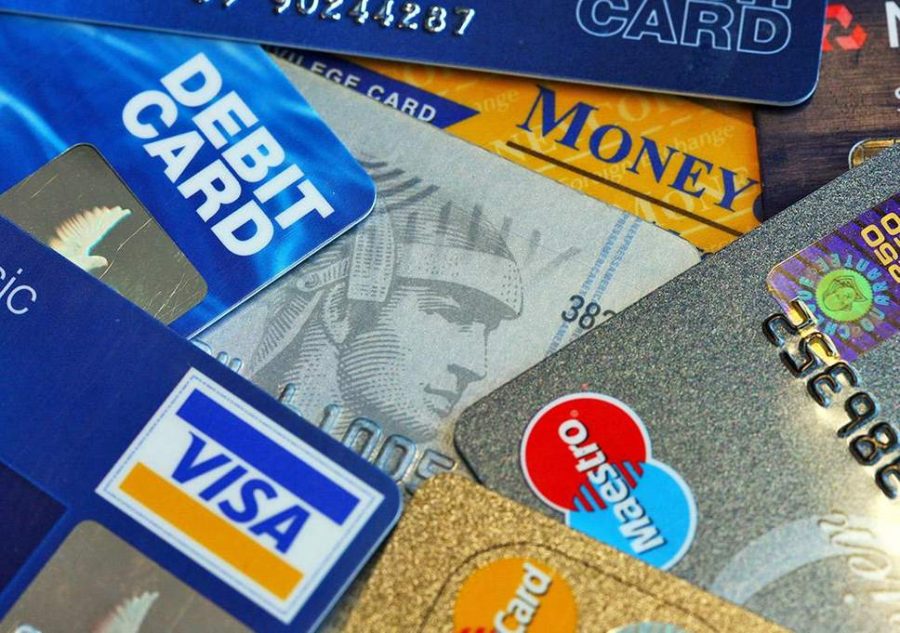
When metal credit cards first came out, I thought they were cool. They were novel. They looked premium. They were basically indestructible compared to a regular plastic card. And at the time, only a handful of cards even had them, so there was something a bit different about having one.

I was a little vain about it. Fine.

But I have the opposite opinion now. And the reason is pretty simple. I do not really carry a wallet anymore. I have one, but it lives in my bag as emergency disaster recovery. We are talking a card with a decent amount of credit for emergencies if something happens to the phone or watch, and a card or two for cash withdrawals.

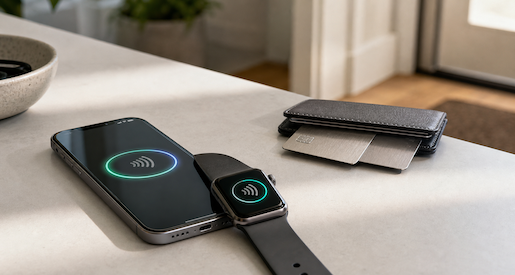
In the UK I almost never touch a physical card anyway. My phone and my watch handle everything. Apple Pay on both. Tap and go. For years now the only reason I pull out a card at all is to get cash from an ATM, and even that is rare.

We did an entire trip to France last year without once pulling out a physical card or touching cash. The whole thing. Did not miss it.

So when a subscription I pay for decides the premium perk they are going to give me is a metal card, I am not impressed. I am just thinking about how two metal cards in that slim wallet means I can’t actually use it as a backup the one time I actually need it.

Physical card use is down. Cash use is down. The trajectory is pretty obvious.

I have left the house with just my watch and been completely fine. Done it more than once. It works.

Going fully watch-only as a daily habit is probably a stretch. But the wallet is already basically an afterthought. Metal cards are so 2018. Current and future Scott is all in on the watch and phone combo.

Finally Wired

I’ve wanted to wire our house properly since we moved in and were renting it. When we bought it I figured I’d finally get around to it. That was a while ago.

The first real progress came in 2022 when we had work done and the electrician ran two CAT 6 cables into the floor before they poured the cement. Great start. Except he didn’t actually connect them to anything useful. The most logical endpoint was under the stairs, where the main power is and where you can get cables upstairs or to the back of the house pretty easily. The internet comes into the house at the media centre in the living room. He didn’t run cable there. I kind of wanted him to. I don’t really know why I didn’t push harder on that. After the main scope of work was done, it was hard to get a hold of him anyway, so I just forgot about it and dropped the subject.

So those cables sat there, coiled in the wall, for a few years.

Fast forward to recently. We were finally ripping out the carpeting on the first floor. It had been there since before we moved in eight years ago and it just needed to go. While the floors were up, I had them trunk a CAT 6 run down to under the stairs. Progress.

Still needed someone to do the last run to the living room, which is the most important bit. I had two different electricians doing other work on the house at the time. Both said yeah, sure, we can do that. Neither followed through. I ended up on Checkatrade, found someone slightly overpriced, didn’t care, hired them. They went out the side of the house and back in rather than under the floor, which isn’t exactly what I wanted, but it’s honestly how the old CAT 3 phone cable was done back in the day and it works fine. They came in right next to where the Openreach FTTP fibre enters the house, which was actually convenient.

That was early May. Finally.

Once the cables were in, I plugged in the two TP-Link Deco units I had. I’ve always used my own router rather than letting the Decos handle routing. I just don’t like all-in-one devices. The interfaces never let you do what you actually want. The Decos were two or three generations old at that point but they were decent. Testing the wired connection I was getting close to a gigabit on the cables. On wireless I was seeing around 600Mbps, and on the wired connection upstairs, over 900. Not bad.

Then I added a third Deco in the family room at the back of the house, which has always been a dead zone. My wife would sit by the window back there and we basically couldn’t use the internet. Moved one of the older units there, put the newer one upstairs in the office. Immediately better.

That’s when I started thinking about the internet plan.

The wireless backhaul on the old Decos was using the 6GHz band, which meant the 5GHz and 2.4GHz bands were doing all the work for actual devices. It was a bottleneck. I was only getting 330Mbps download from a 350Mbps plan because so much capacity was eaten up by the backhaul. Now that the access points were wired in, that bottleneck was gone. So why was I still on a 350Mbps plan?

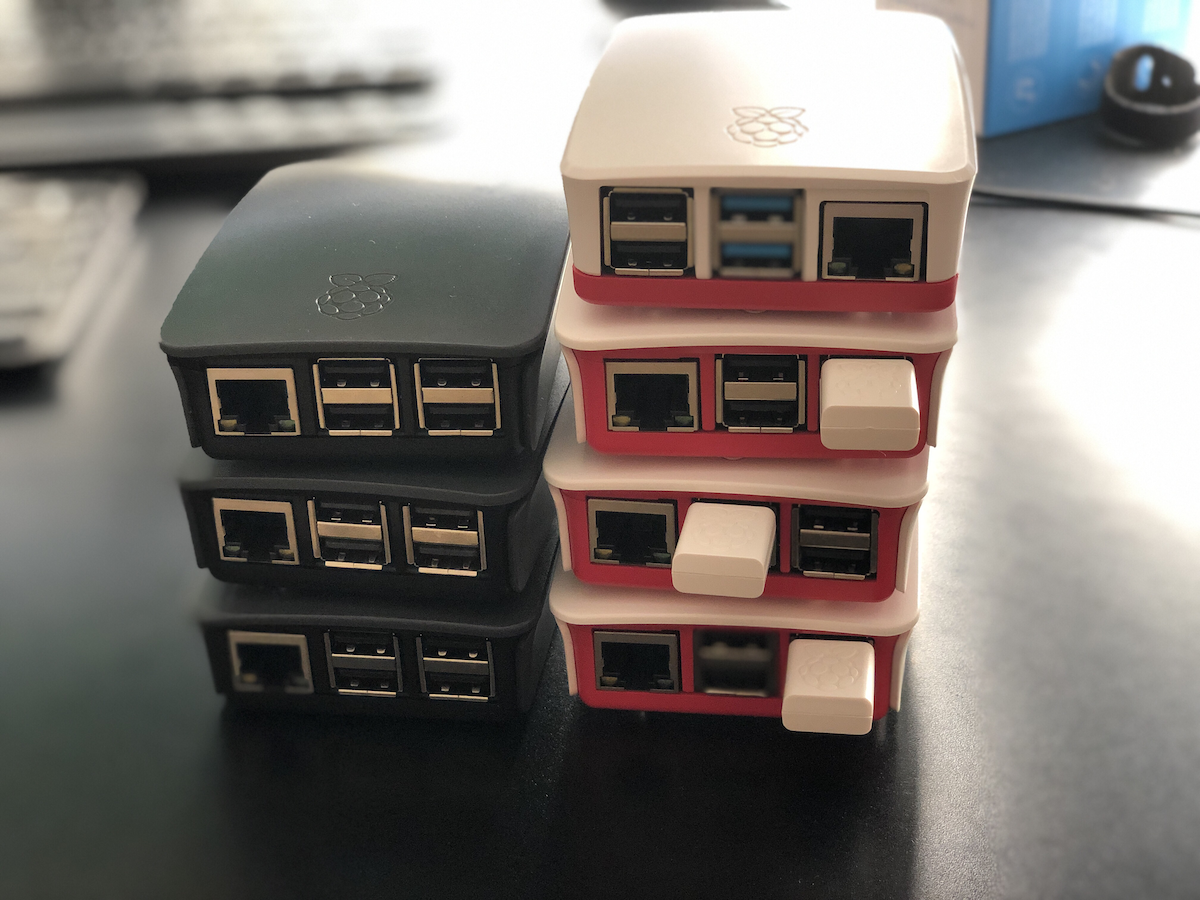
I could upgrade to 550Mbps, or just go straight to gigabit. The gigabit plan is about £20 more a month than what I was paying. Triple the speed. Most of our devices can’t fully saturate a gigabit connection, but enough of them can that it seemed worth it. I upgraded the Decos to Wi-Fi 7 while I was at it. Not the latest generation. That was too expensive. But one back from that. I swapped out the old gigabit switch under the stairs for a 2.5G one. That means everything except the 16-port gigabit switch in the media centre is now 2.5G. I’m not too worried about the media centre switch. It’s mostly feeding Raspberry Pis that aren’t anywhere near saturating a gigabit uplink.

I put the order in and literally the next day my speed test app on Docker was showing 920Mbps down. Thank you A&A. I run a speed test every hour to keep an eye on things and I’m consistently getting 920 to 927Mbps down and around 106 to 108Mbps up. Compare that to the 295Mbps I was getting before.

The only weak spot is the loft. It has to get signal through the floor from the office below, and while I’m still getting around 300Mbps up there, running a cable all the way up the side of the house doesn’t seem worth it. We don’t spend much time up there anyway.

My neighbour and I were geeking out about the fact that I get 800Mbps in the middle of the back garden.

I knew. I just didn’t.

Photo is an old one from my “start-up” days. Partsearch one of the Layer 3 switch’s as we were putting it in the call center. I thought it was appropriate!

The ISP That Operates Like a Tech Person Designed It

When I was building out my OPNsense router, I had a decision to make. Keep running Pi-hole for DNS and DHCP, or switch over to the built-in AdGuard on the router itself.

I’d been using Pi-hole for a while and the functionality was genuinely compelling. But if I was critical of my own uses, I wasn’t really using most of it. The main thing I got out of the Pi-Hole was ad blocking at the DNS level, and I can get that from a privacy-focused DNS provider like Mullvad anyway. So I made the call to consolidate everything onto the router.

Turns out that decision had a nice side effect.

My ISP is Andrews & Arnold, and they give me an IPv6 block along with a dedicated IPv4 address for my router. There were some limitations with Pi-hole when it came to properly handing out public IPv6 addresses to devices on the network. Could be a Pi-hole thing. Could be me never having quite sorted it. I am not really sure. Either way, moving everything to the router cleared it up. Now every device on my network gets its own real, internet-facing IPv6 address.

Do I need this? Absolutely not. But the network engineer version of me from the early 2000s would have been beside himself.

Which brings me to Andrews & Arnold, because I don’t think I’ve written about them directly before and they are pretty awesome. Also it feels like they are a bit unique in terms of internet providers.

I first used them when we moved to the UK and I needed a DSL connection. They were great, but the Openreach copper line quality at the time was a problem and the speeds weren’t there, so I ended up switching to Virgin for a few years just to get something faster. Then Openreach rolled out FTTP to our neighbourhood and I went straight back to A&A.

They are not outrageous, but they are noticeably more expensive than the value options out there. When I first signed up for FTTP I had to pick a usage tier, which I have a moral objection to on principle, and I ended up needing to go above the one terabyte plan pretty quickly. To their credit they’ve since moved their higher tier to unlimited, so that’s sorted itself out eventually.

But here’s why I pay it. Their documentation literally has sections like “want to run your own DNS server? Go ahead, we don’t mind.” When you place an order you have to acknowledge that you’re getting completely unfiltered internet access. Your static IP address comes on a little plastic card in the box like a hotel key, which I know is just a piece of plastic, but the confidence of that gesture still lands.

I was at a talk a while back where someone was explaining the steps they’d gone through to get their own IPv6 block registered in their own name rather than their ISP’s. They they went on to discuss their ISP assigning it for their use at their house. The process sounded painful and involved. I could tell from the context it was a UK audience, and I quietly suspected I knew which ISP they were using. Afterwards I asked the guy. Yep, Andrews & Arnold.

I priced out EE recently for comparable or even higher bandwidth plans. Substantially cheaper. But online the answers about what restrictions they actually impose are, charitably, murky. With Andrews & Arnold I know exactly what I’m getting. And what I’m getting is an ISP that operates like a tech person designed it. From what I have read that is because it was founded by tech people.

Still well worth the money.

Please Take My Money: Shake Shack Edition

Fresh off writing about Outback, I was reminded that I have another entry for the Please Take My Money series. Because the other day I was at Shake Shack in Stratford with the girls.

Spoiler: they struggle to take my money.

The food is great, that’s probably a whole separate post. But the checkout experience is not great.

Shake Shack has kiosks now. You walk up, place your order, sounds fantastic. In practice, not so much. On at least two occasions I’ve started an order at the kiosk, gotten partway through, and then hit a wall where they want so much personal information that I just gave up and found a human instead.

I can’t remember every specific field, but it was well past the point of reasonable. Honestly, even asking for a phone number is too much. You have screens. Put my name on them. That’s all you need. But they wanted more than just a name, enough more that I stopped, abandoned the kiosk, and got in line.

Which brings me to the other problem. There isn’t really a line anymore. Because they want everyone using the kiosks. So the first time this happened I had to stand there and get someone’s attention, which took about ten minutes. And yes, I feel that strongly about this that I waited that long. To be fair, I didn’t think it was going to take that long when I started waiting. Then the sunk time kicked in and there I was, committed.

Yesterday wasn’t quite that bad. I flagged someone down and they came over reasonably quickly. But I still had to flag someone down, which shouldn’t be necessary if your kiosk wasn’t demanding my personal information just to sell me a burger.

Once I was actually at the point of paying it was fine. Tap, done. That part works. It’s everything before it that’s the problem.

I like Shake Shack. I genuinely enjoy their food. That’s exactly why this is frustrating. Just let me order and pay. You don’t need my data to do that.

Low marks, Shake Shack. Do better.

Stars, Stripes, and a Screaming Eagle

In December 2017, right before we moved to London, my brother in law Michael gave M and me matching American flag t-shirts.

These weren’t subtle. They were stars, stripes, and a giant screaming eagle plastered across the front and back. The kind of shirt that announces your citizenship from three blocks away. A reminder of where we came from, he said.

There’s exactly one photo of M and me wearing them together. That’s because M wore hers once, for the photo, and never again. Too ridiculous, she said.

I agreed completely. Which is why I decided to wear mine every 4th of July. And Thanksgiving. And any other vaguely American holiday I could justify.

When I started going into the office regularly, I’d wear it on the 4th. People would see me and say, “You wore that to work?” And I’d say, “I didn’t wear it on the tube. I changed into it when I got here.” Which was true. I’m not completely insane.

But once I was in the office? Full patriotic regalia. At weekend barbecues? All day. Sometimes I’d put it on while getting ready for Thanksgiving dinner, though I’d usually swap it out before sitting down. Even I have limits.

It was supposed to be a gag gift. A one-time laugh. But eight years later, I still pull it out of the drawer and think, yeah, today’s the day.

I love that shirt. In a creepy sort of way. I miss you Michael.

Photo from the BBQ last year

Goodbye London Mug V5

A moment of silence, please.

London Mug version five is gone. It broke on my birthday, which feels like the universe has a sense of humor.

It was sitting in the cupboard, perfectly safe. Or so I thought. I opened the cupboard and out it fell, because A hadn’t put it in quite right. Happy birthday to me. To her credit, she felt really bad about it.

So now I’m on London Mug version six. Well, M is on London Mug version six. I ordered versions seven and eight as backups after all this happened, which tells you everything you need to know about where we are as a family.

If you haven’t been following the ongoing London Mug sagathis is not a new problem. Back in 2012 I bought a mug in London. It has a graphic of London on it. We have since proceeded to break many versions of it, with every member of this family, at one point or another, being responsible for a London Mug casualty. Grogu has also been implicated. Nobody is innocent.

A couple of versions ago I was smart enough to buy two at once. One broke, I used the spare. I felt like a genius. Then this one broke and took out my last spare with it. No backup. Back to zero.

Fortunately, I saved the link to the place that makes them. They’ve been at it for something like 14 or 15 years now and it’s still in their standard collection, which is genuinely impressive. I ordered two more. Because I know us by now.

My rational, or possibly irrational, fear is that one day I’m going to go back to that link and I’m not going to be able to get it anymore. The mug stops being made, the shop disappears, and that’s it. That day will be a dark one.

But today is not that day. Today we are on V6 with two more in reserve and cautious optimism.

Rest in peace, V5. You were good to us, mostly.

Collecting AI Models Like It’s a Hobby

It’s almost like I collect AI models and providers. Each one has its own use case, and I probably could consolidate. But in some situations it’s not even worth the effort to do it.

As of writing this in early May 2026, and I mention the date because I usually have a backlog of a couple of months before things go live, my main tool is Claude. Well worth the money and then some.

But in addition to that I’m paying for Venice.AI as my privacy AI. Very cheap per year, limited use case, but for what it does it’s worth every penny.

Then there’s Lumo from Proton. I’m about one week into an experiment of not using it to see if I actually miss it. The honest answer is probably not, because I’m now running local models on my new MacBook Air with 32 gigs of RAM, which I got specifically to be able to do this. I’ve been running Mistral 3 3B locally and early results suggest it might actually be more private and more capable than Lumo for what I need it for. So that £120 a year might be on its way out.

I also have Perplexity Pro, which I don’t actually pay for directly. It comes bundled with another subscription I have. It’s slightly better than the others for web search type queries so I use it for that. Would I pay for it separately? Probably not. But I have it so I use it.

And then there’s ChatGPT. I touched on this in the last post but I’m currently trialling whether running Claude Code and ChatGPT’s Codex side by side is actually cheaper than paying for the next Claude tier up. The overages on Claude Code have been real, and the maths might just work out. Still figuring that one out.

So yes, I have more models and services than I probably need. Lumo is the obvious cut. Beyond that I’m genuinely not sure. The ecosystem as a whole is delivering value right now, even if it’s a bit sprawling.

What I do know is that two years in, I’m using these tools in ways I couldn’t have imagined when I first paid for Copilot on a 30 day trial just to see what would happen. And the people I talk to who haven’t really dug in yet, I get it, it can feel overwhelming. But the gap between what you can do with these tools and what most people are doing with them is pretty wide right now. And that gap is only going to get wider.