My Backup Strategy Finally Grew Up

For over ten years I had a personal backup strategy. Strictly speaking it didn’t cover every scenario I could encounter, but the plus side was I had one at all, and it saved me a few times despite the gaps.

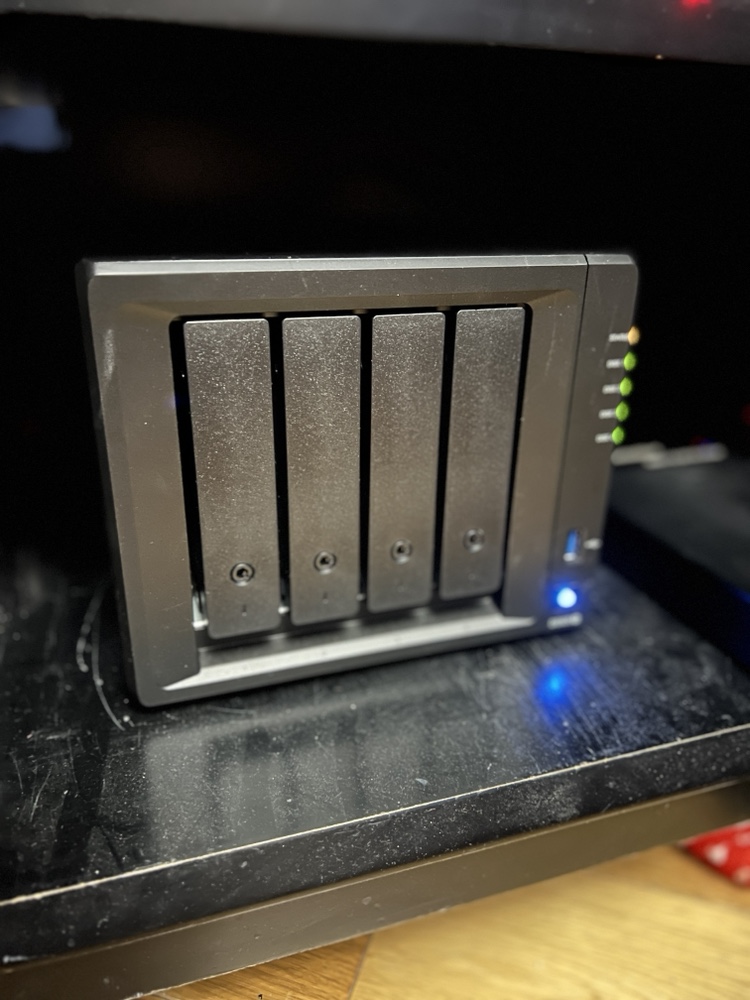
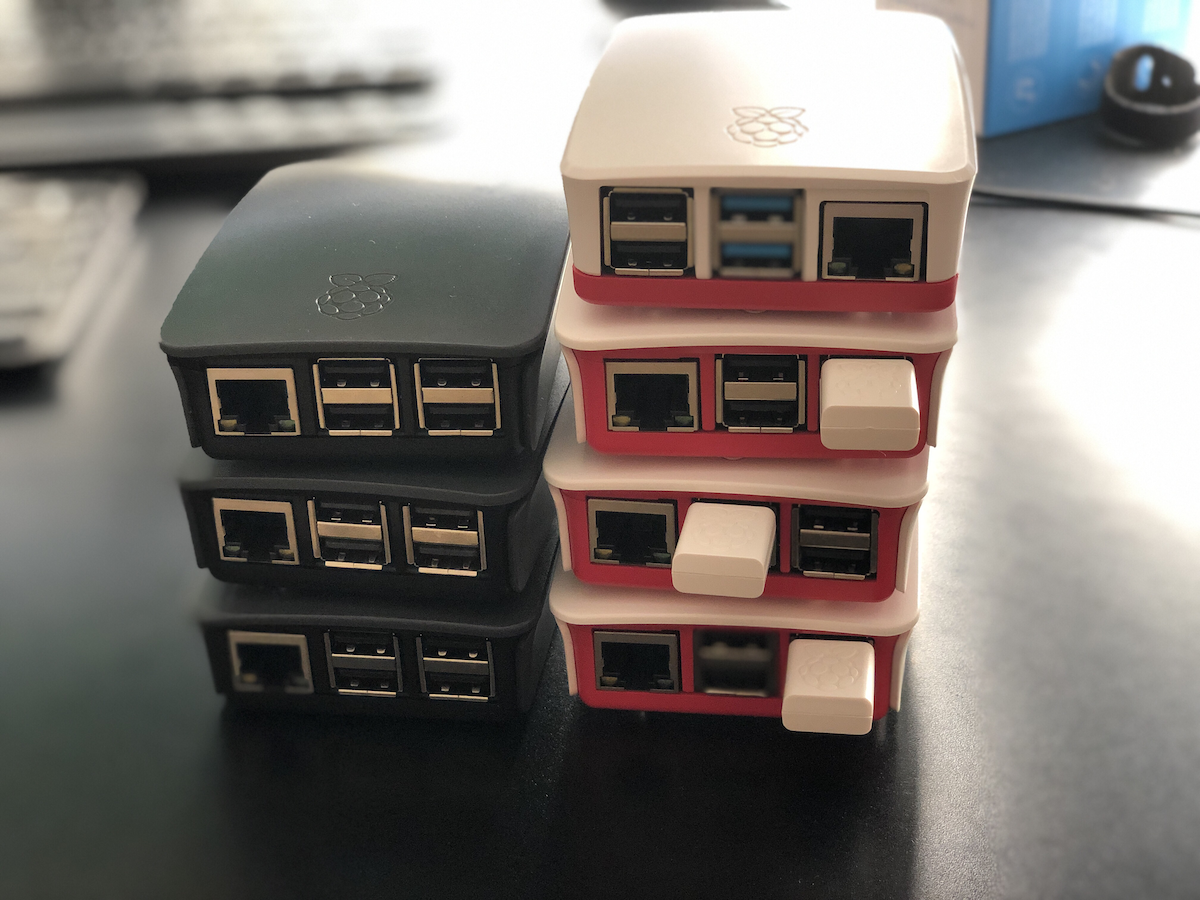
The tool I used was Resilio Sync. Basically a BitTorrent style sync system for personal use, replicating data bidirectionally between wherever I told it to go. At various points that meant a copy on my laptop’s external hard drive, a copy on my NAS, more copies scattered around the house on Raspberry Pis, and for a while, a copy on a VPS. Before that I even had encrypted copies sitting at two different friends’ houses, encrypted specifically so they couldn’t see what was in them, but I could still recover if something went wrong.

It was great, for what it was. It solved exactly one use case: drive failure, or something happening to the house. And it worked. When my NAS died I was sure for a minute I’d lost everything, and then remembered a huge chunk of that data was safely sitting somewhere else entirely.

I paid for Resilio once, something like ten years ago, roughly fifty dollars, plus a twenty dollar upgrade at some point. That’s the entire lifetime cost I paid, and I got my money’s worth many times over. At one point I tried Syncthing, an open source alternative that does something similar, just to see if free was as good as paid. It was fine, but fiddly enough that I didn’t really stick with it back then. More on that later, because that part of the story isn’t over.

The hardware I used for this setup evolved constantly underneath it. I started on Raspberry Pi 2s next to the NAS, moved to Pi 3s, then Pi 4s. I’ve blogged about this system in various forms over the years, so if you go digging through the archive you’ll find the whole lineage.

But here’s the thing I knew for almost as long as I ran it: it never covered data corruption. Not really. Early on that was a vague worry about my own data getting mangled somehow. As cyber threats got worse, and they always were getting worse, it turned into a much sharper question. Was I actually prepared to survive ransomware, or a wiper attack wiping out everything the replication system would happily sync to every node?

So on top of the replication, I’d take manual offline snapshots. Once a year if I was disciplined, once a quarter if I was lucky. Sometimes that meant another spot on the NAS, which isn’t really a proper backup since it’s still one box, but at least it was off the live replication system. Other times it meant a physical hard drive, especially for directories too big to replicate offsite, like my media library.

Generally though, I wasn’t that worried. Everyone’s a target for that kind of attack in theory, but my actual threat model used to be drive failure, full stop. That’s what kept me up at night, if anything did. But the ransomware / wiper concern kept creeping up over time, the way it does.

About a year or two ago I finally decided to address the other backup use cases and to take into account having an immutable backup. I set up my own Borg backup on a Raspberry Pi. I did it mostly manually, with some AI help for suggestions along the way. Then starting around March or April this year, I got a lot more serious about building things fully AI assisted, with the AI actually managing systems directly over SSH. That shift naturally pointed straight at my backup setup. I kept interrogating the AI on the best way to build it out, and as I was standing up new websites and other projects, the whole thing evolved with them.

A couple of iterations later, here’s where it landed. Two separate Borg backup targets. One local, in the house, backing up the big media directories and everything else internally. Good for an immutable copy, but obviously useless if something happens to the house itself, which is why I still take a manual physical hard drive backup periodically. They’re sitting in a safe right now. Future Scott needs to actually get them somewhere outside the house.

Feeding into that, I also moved my laptop’s sync off Resilio and onto the NAS, and funnily enough ended up back on Syncthing to do it. Not because it got better, but because the AI found it easier to set up and manage than Resilio. I set up one way replication, so anything that changes on the NAS doesn’t sync back to the laptop, and that gets picked up on the NAS side for the real backup. It worked perfectly on the first try, which after years of fighting with sync tools felt almost suspicious.

The second target is a VPS, two terabytes, that I got as a deal from lowendbox.com for about thirty dollars a year. Ridiculous deal. Every VPS and Raspberry Pi I run backs up daily to a directory on the NAS. The NAS then spins up a Docker instance for each Borg destination, runs the backup, and shuts itself back down. There’s a separate prune job on my laptop I run to clean up old backups over time.

It’s honestly more robust than a personal backup needs to be. I’ve run a fair number of threat models on it at this point, probably more than necessary, but that’s the improvement over the old system: it’s immutable now, not just replicated.

I’ve got a pattern set up with the AI now where I can just ask it to check the status of everything and give me a detailed report. One of the VPSs also connects into my home network over Tailscale to monitor status, with alerting wired up, so I get a push notification the moment anything isn’t working right.

Really robust. More than I need. Definitely worthwhile anyway.

The current iteration has been running for two months at time of writing this in late August 2026. There was an earlier version before it that ran about two months, before I rebuilt it with some lessons learned. So far, so good.

I’m still debating whether to ship a Raspberry Pi and a large external drive to a friend’s house to replicate everything at home, offsite, the old school way. Then I do the math and realize the total cost of that probably outweighs several years of the two terabyte VPS backup I’m already paying for. So probably not worth it. Still evaluating though, because apparently doing ROI calculations on my own backup strategy is a hobby now, service versus hardware, one spreadsheet at a time.

Overall, very pleased with where it landed.
Backup Network Version Number I Forget

I’ve been writing a lot about my tech setup lately because I’ve done quite a bit of work on it. I’ve been meaning to share my current private cloud backup setup for a while now.

The backbone of my private cloud network is still Resilio Sync. While I rely on it a bit less these days, it remains a core part of my strategy.

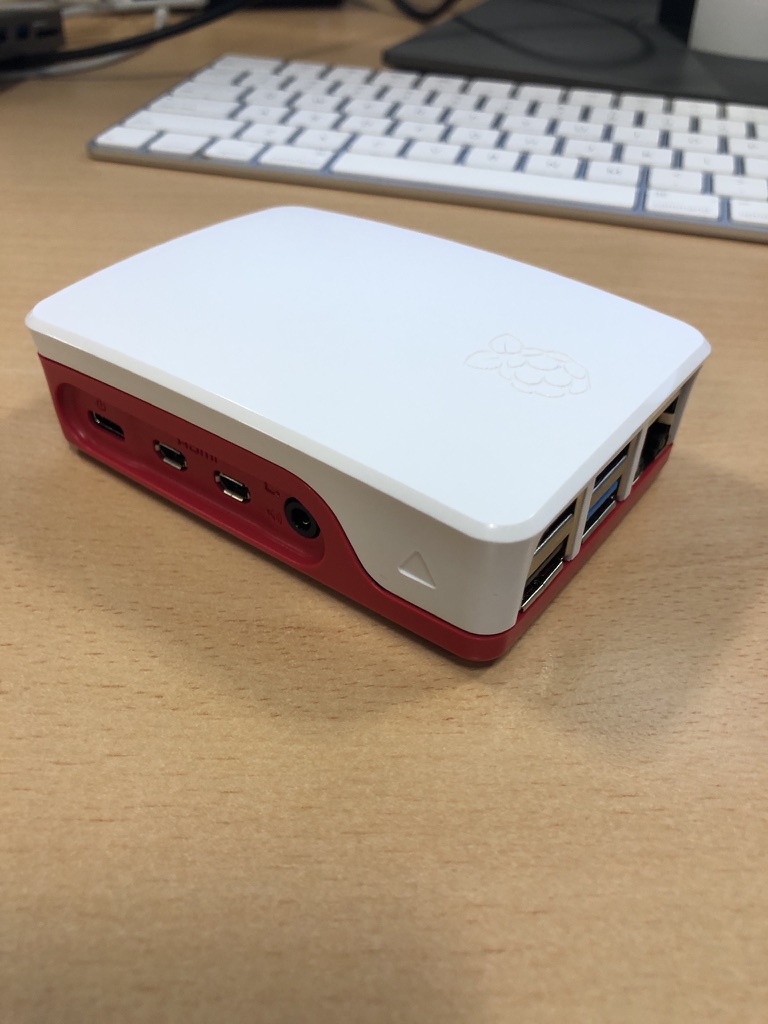
Right now, I’m using Resilio to replicate a full set of data from my Synology DiskStation to a Raspberry Pi 4. I also replicate a subset of this data—everything except the media center—to an SSD on my laptop. Soon, I plan to set up another Pi 4 as a backup for the same subset of data I have on my laptop.

At this point, I no longer keep any replica data at friends’ houses. I probably should, but when my last setup failed, my friend had to bring the device back to me when he visited from the States. Ultimately, it wasn’t worth buying new gear just to ship it back to him. Instead, I signed up for Amazon Glacier Deep Archive (or whatever they’re calling it now). It’s a cheap, long-term storage option where data is locked in for six months without modification or deletion options. My Synology DiskStation has a built-in client that made it easy to set up a backup of my personal data to Glacier. I still need to test a restore, but for now, I see Glacier as my remote storage solution. At about $1 per terabyte per month, nothing else comes close to that price. Setting up another Pi with a friend would cost around $150–$200, which makes Glacier far more cost-effective over a three-year period.

Because I’m still a bit unsure about restoring from Glacier, I’ve also started using Proton Drive for critical data, including my entire family photo and video library. Once I’ve uploaded the photos, that dataset stays pretty static, so Proton Drive makes sense. With our 3TB plan, I can gradually copy large, mostly unchanging files that I want securely backed up. Since there’s no automated way to sync this, it’s not my primary backup, but it adds another layer of protection.

Recently, with T in high school (or middle school if we were in the States), she’s been using the computer more often. It made sense to subscribe to the family plan of Office 365, which gives each of us 1TB of storage on OneDrive. I’m experimenting with Cryptomator encryption to securely store a subset of our backups on OneDrive. I still need to fully implement this, but it’s something I plan to sort out soon.

In addition to these replica copies, I take monthly RSYNC snapshots to a separate directory on my DiskStation. I have two scripts—one for odd months and one for even months—so I always have two recent copies. I also keep an annual copy of everything. It’s a bit less automated, but it works.

I’m also considering setting up another Pi as a remote Resilio node. Another option is to get a storage VPS again. The previous deal I had expired, so I canceled it last year. That’s partly why I’ve been relying less on remote Resilio replicas. When I got rid of my last remote Pi, I switched to a VPS running Resilio. Now, I’m debating whether it’s worth setting up another VPS instead of piecing together backups the way I have been. At around $80 per year for 2TB, it’s an option I’m keeping open.

Overall, the system works. When I had a catastrophic failure on my DiskStation before upgrading to my current one, I was able to verify that all my data was backed up somewhere. In the end, I didn’t need to restore because I managed to salvage the array on the DiskStation, but it was a valuable exercise to go through.

UPDATE: I wrote this before Christmas. Since then I have built a new Pi with a 2TB SSD and need to deploy it somewhere other than our house as a backup. I have also found a new cheap(ish) VPS storage provider. I have a 2TB VPS in Germany were I am now replicating my main Reslio shares to. I have stopped using Glacial since i haven’t been able to properly test it.  It is still by far the cheapest backup option out there however without being able to verify it works to easily fully recover i was a bit concerned.  The new VPS i have is a few pounds more per month but not outrageously expensive.

The State of My Private Cloud in 2019

I have been maintaining my private cloud network powered by Resilio Sync for a few years now. I have talked about it before. See this search for all those posts. When I built the original version of my private cloud the intentions were for it to provide a 321 backup solution for my stuff. The effort involved in maintaining the system turned out to be more time involvement than I would like. Overall even with more work than i thought it still has been largely a success for me.

At the time when I built the network my intention was to use Raspberry PI’s as my remote nodes. As my use of the system evolved that stopped being a viable solution. One of my first Raspberry Pi remote nodes had to be replaced. The drive i deployed just wasn’t big enough. That wasn’t a Pi specific issue. The next thing that happened was I ran into significant challenges around the amount of memory available on the a Pi II. Resilio would crash the Raspberry Pi. The reason was the app would consume all of the available memory until the OS froze. I had the same challenge on my Synology disk station at one point. That was fixable with a $15 4 gig memory upgrade. I was not able to do anything like that with the raspberry pi II.

To work around the limitations of the Raspberry Pi 2 was that I bought more powerful and thus more expensive computers. The two remote machines that I had running were fanless zotac z-boxes. They were great. The only downside was the cost that was significantly more than a pi. I bought a low-end Celeron version of the Zotac for around $150 plus memory and drives. The costs were about 4 times as much as a similar Pi 2 setup. At the time I had no good alternatives.

Then someone at work put me onto buying a Hardkernel ODROID-HC1 that was designed as a personal cloud type machine. It came with a case to put an internal hard drive in. The beauty of these machines were they had two gigs of memory and were not that much more expensive than a Pi 2 at around $50. I think I maybe spent $70 including memory card etc, not counting the hard drive. The hard drive was an internal one so cost to get one was cheaper than using an external one for the PI.

I purchased two ODROID’s within a year. One was at a friends house. The other was replicating data at home. I had problems with what I think was corruption of the OS on the SD card on both machines. The remote host had to be rebuilt twice. By the 3rd time it had a problem I gave up. I just didn’t want to spend the time troubleshooting it. I’m not sure why they continued to get corrupted. I still have one of them at home that has been pretty stable this year. I gave the remote one to my friend who hosted it for me. He was going to see if he could use it for something. The ODROID was a good idea however it did not turn into a long-term solution for me.

When I first started this private cloud project the public or consumer file storage services did not really offer zero knowledge encryption. The only service at the time that was financially viable for me to use was MEGA. I tried that out and it wasn’t seamless for me so I abandon a public cloud solution. I went with my private cloud. Today there are a few service providers that cater to people looking for zero knowledge encryption for remote storage. There still aren’t a lot of them however I was glad to see the landscape had evolved since I started this project.

I’m not sure what triggered my research into public clouds again. I started looking at what the cost benefit would be to go with a zero knowledge encryption public cloud provider instead of continuing to build my own network over last summer. I found a provider I liked, Tresorit. They ticked all the boxes for me on what I was looking for. The challenge was for 2 TB monthly cost over £20 a month. There only cheaper solution was not enough space for my needs.

When calculating the lifecycle of the hardware I buy for my own private cloud network versus the service costs of the provider it’s probably cheaper to keep doing it myself. Originally that was not true. From when I started this investigation in moving to a service provider until today there was a change in what kit was availible. The Raspberry Pi 4 came out. Having a need to replace the ODROID and possibly one Zotac at a minimum in the next 3 years would have been several hundred pounds. The Pi 4 was clocks in for the 4gig model at around £60 for the computer and all the accessories I needed minus a hard drive. I am recycling a hard drive so there is no additional cost there. When they announced the latest pi4 I immediately put in order for one of the 4gb models. My hopes were that it would perform well enough to use in my private cloud network. On paper it solves the memory usage issue of the Pi 2 & 3.

At the time of writing this I have had my first Pi 4 running in “production” for almost 3 months. The software has been pretty stable. I am running it within a docker container on a Pi 4. So far the system is consuming way less than 50% of memory. Ussually somewhere between 1 to 1.5 gig. One of the other clean up things i did was consolidate the many shares I had into 5 total shares. The Pi replicates 4 of them.

With the extra space i have on a remote node can also take local copies of the replicated data on that remote machine. That should complete my 321 backup strategy. Since I want to add extra resiliency into my plan I will continue to take annual point in time offline copies of most of my data.

Since I am reusing hard drives right now (i over bought on size I needed on the last upgrade and the drives are great) that means i can get another Pi 4 for £60 pounds and have a refreshed pair of remote nodes. I continue to use my Synology, my laptop, and a Linux server for the other nodes at home.

My costs this year are on target to be £60-£120. That is half the price of one year of cloud storage service. The new machines should give me 2 to 3 years of service easily. Especially since I’m deploying them with 5 TB drives and I’m only using about 1.3 TB for what I’m backing up today.

I am pleased that the build my own system is cheaper and continuing to work out vs the public cloud option. As long as maintaining the system is not a lot of trouble I picked the right option.

Containerizing My Media Center

Back in February when my family went on vacation I spent a lot of time playing around with Docker. I converted several applications I was running on raspberry pi’s to run in Docker containers on my Synology Diskstation.

The challenge I gave myself was could I set up the containers to run on the NAS (The Diskstation) while at the same time being able to run them on my Mac mini as a backup in case there was any problems. That meant I needed to figure out how to replicate the configuration information between the devices.

I solve that challenge by setting up a new Resilio Sync folder for all of my Docker config’s. In most cases there was little to no reconfiguration needed to have those config files work on the NAS or the Mac mini. It wasn’t a super elegant solution since it did require human intervention however switching between systems was not something I intended to do often.

I did run into problems getting Plex to run as a container. I was having performance issues in general running Plex on my NAS. My solution was to setup Plex on my Mac mini as a native app. At some point I want to go back and figure out how to get Plex working in a container. Even when I do that I will still need to build a new machine to host it on. The Diskstation just doesn’t have the power to run Plex and my sync application at the same time anymore.  Even with the 4gig I upgraded the disk station to a year or so ago is now not enough.. For now I can continue to use Plex on my Mac. Longer-term I have bought components to build myself a Linux application server to host all of my containers so I can make my disk station just host files.