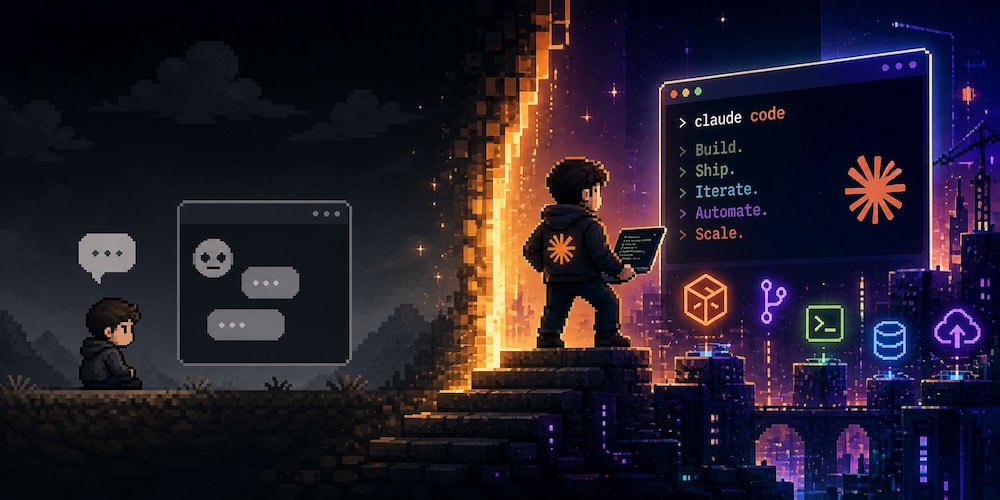
So I mentioned at the end of my last post about AI that switching to Claude unlocked a new level of what I was doing with it.
It started small. Someone at work mentioned they’d been using Claude Code to build actual apps, and they’re not a developer either. Just someone with ideas and enough curiosity to see what happens. That stuck with me.
I had a specific problem I wanted to solve. I have some VoIP numbers through my internet provider, actual UK mobile numbers I can receive texts on. Useful for giving out to LinkedIn contacts or anyone I don’t want having my main number. The problem was sending replies meant logging into a clunky website every time. Nobody wants to do that.
So I asked Claude about it. One thing led to another and it said it could help me build a web app for that. When I asked if we could run it in Docker it said of course. I already run Docker on a few systems at home so that made sense. It built me a container, I ran it on my Synology, got it working for one number, cloned it for a second. Then I thought, wait, can we just have one container with a dropdown to switch between numbers? Of course we can. And it did it.
That was the moment I thought, if it can build me an app with this level of input and time, what else can it really do?
So I set up Claude Code properly, gave it access to my Raspberry Pi setup, and had it take the SMS app further. It interrogated my existing config, made some enhancements, deployed everything from the command line. Straightforward, but impressive.
From there I got more ambitious. My blog had been running on YunoHost, which is a self-service VPS platform. Decent enough, but it’s always on an older version of Debian because the open source volunteers take what feels like a long time to update it, and if an app isn’t in their package store you’re out of luck. I’d always wanted to run my own properly configured stack but never wanted to deal with the time to care and feed it.
I had a spare VPS sitting around doing nothing. So I asked Claude, can we design and build my entire website on this thing. WordPress in Docker, proper backups, the works. It said yes.
First I designed the whole thing with Claude, got a proper design document together, then imported that into Claude Code and let it build. About $25 to $40 in API costs later I had a website. And not just a website. Automated daily backups following a daily, weekly, monthly cadence with pruning built in, all replicating to a second location with an immutable copy at the end. Backup infrastructure honestly better than some hosting providers I’ve heard about. I then migrated my site over to it, wiped the old setup, and migrated it back again just to prove I could restore it. All worked.
Then I got bold. I had the spare VPS now freed up, so I used it to build a set of personal tools I’d always wanted but never had the time to set up properly. An open source SSO system with passkey authentication for me and my wife. A Searx search instance sitting behind the SSO. Network monitoring. I didn’t even know I could set up my own SSO until Claude walked me through it. Some API costs and an afternoon later it was running.
Around the same time I set up a proper monitoring stack. My external VPS now watches my home internet connection and my main Raspberry Pi, and sends push notifications to my phone if anything goes down. Not email, because I’m not going to look at an email. An actual push notification. I also have a speed test running every hour on a gigabit ethernet connection straight into the router, and my internet provider, who I’ve never had a bad word to say about, is consistently delivering around 305 megabit on a 350 megabit plan. Seeing that graphed over time is genuinely satisfying.
All of that cost me some API charges, probably a couple of dollars worth, and £4 for a push notification app I now own outright. Not a subscription. Just mine.
Then I built a router.
I’d looked at this before. A router is basically just a computer with extra network cards, and I’d used open source router software in the past. But I’d always bought the manufacturer’s hardware because I didn’t want to deal with building and maintaining my own. This time I asked Claude to help me design and deploy it, and then help me maintain it going forward.
Of course It said yes. It can be a yes man/lady/person a lot.
I researched the hardware with Claude’s help and landed on a Protectli VP2430, a fanless little box with four 2.5 gigabit network ports and an Intel N150 processor. 16 gigs of RAM and a 256 gig SSD. Overkill for a router, which means it’ll last a long time. Then I designed the whole OpnSense configuration with Claude before touching any hardware.
Deployment was more painful than I expected. The biggest issue was needing the new router connected to my laptop while also needing live internet on the same laptop to use Claude to programme it. The address space decisions I’d made complicated things further. I spent six hours one evening and an entire Saturday on it before rolling back. Then I realised what was in the end the hurdle that had stopped me, made one design adjustment, tried again the following week, and had it running in about two hours. It’s been stable since.
I’m not a software developer. But I’ve spent years building and supporting data centres, call centres, and large scale applications, so I understand enough to know when something looks wrong and push back on it. I understand some scripting and basic fundamentals. What I can do is explain what I want clearly, spot when the output doesn’t smell right, and interrogate it until it does. That combination, it turns out, is enough to build some pretty serious stuff.
The things I’ve been able to do aren’t things I couldn’t have done before in theory. But the time to care and feed a self-hosted setup was always more than I was willing to put in. Now I have AI that helps me design it right, build it right, and fix it when something goes wrong. The barrier that used to stop me isn’t really there anymore.
So now I’m looking at what’s next. I have mockups for a couple of actual apps I want to build. Things I want for myself that don’t exist quite the way I want them. A colleague at work just builds whatever he thinks of now. I’m getting there.
The biggest current headache is cost. Claude Code API charges add up fast when you’re doing serious work, and last month I had enough overages that I’m now trialling whether running both Claude Code and ChatGPT’s Codex together is actually cheaper than paying for the next Claude tier up. Early signs are interesting.
And separately, with my new MacBook Air running 32 gigs of RAM, I’m finally in a position to run proper local models. I’ve started downloading and testing, and the early results suggest I might be able to replace some of what I’m using Lumo for with a local model that’s actually more private and possibly better. That’s an ongoing experiment.
It’s a lot. But honestly, talking to people now, whether friends, colleagues, or people in the industry, so many are either just scratching the surface or not looking at it at all. I was over a year late getting serious about this. I don’t think I’m late anymore.