For over ten years I had a personal backup strategy. Strictly speaking it didn’t cover every scenario I could encounter, but the plus side was I had one at all, and it saved me a few times despite the gaps.
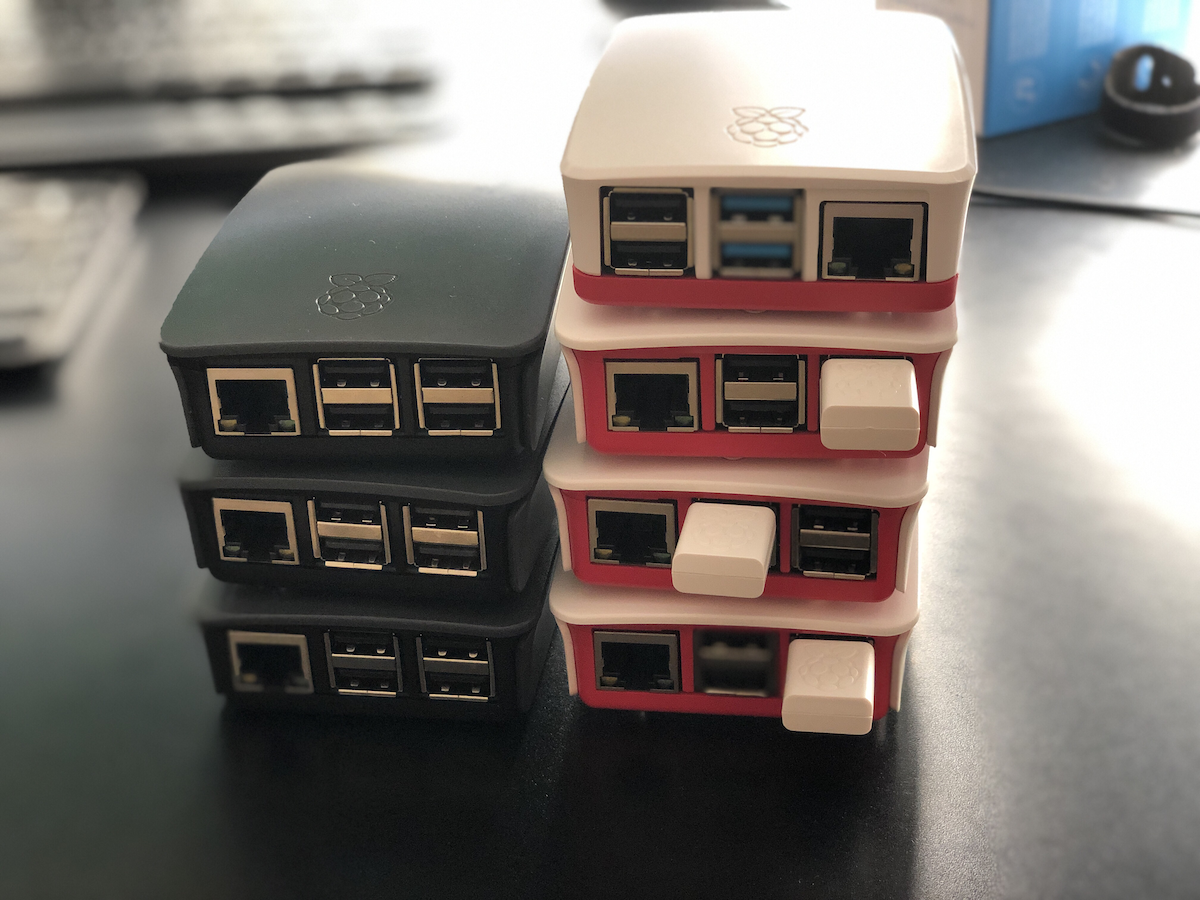
The tool I used was Resilio Sync. Basically a BitTorrent style sync system for personal use, replicating data bidirectionally between wherever I told it to go. At various points that meant a copy on my laptop’s external hard drive, a copy on my NAS, more copies scattered around the house on Raspberry Pis, and for a while, a copy on a VPS. Before that I even had encrypted copies sitting at two different friends’ houses, encrypted specifically so they couldn’t see what was in them, but I could still recover if something went wrong.
It was great, for what it was. It solved exactly one use case: drive failure, or something happening to the house. And it worked. When my NAS died I was sure for a minute I’d lost everything, and then remembered a huge chunk of that data was safely sitting somewhere else entirely.
I paid for Resilio once, something like ten years ago, roughly fifty dollars, plus a twenty dollar upgrade at some point. That’s the entire lifetime cost I paid, and I got my money’s worth many times over. At one point I tried Syncthing, an open source alternative that does something similar, just to see if free was as good as paid. It was fine, but fiddly enough that I didn’t really stick with it back then. More on that later, because that part of the story isn’t over.
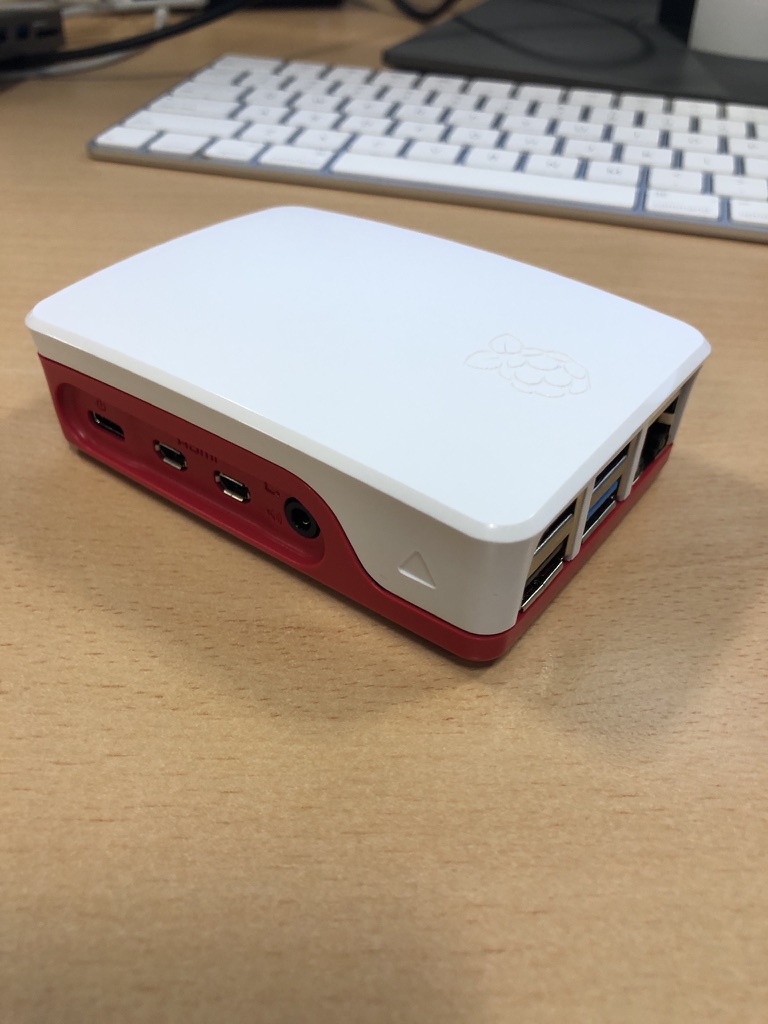
The hardware I used for this setup evolved constantly underneath it. I started on Raspberry Pi 2s next to the NAS, moved to Pi 3s, then Pi 4s. I’ve blogged about this system in various forms over the years, so if you go digging through the archive you’ll find the whole lineage.
But here’s the thing I knew for almost as long as I ran it: it never covered data corruption. Not really. Early on that was a vague worry about my own data getting mangled somehow. As cyber threats got worse, and they always were getting worse, it turned into a much sharper question. Was I actually prepared to survive ransomware, or a wiper attack wiping out everything the replication system would happily sync to every node?
So on top of the replication, I’d take manual offline snapshots. Once a year if I was disciplined, once a quarter if I was lucky. Sometimes that meant another spot on the NAS, which isn’t really a proper backup since it’s still one box, but at least it was off the live replication system. Other times it meant a physical hard drive, especially for directories too big to replicate offsite, like my media library.
Generally though, I wasn’t that worried. Everyone’s a target for that kind of attack in theory, but my actual threat model used to be drive failure, full stop. That’s what kept me up at night, if anything did. But the ransomware / wiper concern kept creeping up over time, the way it does.
About a year or two ago I finally decided to address the other backup use cases and to take into account having an immutable backup. I set up my own Borg backup on a Raspberry Pi. I did it mostly manually, with some AI help for suggestions along the way. Then starting around March or April this year, I got a lot more serious about building things fully AI assisted, with the AI actually managing systems directly over SSH. That shift naturally pointed straight at my backup setup. I kept interrogating the AI on the best way to build it out, and as I was standing up new websites and other projects, the whole thing evolved with them.
A couple of iterations later, here’s where it landed. Two separate Borg backup targets. One local, in the house, backing up the big media directories and everything else internally. Good for an immutable copy, but obviously useless if something happens to the house itself, which is why I still take a manual physical hard drive backup periodically. They’re sitting in a safe right now. Future Scott needs to actually get them somewhere outside the house.
Feeding into that, I also moved my laptop’s sync off Resilio and onto the NAS, and funnily enough ended up back on Syncthing to do it. Not because it got better, but because the AI found it easier to set up and manage than Resilio. I set up one way replication, so anything that changes on the NAS doesn’t sync back to the laptop, and that gets picked up on the NAS side for the real backup. It worked perfectly on the first try, which after years of fighting with sync tools felt almost suspicious.
The second target is a VPS, two terabytes, that I got as a deal from lowendbox.com for about thirty dollars a year. Ridiculous deal. Every VPS and Raspberry Pi I run backs up daily to a directory on the NAS. The NAS then spins up a Docker instance for each Borg destination, runs the backup, and shuts itself back down. There’s a separate prune job on my laptop I run to clean up old backups over time.
It’s honestly more robust than a personal backup needs to be. I’ve run a fair number of threat models on it at this point, probably more than necessary, but that’s the improvement over the old system: it’s immutable now, not just replicated.
I’ve got a pattern set up with the AI now where I can just ask it to check the status of everything and give me a detailed report. One of the VPSs also connects into my home network over Tailscale to monitor status, with alerting wired up, so I get a push notification the moment anything isn’t working right.
Really robust. More than I need. Definitely worthwhile anyway.
The current iteration has been running for two months at time of writing this in late August 2026. There was an earlier version before it that ran about two months, before I rebuilt it with some lessons learned. So far, so good.
I’m still debating whether to ship a Raspberry Pi and a large external drive to a friend’s house to replicate everything at home, offsite, the old school way. Then I do the math and realize the total cost of that probably outweighs several years of the two terabyte VPS backup I’m already paying for. So probably not worth it. Still evaluating though, because apparently doing ROI calculations on my own backup strategy is a hobby now, service versus hardware, one spreadsheet at a time.
Overall, very pleased with where it landed.