I have been using AI for increasingly mundane things I always meant to do but never actually got around to. Most recently, a mystery Mac DMG file.
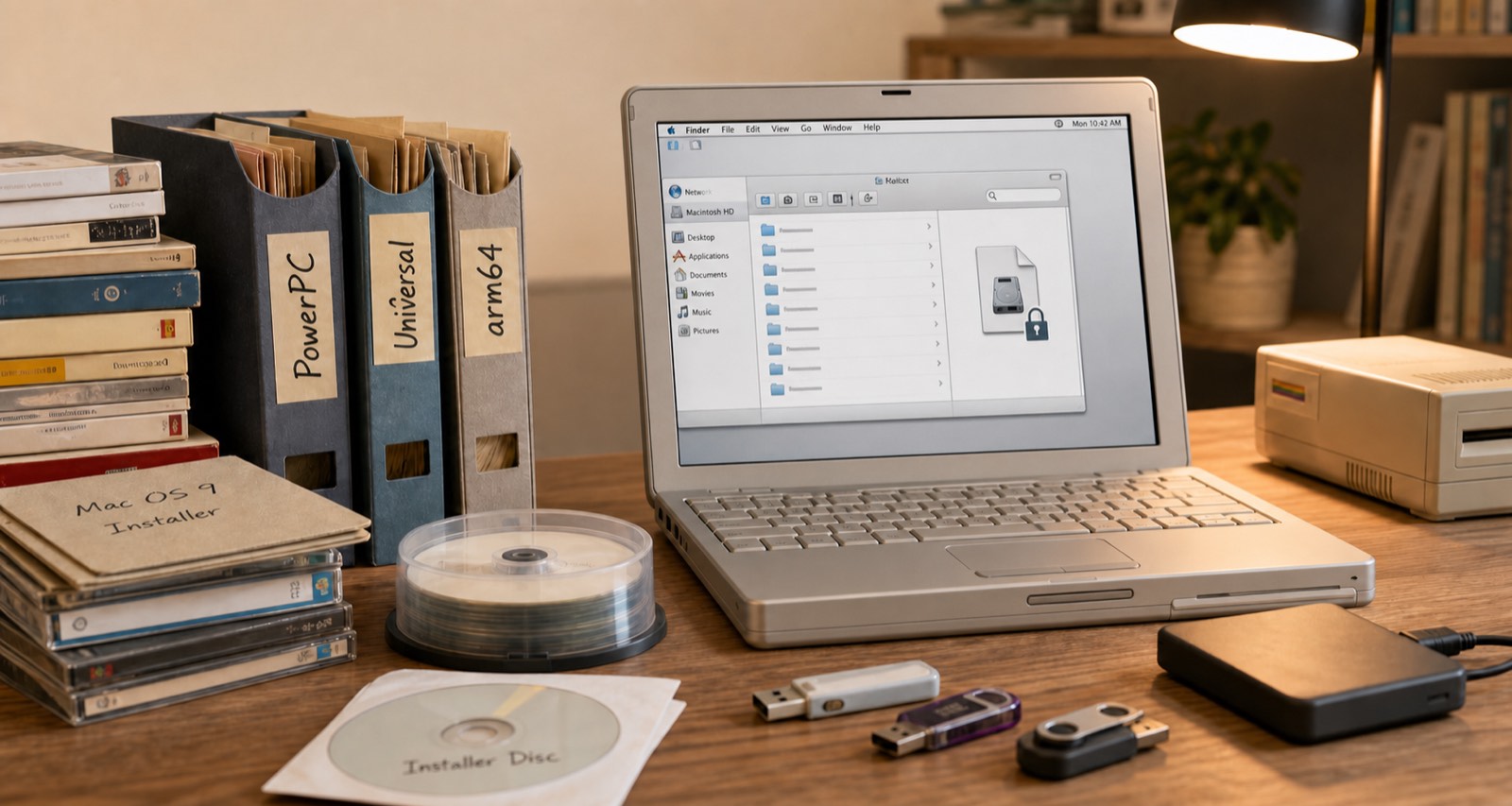
I had a Mac DMG file. About eight gigs. Password protected. I have no idea why I password protected it. I knew roughly what was in it, a big archive of installer packages going back years, but I could not get in because the password I thought it was was not working.
I have been saving installers since back when software did not just update itself over the internet and you actually needed to hold onto major versions. Over time the archive grew across different Mac architectures. PowerPC stuff, then x86 and Universal binaries, and now arm64. So there is a lot in there going back a long time.
I put Claude on the case. I gave it my best guesses at what the password might be, because I did not want it going through every possible combination until the end of time, and it set up a cracking tool locally on my MacBook Air and let it run with those hints. It got in.
So now I had all this data, plus a bunch of other old archives, and the problem was figuring out what was what. File dates only get you so far. Some of it was obvious, certain versions of Microsoft Office are a dead giveaway for the era and architecture. But a lot of it was not.
This matters because I have two PowerPC Macs I picked up vintage that I actually want to use, and I have been thinking about picking up an older Intel Mac for similar reasons. Half of it is just because it is cool to have. The other half is that occasionally I do want to run some old software. So getting the right installer on the right machine is not a trivial question.
A few prompts later, Claude had written a set of scripts that parsed through everything, sorted it by architecture, and organised it all into the right folders. A few back and forth sessions where it asked me questions and I confirmed things, and it had a pretty solid result.
Then I went a step further. I had it size and create read only DMG images for each architecture, correctly sized so the PowerPC stuff would fit on a DVD if I want to burn one, or on a USB key I can move to one of the older machines. Right file systems, right sizes, the lot. About 100 gigs of stuff in total so it took a while to churn through, but my actual involvement was maybe 20 to 30 minutes of back and forth.
I had wanted to do this for years. Total elapsed time was maybe three hours, almost all of it the computer doing the work.
Now it is all backed up, the images are ready, and whenever I get around to spinning up those old machines I can actually do it. Which might not be for a while. But at least now I can.