
AI For the Mundane Stuff…

I have been using AI for increasingly mundane things I always meant to do but never actually got around to. Most recently, a mystery Mac DMG file.

I had a Mac DMG file. About eight gigs. Password protected. I have no idea why I password protected it. I knew roughly what was in it, a big archive of installer packages going back years, but I could not get in because the password I thought it was was not working.

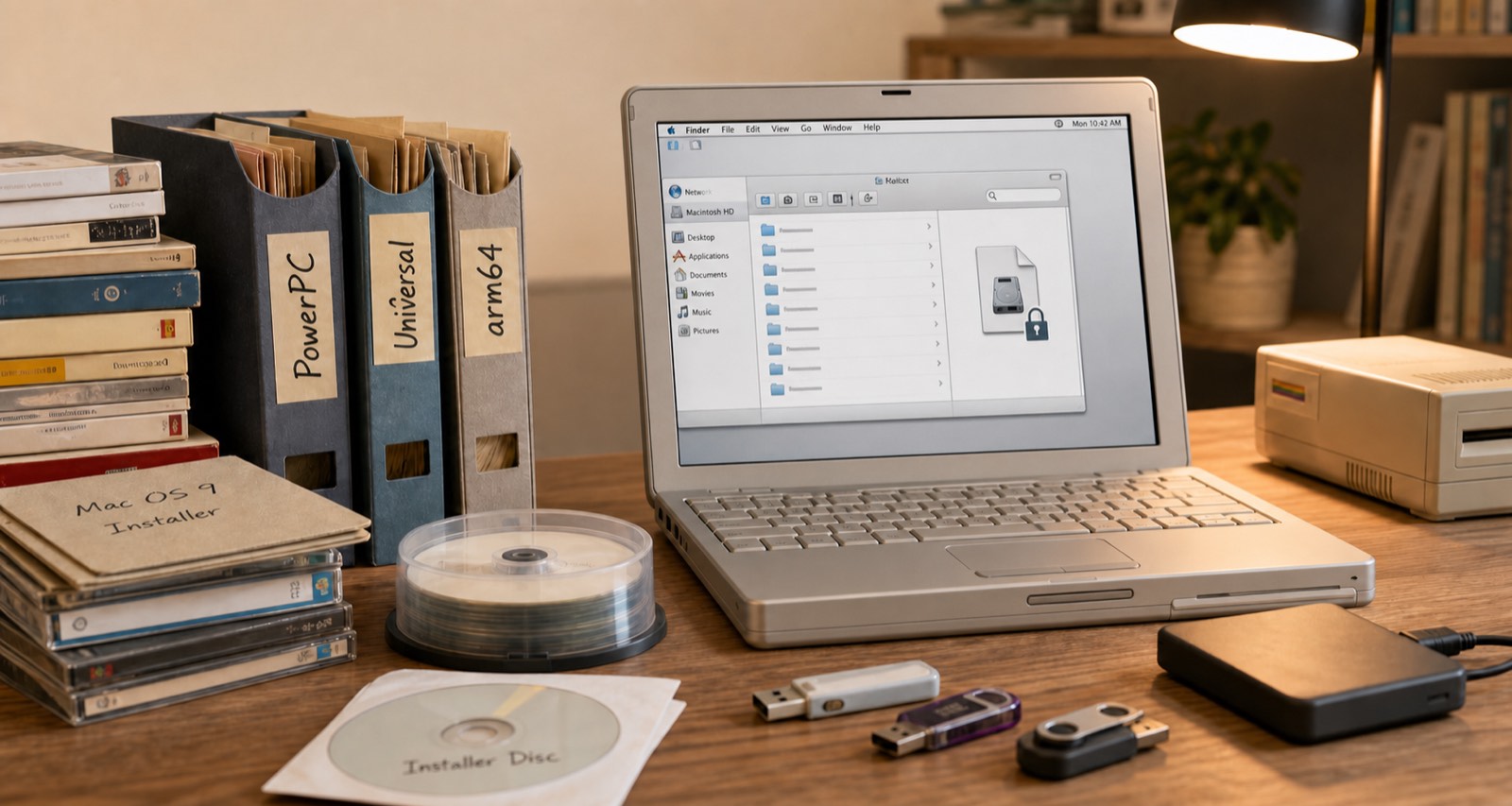
I have been saving installers since back when software did not just update itself over the internet and you actually needed to hold onto major versions. Over time the archive grew across different Mac architectures. PowerPC stuff, then x86 and Universal binaries, and now arm64. So there is a lot in there going back a long time.

I put Claude on the case. I gave it my best guesses at what the password might be, because I did not want it going through every possible combination until the end of time, and it set up a cracking tool locally on my MacBook Air and let it run with those hints. It got in.

So now I had all this data, plus a bunch of other old archives, and the problem was figuring out what was what. File dates only get you so far. Some of it was obvious, certain versions of Microsoft Office are a dead giveaway for the era and architecture. But a lot of it was not.

This matters because I have two PowerPC Macs I picked up vintage that I actually want to use, and I have been thinking about picking up an older Intel Mac for similar reasons. Half of it is just because it is cool to have. The other half is that occasionally I do want to run some old software. So getting the right installer on the right machine is not a trivial question.

A few prompts later, Claude had written a set of scripts that parsed through everything, sorted it by architecture, and organised it all into the right folders. A few back and forth sessions where it asked me questions and I confirmed things, and it had a pretty solid result.

Then I went a step further. I had it size and create read only DMG images for each architecture, correctly sized so the PowerPC stuff would fit on a DVD if I want to burn one, or on a USB key I can move to one of the older machines. Right file systems, right sizes, the lot. About 100 gigs of stuff in total so it took a while to churn through, but my actual involvement was maybe 20 to 30 minutes of back and forth.

I had wanted to do this for years. Total elapsed time was maybe three hours, almost all of it the computer doing the work.

Now it is all backed up, the images are ready, and whenever I get around to spinning up those old machines I can actually do it. Which might not be for a while. But at least now I can.

The Time I Had To Nuke The Site From Orbit

Back in mid July I noticed something odd with my Mac Mini.  It turned out that At some point in the past few months my chrome browser on my Mac Mini at home was compromised. I’m not sure if it was malware or a configuration hack on the browser.

The problem may have existed for some time. I do not normally use chrome on my home Mac. What I noticed that was odd behavior  after I launched chrome to log into my Google account. Whenever I use my Google account I always login via chrome. Call me paranoid but I do not want Google possibly tracking activities via my login on Safari that I use as my daily browser. When I attempted to log in I noticed that after clicking on login from Google.com  I got some fake message about my Google account being compromised. The funny thing was I never actually gave it my login credentials and the screen that was displayed didn’t look at all like standard page on any Google site I have been on.

My first reaction was to clear all the settings on the browser like it was a brand-new set up. I then tried again however the problem persisted. That was concerning to me.

My next step was to completely delete the Chrome browser from my Mac and download a fresh copy from Google.com using a different browser. That worked and once I installed the new version everything seemed okay. The lingering question I had was how contained was the problem I had? I some confidence but not enough that  issue was purely within chrome.   I had no definitive evidence to back myself up. 

To be safe in the immortal words of Riply from the movie Aliens  “nuked the site from orbit”. I created a carbon copy cloner image of my OS drive and then deregistered any application I needed to associated with this computer and wiped it. That was the only way to be sure that there was no ongoing compromise to my system.

The rebuild process was slightly challenging and took more time than I’d hoped. As I was trying to reformat the drive in recovery mode the computer kept crashing. I am not sure why.  That forced me to start to do a network boot and download the original operating system that came with this Mac bypassing the step on my local hard drive that was crashing. The machine is from 2012 so that meant at least three OS upgrades to get me to the latest. By the time I completed the original OS install I was able to download El Capitan on my MacBook Pro and create a boot USB key. The USB key worked so I was able to save a significant amount of time and jump right to El Capitan.  I was handful I did not need to complete several more upgrades. The parallel efforts paid off of trying to create the sub key boot disk from my laptop paid off.

Once I had my base install done I was able to patch the system and install the standard applications that I typically use. Because I use Bittorrent Sync for replicating my data restoring most of the system was as simple as reseeding my data on this machine. It took several days for the data to replicate however when it was done everything was fine.

Weeks later there are still some applications I haven’t finished setting up yet. Of course that means I don’t use them that often so it’s a minor inconvenience. The main applications I use already set up and working perfectly fine.

For me the moral of this story is my data replication set up works. I also confirmed what I already knew that no matter how diligent I am I can still be compromised. I think the problem is existed for a while however have no way to prove it. Recently I have started compartmentalizing some of my web browser to prevent such exploits. That I hope will mitigate risk for the future however nothing is 100% safe. That Compartmentalizing effort in and of itself is a blog entry I’m working on.