Goodbye Primary, Hello Blazer’s

Today was A’s first day of Year Seven. For her, it’s the start of high school, and she’s been excited about it for weeks. For M and me, it’s also a milestone: our youngest is now in high school.

For Americans, the translation is that “high school” here is closer to what would be middle school in the States. But regardless of labels, the feeling is the same. When T started last year, or whenever she reached some other milestone, my quiet consolation was always that A was still little. She hadn’t crossed that threshold yet, so I could still tell myself I had one more kid who wasn’t quite there.

Now that A has made the leap, that excuse is gone. My little baby is officially in high school. It’s a strange mix of pride, nostalgia, and the creeping realization that time really does move too fast.

Hopefully she had a good first day. She certainly looked adorable in the uniform, which feels like its own rite of passage.

Today’s musing is just me trying to catch up emotionally to where she already is: ready, eager, and growing up faster than I’d like.

My Google Pixel 8 Experience And Allergic Reaction to Fingerprinting, The Digital Kind At Least

This blog has been around for 22 years, so there are definitely themes I circle back to. One of them is my strange, recurring relationship with Android phones. Even though I’m primarily an Apple user, I’ve probably owned more Android devices than most self-identified Android fans. The pattern is always the same: I buy one as a secondary device, I use it for a while, then it sits unused, and eventually I sell it. Time passes, I forget why I swore them off, and I start the cycle again. I even wrote a note to Future Scott to warn me away from doing it again.

In principle, I avoid Google services wherever I can. I don’t use Chrome, I don’t use Gmail, and I shut down Google accounts once I’m done with them. And yet, every so often, I’ll find myself picking up a Pixel or some other Android device, which of course requires opening yet another Google account. I tell myself it’s just a dabble, nothing serious.

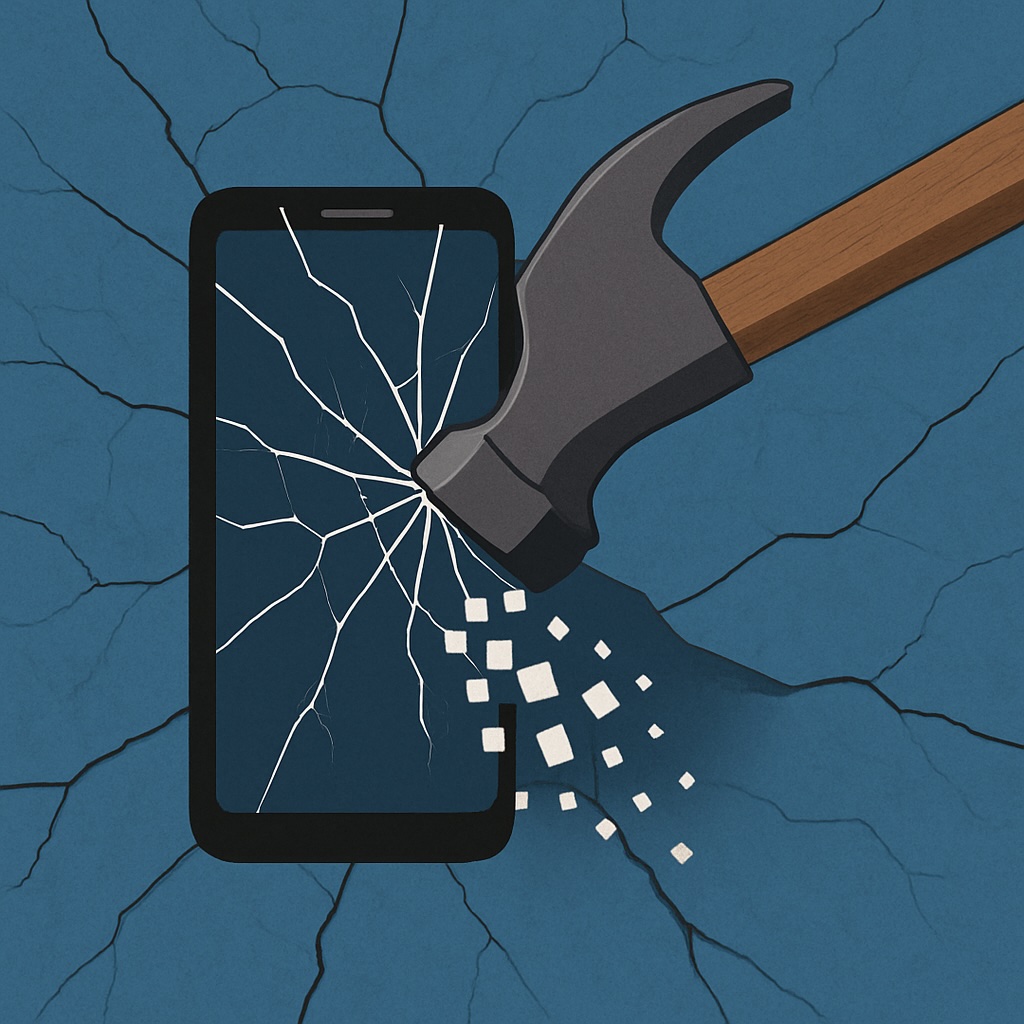
Late last year I bought a Pixel 8. At first, I was happy enough with it. It was a solid device, smooth to use, and it scratched that itch of trying something different. But right after I bought it, Google announced they were changing how tracking would work on their phones and browsers. Instead of traditional identifiers you could reset or mask, they were moving to device fingerprinting. In plain terms, that means every Google phone and browser gets a permanent, unique tag. You can’t get rid of it, you can’t change it, and you certainly can’t hide from it.

For someone like me, who’s allergic to oversharing by default, the idea of being permanently tagged at the device level was a dealbreaker. It didn’t matter how polished the hardware was; I couldn’t stomach it. I did a bit of threat modeling on my own use case, read up on the details, and then stopped using the Pixel. A few months later I sold it. I should have sold it sooner, but it was only a secondary device and I didn’t feel much urgency. I defaulted back to an older iPhone I had lying around.

Not long after I sold the Pixel, Google partially backtracked on their fingerprinting plans. Sort of. The walk-back wasn’t enough to matter to me. By then I had already closed out my latest Google account, and I’m hoping that’s the end of the cycle. No more Groundhog Day moments of buying another Pixel, dabbling for a bit, and regretting it all over again.

For me, the line was crossed when the tag became something I couldn’t remove. Control matters. Once that was gone, so was my willingness to keep using the phone.

I Sort of, Not Really, Built My Own Search Engine

Here’s what I mean: I talk a lot about privacy and the steps I take to keep my digital life locked down. For years, I’ve been a DuckDuckGo loyalist. I dropped Google search ages ago, and I don’t really miss it. But somewhere along the way, I stumbled across the idea of hosting your own meta-search engine, and of course, I had to try it.

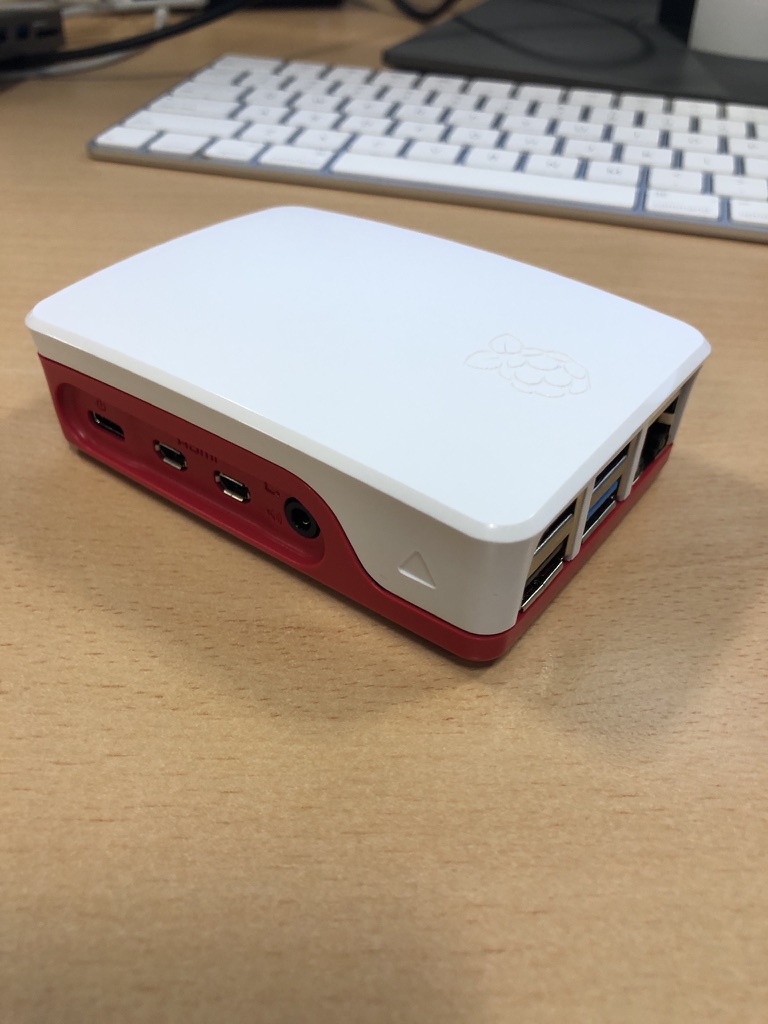
So no, I didn’t invent an algorithm that crawls the internet. But I did spin up my own private search setup. I started experimenting with SearX, and eventually migrated to SearXNG, which is the more actively maintained fork. I run it locally on a Raspberry Pi 5, which already pulls duty hosting a handful of other media services and Docker containers. Through Tailscale, I can securely reach it from anywhere on my devices. In practice, this means I get a private, ad-free search experience that no one else can see into. It’s not flashy, but it’s mine, and that feels good.

Has it been life-changing? Not exactly. It’s cool, and I like knowing I have it, but more and more of my “searching” these days gets funneled through an LLM. That workflow is a whole separate rabbit hole I’ll save for another post.

For now, though, I can say this: if you’ve ever wondered what it feels like to run your own search engine, even a “sort of” one, it’s empowering, surprisingly doable, and it gives you just a little more control in a space that usually takes it away.

The Story of Screen Savers and Burn In History

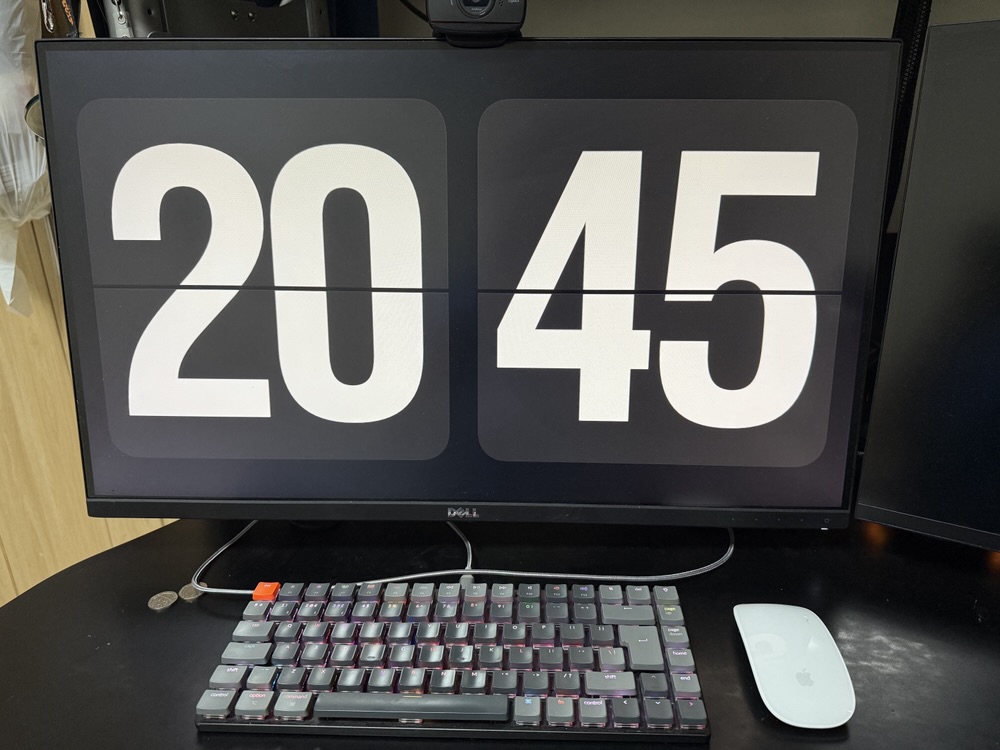
The other day my oldest daughter asked me about the screensaver on my computer. Mine is set to a retro alarm clock face. I like having the clock there, and I like the old-school look of it. She wanted to know why I picked it and what other options there were.

That kicked off a conversation about what screensavers actually were for. I explained that once upon a time you really needed them. The name wasn’t just decorative—it literally saved your screen. CRT monitors could burn in if the same image stayed on too long, and screensavers kept things moving. Back then, you could download or buy screensavers of just about anything: flying toasters, bouncing logos, underwater fish tanks. It was an entire genre of computing culture.

I tried to find her a YouTube video of CRT burn-in to make the point, but all I could dig up were examples from plasma or LCD screens. To her, CRTs are just ancient history. I explained that even early LCD and plasma panels had the same issue, and together we managed to find an example or two of that on YouTube.

Of course, I didn’t help myself when I mentioned that my old iMac had a burn-in issue around 17 years ago. That was all she needed. She laughed and said something along the lines of, “Well, you experienced that because you’re old.” That’s the price of trying to explain vintage tech to a modern kid you end up becoming the vintage part of the story.

Tapping Through France: A Cashless Holiday at Disney and Beyond

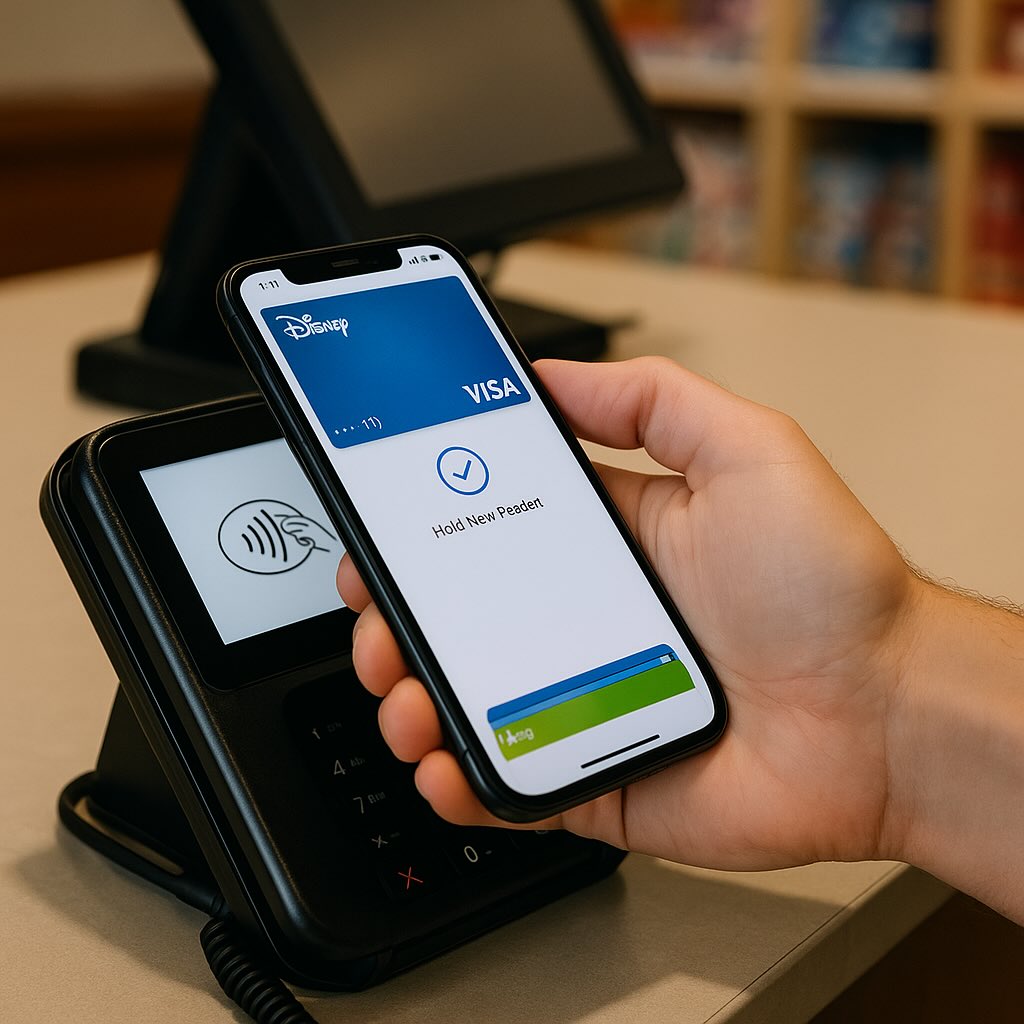
We’ve just come back from a week in France. Two whirlwind days at Disneyland Paris followed by a slower stretch at a resort. The rides, the food, the lounging by the pool… all wonderful. But the thing that surprised me most wasn’t the fireworks over the castle we didn’t actually see because by then we were too tired and had already headed back to the hotel. What stood out was that I managed the entire trip without touching a single euro note or even pulling out a physical card.

If you’ve read my past posts, you know I’ve been on a bit of a mission to go wallet-less. In daily life at home, I rely almost entirely on my phone or, even better, my watch for tap-to-pay. The convenience is unmatched. That said, whenever I travel abroad, I usually hedge my bets. Extra cards tucked into the bag. Mental note of where the nearest ATM might be. Because international trips can be tricky: not every place is set up for seamless digital payments, and the last thing you want is to be stranded without cash.

But this time? Smooth sailing. Disney was as high-tech as you’d expect, and even the resort didn’t skip a beat. From meals to souvenirs to a quick coffee at the pool when we didn’t have our wallets or phones, a tap of the watch worked perfectly. No fumbling with euros, no need to break a bill just to grab a snack. I didn’t expect it to be this easy.

Back in the UK, it’s already rare that I run into a situation where cash is essential. Even the local ice cream van has a contactless reader these days. And while I know France isn’t representative of every country in Europe or the world, it was reassuring to see just how far tap-to-pay has spread.

The takeaway? For certain destinations at least, traveling cashless is no longer a gamble. It’s becoming the norm. That’s one less thing to worry about when packing, and a little more space in the pocket for, say, an extra croissant or two.

Is This Really An Empty Train or Another Universe?

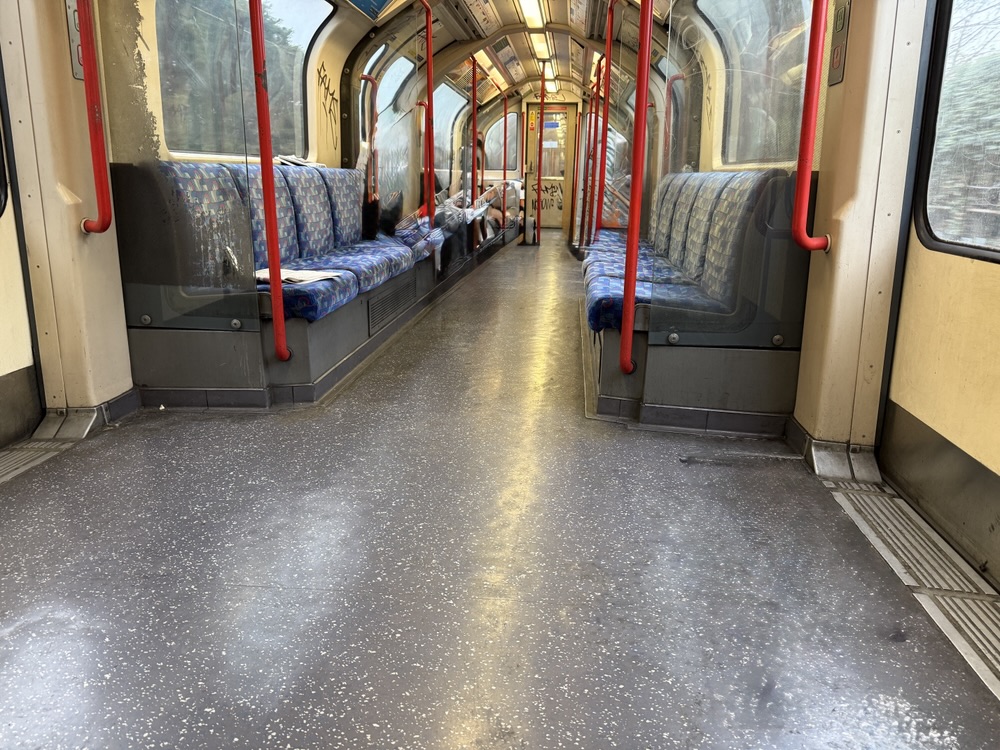
This morning I headed off to the office. The central line has had its fair share of issues for over a year – late, slow, and packed trains are the norm, even on weekends. So, when I arrived at the platform and a train with virtually empty cars pulled up, I hesitated. I couldn’t help but wonder which universe I had stumbled into. I know it’s not the best universe, given that the train was still dirty, but I managed to easily get a seat.

As a side note, I should disclose that there were about three people in the car I boarded, but I used Apple’s photo magic to remove them from the picture, so I’m not posting random strangers’ photos.

WiFi on a Washer And Dryer, What Could Possibly Go Wrong?

When we did some work on the house, we bought new appliances, including a washing machine and dryer. I was surprised to find that both came with Wi-Fi. I mentioned this to one of the workers who was building the closet to house them, and he asked, “Why does it matter?” He didn’t see a problem—after all, who cares if someone knows you’re running the washing machine?

I told him that wasn’t the risk. Without diving too deep into a formal risk analysis, I rattled off a couple of scenarios to make my point. For example, someone could send remote commands to flood the house. Or, they could overspin the washer or dryer, potentially causing a fire. Those were just two risks that came to mind on the spot. I don’t think I convinced him, but I ended the conversation with, “We won’t be using that.”

And that’s the issue—most people don’t understand the risks that come with having Wi-Fi in home appliances. What’s worse, manufacturers aren’t taking security seriously. Just look at the headlines, and it’s clear: many of these systems are either not updatable or don’t get updates because it’s too costly for the manufacturer to maintain them. Combine that with in my opinion the lack of any real benefit to Wi-Fi in appliances, and the risks far outweigh the rewards.

I’ll admit, I set up the Wi-Fi on the washer and dryer for about two weeks just to see what it could do. The plan was always to disconnect it afterward, but I was curious. During that time, all I got were notifications when a wash or dry cycle finished. I could also view the settings on my phone, but I never actually used that feature. The notifications weren’t even helpful—the machines already make a loud, distinctive tone I can hear from anywhere in the house. Maybe if you live in a giant house, the notifications might be useful, but for us, they were unnecessary.

After my little experiment, I disabled the Wi-Fi and haven’t used it since.

When we were shopping for appliances, the salesperson tried to sell us a fancy Samsung refrigerator with a touchscreen and Wi-Fi. M and I both immediately said, “No. Just no.” I’d read somewhere that they want these “smart” refrigerators to get to a point where they can read RFID tags in food items and automatically reorder anything you’re low on. The younger version of me would’ve thought that was the coolest thing ever. Present-day me, though, thinks about all the privacy violations that would come with companies knowing everything about your eating habits. Plus, it reminds me of that scene with the “smart” fridge on Silicon Valley. I’m just glad M doesn’t like stuff like that either.

Backup Network Version Number I Forget

I’ve been writing a lot about my tech setup lately because I’ve done quite a bit of work on it. I’ve been meaning to share my current private cloud backup setup for a while now.

The backbone of my private cloud network is still Resilio Sync. While I rely on it a bit less these days, it remains a core part of my strategy.

Right now, I’m using Resilio to replicate a full set of data from my Synology DiskStation to a Raspberry Pi 4. I also replicate a subset of this data—everything except the media center—to an SSD on my laptop. Soon, I plan to set up another Pi 4 as a backup for the same subset of data I have on my laptop.

At this point, I no longer keep any replica data at friends’ houses. I probably should, but when my last setup failed, my friend had to bring the device back to me when he visited from the States. Ultimately, it wasn’t worth buying new gear just to ship it back to him. Instead, I signed up for Amazon Glacier Deep Archive (or whatever they’re calling it now). It’s a cheap, long-term storage option where data is locked in for six months without modification or deletion options. My Synology DiskStation has a built-in client that made it easy to set up a backup of my personal data to Glacier. I still need to test a restore, but for now, I see Glacier as my remote storage solution. At about $1 per terabyte per month, nothing else comes close to that price. Setting up another Pi with a friend would cost around $150–$200, which makes Glacier far more cost-effective over a three-year period.

Because I’m still a bit unsure about restoring from Glacier, I’ve also started using Proton Drive for critical data, including my entire family photo and video library. Once I’ve uploaded the photos, that dataset stays pretty static, so Proton Drive makes sense. With our 3TB plan, I can gradually copy large, mostly unchanging files that I want securely backed up. Since there’s no automated way to sync this, it’s not my primary backup, but it adds another layer of protection.

Recently, with T in high school (or middle school if we were in the States), she’s been using the computer more often. It made sense to subscribe to the family plan of Office 365, which gives each of us 1TB of storage on OneDrive. I’m experimenting with Cryptomator encryption to securely store a subset of our backups on OneDrive. I still need to fully implement this, but it’s something I plan to sort out soon.

In addition to these replica copies, I take monthly RSYNC snapshots to a separate directory on my DiskStation. I have two scripts—one for odd months and one for even months—so I always have two recent copies. I also keep an annual copy of everything. It’s a bit less automated, but it works.

I’m also considering setting up another Pi as a remote Resilio node. Another option is to get a storage VPS again. The previous deal I had expired, so I canceled it last year. That’s partly why I’ve been relying less on remote Resilio replicas. When I got rid of my last remote Pi, I switched to a VPS running Resilio. Now, I’m debating whether it’s worth setting up another VPS instead of piecing together backups the way I have been. At around $80 per year for 2TB, it’s an option I’m keeping open.

Overall, the system works. When I had a catastrophic failure on my DiskStation before upgrading to my current one, I was able to verify that all my data was backed up somewhere. In the end, I didn’t need to restore because I managed to salvage the array on the DiskStation, but it was a valuable exercise to go through.

UPDATE: I wrote this before Christmas. Since then I have built a new Pi with a 2TB SSD and need to deploy it somewhere other than our house as a backup. I have also found a new cheap(ish) VPS storage provider. I have a 2TB VPS in Germany were I am now replicating my main Reslio shares to. I have stopped using Glacial since i haven’t been able to properly test it.  It is still by far the cheapest backup option out there however without being able to verify it works to easily fully recover i was a bit concerned.  The new VPS i have is a few pounds more per month but not outrageously expensive.

A North London Derby

Yesterday the girls and I headed back to the Eremites Stadium to watch Arsenal Women’s take on Tottenham in our first Derby. I never have been to a Subway series in New York so i can only imagine this is the similar vibe.

The stadium was packed with over 55,000 people. It was an exciting first half even if it was cold. The 2nd half was less interesting since Arsenal was already well ahead and it didn’t look like Tottenham was going to be a challenge.

It was a fun day out with the ladies.