
Finally Wired

I’ve wanted to wire our house properly since we moved in and were renting it. When we bought it I figured I’d finally get around to it. That was a while ago.

The first real progress came in 2022 when we had work done and the electrician ran two CAT 6 cables into the floor before they poured the cement. Great start. Except he didn’t actually connect them to anything useful. The most logical endpoint was under the stairs, where the main power is and where you can get cables upstairs or to the back of the house pretty easily. The internet comes into the house at the media centre in the living room. He didn’t run cable there. I kind of wanted him to. I don’t really know why I didn’t push harder on that. After the main scope of work was done, it was hard to get a hold of him anyway, so I just forgot about it and dropped the subject.

So those cables sat there, coiled in the wall, for a few years.

Fast forward to recently. We were finally ripping out the carpeting on the first floor. It had been there since before we moved in eight years ago and it just needed to go. While the floors were up, I had them trunk a CAT 6 run down to under the stairs. Progress.

Still needed someone to do the last run to the living room, which is the most important bit. I had two different electricians doing other work on the house at the time. Both said yeah, sure, we can do that. Neither followed through. I ended up on Checkatrade, found someone slightly overpriced, didn’t care, hired them. They went out the side of the house and back in rather than under the floor, which isn’t exactly what I wanted, but it’s honestly how the old CAT 3 phone cable was done back in the day and it works fine. They came in right next to where the Openreach FTTP fibre enters the house, which was actually convenient.

That was early May. Finally.

Once the cables were in, I plugged in the two TP-Link Deco units I had. I’ve always used my own router rather than letting the Decos handle routing. I just don’t like all-in-one devices. The interfaces never let you do what you actually want. The Decos were two or three generations old at that point but they were decent. Testing the wired connection I was getting close to a gigabit on the cables. On wireless I was seeing around 600Mbps, and on the wired connection upstairs, over 900. Not bad.

Then I added a third Deco in the family room at the back of the house, which has always been a dead zone. My wife would sit by the window back there and we basically couldn’t use the internet. Moved one of the older units there, put the newer one upstairs in the office. Immediately better.

That’s when I started thinking about the internet plan.

The wireless backhaul on the old Decos was using the 6GHz band, which meant the 5GHz and 2.4GHz bands were doing all the work for actual devices. It was a bottleneck. I was only getting 330Mbps download from a 350Mbps plan because so much capacity was eaten up by the backhaul. Now that the access points were wired in, that bottleneck was gone. So why was I still on a 350Mbps plan?

I could upgrade to 550Mbps, or just go straight to gigabit. The gigabit plan is about £20 more a month than what I was paying. Triple the speed. Most of our devices can’t fully saturate a gigabit connection, but enough of them can that it seemed worth it. I upgraded the Decos to Wi-Fi 7 while I was at it. Not the latest generation. That was too expensive. But one back from that. I swapped out the old gigabit switch under the stairs for a 2.5G one. That means everything except the 16-port gigabit switch in the media centre is now 2.5G. I’m not too worried about the media centre switch. It’s mostly feeding Raspberry Pis that aren’t anywhere near saturating a gigabit uplink.

I put the order in and literally the next day my speed test app on Docker was showing 920Mbps down. Thank you A&A. I run a speed test every hour to keep an eye on things and I’m consistently getting 920 to 927Mbps down and around 106 to 108Mbps up. Compare that to the 295Mbps I was getting before.

The only weak spot is the loft. It has to get signal through the floor from the office below, and while I’m still getting around 300Mbps up there, running a cable all the way up the side of the house doesn’t seem worth it. We don’t spend much time up there anyway.

My neighbour and I were geeking out about the fact that I get 800Mbps in the middle of the back garden.

I knew. I just didn’t.

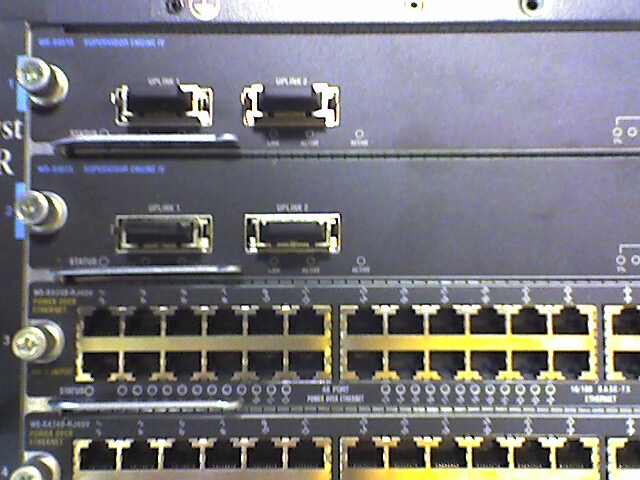
Photo is an old one from my “start-up” days. Partsearch one of the Layer 3 switch’s as we were putting it in the call center. I thought it was appropriate!

The ISP That Operates Like a Tech Person Designed It

When I was building out my OPNsense router, I had a decision to make. Keep running Pi-hole for DNS and DHCP, or switch over to the built-in AdGuard on the router itself.

I’d been using Pi-hole for a while and the functionality was genuinely compelling. But if I was critical of my own uses, I wasn’t really using most of it. The main thing I got out of the Pi-Hole was ad blocking at the DNS level, and I can get that from a privacy-focused DNS provider like Mullvad anyway. So I made the call to consolidate everything onto the router.

Turns out that decision had a nice side effect.

My ISP is Andrews & Arnold, and they give me an IPv6 block along with a dedicated IPv4 address for my router. There were some limitations with Pi-hole when it came to properly handing out public IPv6 addresses to devices on the network. Could be a Pi-hole thing. Could be me never having quite sorted it. I am not really sure. Either way, moving everything to the router cleared it up. Now every device on my network gets its own real, internet-facing IPv6 address.

Do I need this? Absolutely not. But the network engineer version of me from the early 2000s would have been beside himself.

Which brings me to Andrews & Arnold, because I don’t think I’ve written about them directly before and they are pretty awesome. Also it feels like they are a bit unique in terms of internet providers.

I first used them when we moved to the UK and I needed a DSL connection. They were great, but the Openreach copper line quality at the time was a problem and the speeds weren’t there, so I ended up switching to Virgin for a few years just to get something faster. Then Openreach rolled out FTTP to our neighbourhood and I went straight back to A&A.

They are not outrageous, but they are noticeably more expensive than the value options out there. When I first signed up for FTTP I had to pick a usage tier, which I have a moral objection to on principle, and I ended up needing to go above the one terabyte plan pretty quickly. To their credit they’ve since moved their higher tier to unlimited, so that’s sorted itself out eventually.

But here’s why I pay it. Their documentation literally has sections like “want to run your own DNS server? Go ahead, we don’t mind.” When you place an order you have to acknowledge that you’re getting completely unfiltered internet access. Your static IP address comes on a little plastic card in the box like a hotel key, which I know is just a piece of plastic, but the confidence of that gesture still lands.

I was at a talk a while back where someone was explaining the steps they’d gone through to get their own IPv6 block registered in their own name rather than their ISP’s. They they went on to discuss their ISP assigning it for their use at their house. The process sounded painful and involved. I could tell from the context it was a UK audience, and I quietly suspected I knew which ISP they were using. Afterwards I asked the guy. Yep, Andrews & Arnold.

I priced out EE recently for comparable or even higher bandwidth plans. Substantially cheaper. But online the answers about what restrictions they actually impose are, charitably, murky. With Andrews & Arnold I know exactly what I’m getting. And what I’m getting is an ISP that operates like a tech person designed it. From what I have read that is because it was founded by tech people.

Still well worth the money.

Please Take My Money: Shake Shack Edition

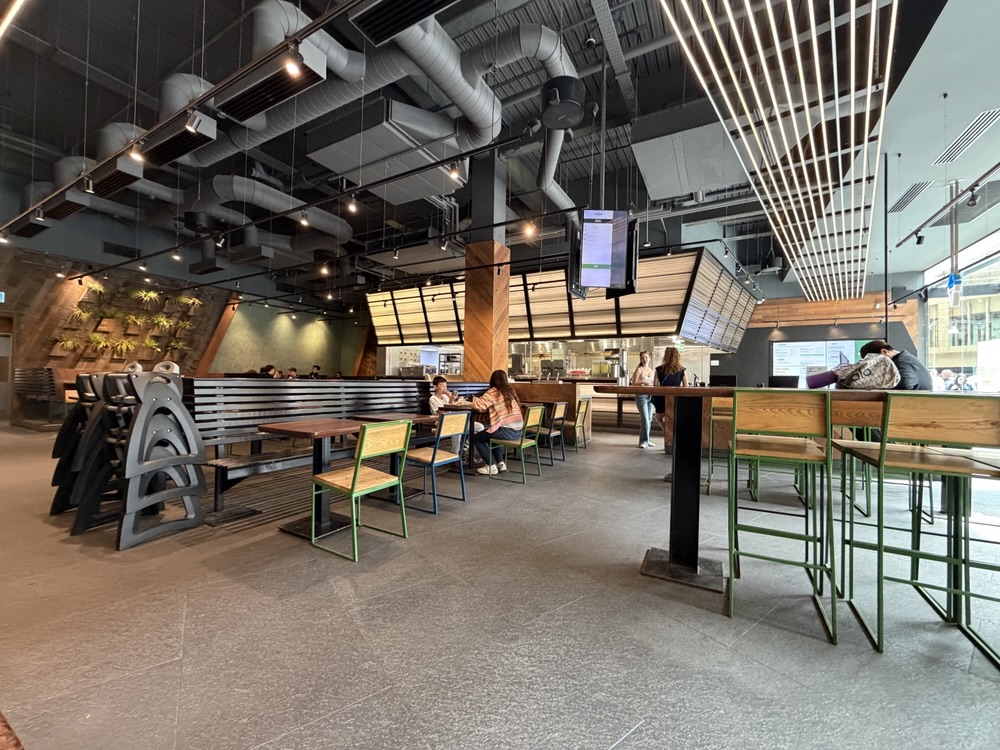
Fresh off writing about Outback, I was reminded that I have another entry for the Please Take My Money series. Because the other day I was at Shake Shack in Stratford with the girls.

Spoiler: they struggle to take my money.

The food is great, that’s probably a whole separate post. But the checkout experience is not great.

Shake Shack has kiosks now. You walk up, place your order, sounds fantastic. In practice, not so much. On at least two occasions I’ve started an order at the kiosk, gotten partway through, and then hit a wall where they want so much personal information that I just gave up and found a human instead.

I can’t remember every specific field, but it was well past the point of reasonable. Honestly, even asking for a phone number is too much. You have screens. Put my name on them. That’s all you need. But they wanted more than just a name, enough more that I stopped, abandoned the kiosk, and got in line.

Which brings me to the other problem. There isn’t really a line anymore. Because they want everyone using the kiosks. So the first time this happened I had to stand there and get someone’s attention, which took about ten minutes. And yes, I feel that strongly about this that I waited that long. To be fair, I didn’t think it was going to take that long when I started waiting. Then the sunk time kicked in and there I was, committed.

Yesterday wasn’t quite that bad. I flagged someone down and they came over reasonably quickly. But I still had to flag someone down, which shouldn’t be necessary if your kiosk wasn’t demanding my personal information just to sell me a burger.

Once I was actually at the point of paying it was fine. Tap, done. That part works. It’s everything before it that’s the problem.

I like Shake Shack. I genuinely enjoy their food. That’s exactly why this is frustrating. Just let me order and pay. You don’t need my data to do that.

Low marks, Shake Shack. Do better.

Stars, Stripes, and a Screaming Eagle

In December 2017, right before we moved to London, my brother in law Michael gave M and me matching American flag t-shirts.

These weren’t subtle. They were stars, stripes, and a giant screaming eagle plastered across the front and back. The kind of shirt that announces your citizenship from three blocks away. A reminder of where we came from, he said.

There’s exactly one photo of M and me wearing them together. That’s because M wore hers once, for the photo, and never again. Too ridiculous, she said.

I agreed completely. Which is why I decided to wear mine every 4th of July. And Thanksgiving. And any other vaguely American holiday I could justify.

When I started going into the office regularly, I’d wear it on the 4th. People would see me and say, “You wore that to work?” And I’d say, “I didn’t wear it on the tube. I changed into it when I got here.” Which was true. I’m not completely insane.

But once I was in the office? Full patriotic regalia. At weekend barbecues? All day. Sometimes I’d put it on while getting ready for Thanksgiving dinner, though I’d usually swap it out before sitting down. Even I have limits.

It was supposed to be a gag gift. A one-time laugh. But eight years later, I still pull it out of the drawer and think, yeah, today’s the day.

I love that shirt. In a creepy sort of way. I miss you Michael.

Photo from the BBQ last year