I’ve wanted to wire our house properly since we moved in and were renting it. When we bought it I figured I’d finally get around to it. That was a while ago.
The first real progress came in 2022 when we had work done and the electrician ran two CAT 6 cables into the floor before they poured the cement. Great start. Except he didn’t actually connect them to anything useful. The most logical endpoint was under the stairs, where the main power is and where you can get cables upstairs or to the back of the house pretty easily. The internet comes into the house at the media centre in the living room. He didn’t run cable there. I kind of wanted him to. I don’t really know why I didn’t push harder on that. After the main scope of work was done, it was hard to get a hold of him anyway, so I just forgot about it and dropped the subject.
So those cables sat there, coiled in the wall, for a few years.
Fast forward to recently. We were finally ripping out the carpeting on the first floor. It had been there since before we moved in eight years ago and it just needed to go. While the floors were up, I had them trunk a CAT 6 run down to under the stairs. Progress.
Still needed someone to do the last run to the living room, which is the most important bit. I had two different electricians doing other work on the house at the time. Both said yeah, sure, we can do that. Neither followed through. I ended up on Checkatrade, found someone slightly overpriced, didn’t care, hired them. They went out the side of the house and back in rather than under the floor, which isn’t exactly what I wanted, but it’s honestly how the old CAT 3 phone cable was done back in the day and it works fine. They came in right next to where the Openreach FTTP fibre enters the house, which was actually convenient.
That was early May. Finally.
Once the cables were in, I plugged in the two TP-Link Deco units I had. I’ve always used my own router rather than letting the Decos handle routing. I just don’t like all-in-one devices. The interfaces never let you do what you actually want. The Decos were two or three generations old at that point but they were decent. Testing the wired connection I was getting close to a gigabit on the cables. On wireless I was seeing around 600Mbps, and on the wired connection upstairs, over 900. Not bad.
Then I added a third Deco in the family room at the back of the house, which has always been a dead zone. My wife would sit by the window back there and we basically couldn’t use the internet. Moved one of the older units there, put the newer one upstairs in the office. Immediately better.
That’s when I started thinking about the internet plan.
The wireless backhaul on the old Decos was using the 6GHz band, which meant the 5GHz and 2.4GHz bands were doing all the work for actual devices. It was a bottleneck. I was only getting 330Mbps download from a 350Mbps plan because so much capacity was eaten up by the backhaul. Now that the access points were wired in, that bottleneck was gone. So why was I still on a 350Mbps plan?
I could upgrade to 550Mbps, or just go straight to gigabit. The gigabit plan is about £20 more a month than what I was paying. Triple the speed. Most of our devices can’t fully saturate a gigabit connection, but enough of them can that it seemed worth it. I upgraded the Decos to Wi-Fi 7 while I was at it. Not the latest generation. That was too expensive. But one back from that. I swapped out the old gigabit switch under the stairs for a 2.5G one. That means everything except the 16-port gigabit switch in the media centre is now 2.5G. I’m not too worried about the media centre switch. It’s mostly feeding Raspberry Pis that aren’t anywhere near saturating a gigabit uplink.
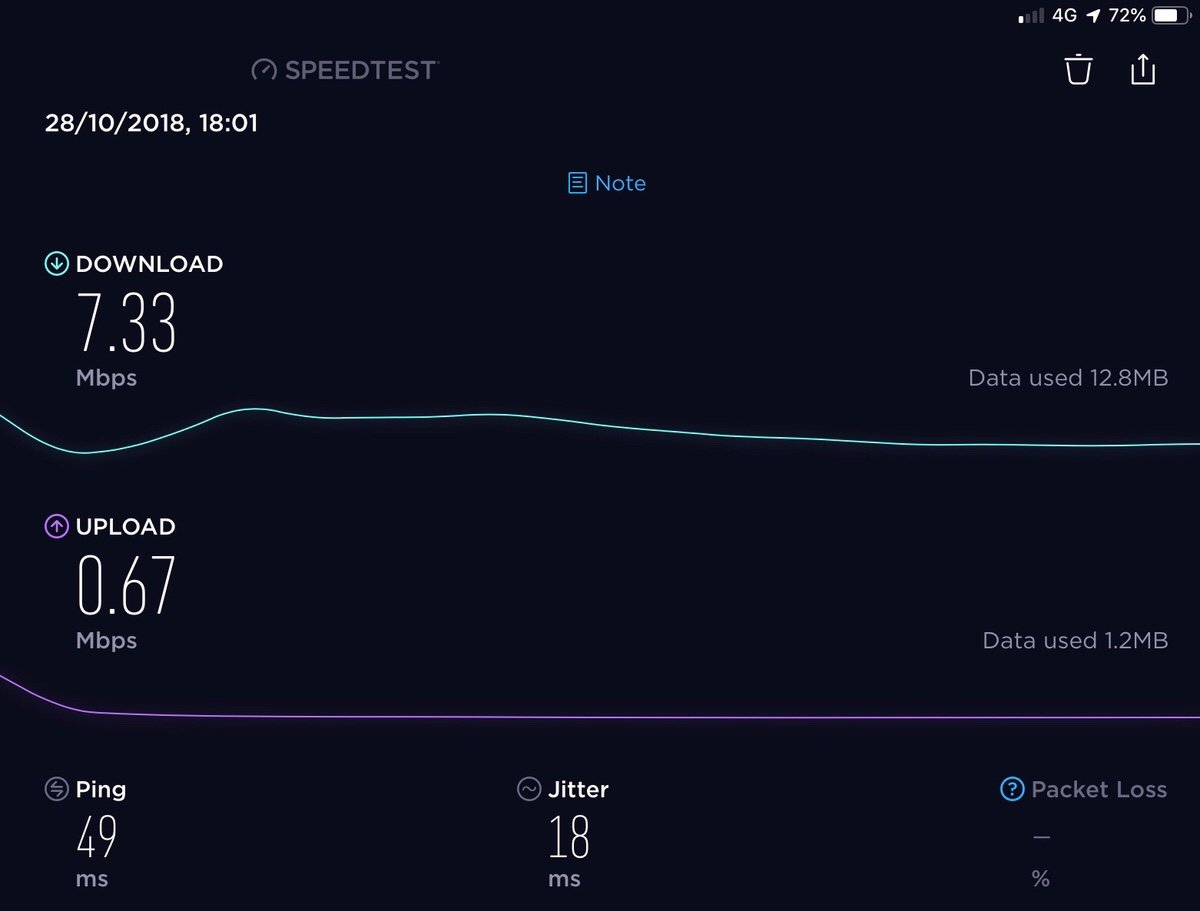
I put the order in and literally the next day my speed test app on Docker was showing 920Mbps down. Thank you A&A. I run a speed test every hour to keep an eye on things and I’m consistently getting 920 to 927Mbps down and around 106 to 108Mbps up. Compare that to the 295Mbps I was getting before.
The only weak spot is the loft. It has to get signal through the floor from the office below, and while I’m still getting around 300Mbps up there, running a cable all the way up the side of the house doesn’t seem worth it. We don’t spend much time up there anyway.
My neighbour and I were geeking out about the fact that I get 800Mbps in the middle of the back garden.
I knew. I just didn’t.
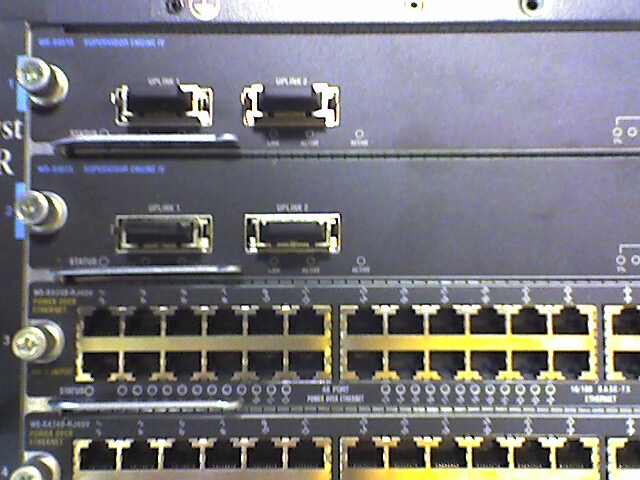
Photo is an old one from my “start-up” days. Partsearch one of the Layer 3 switch’s as we were putting it in the call center. I thought it was appropriate!