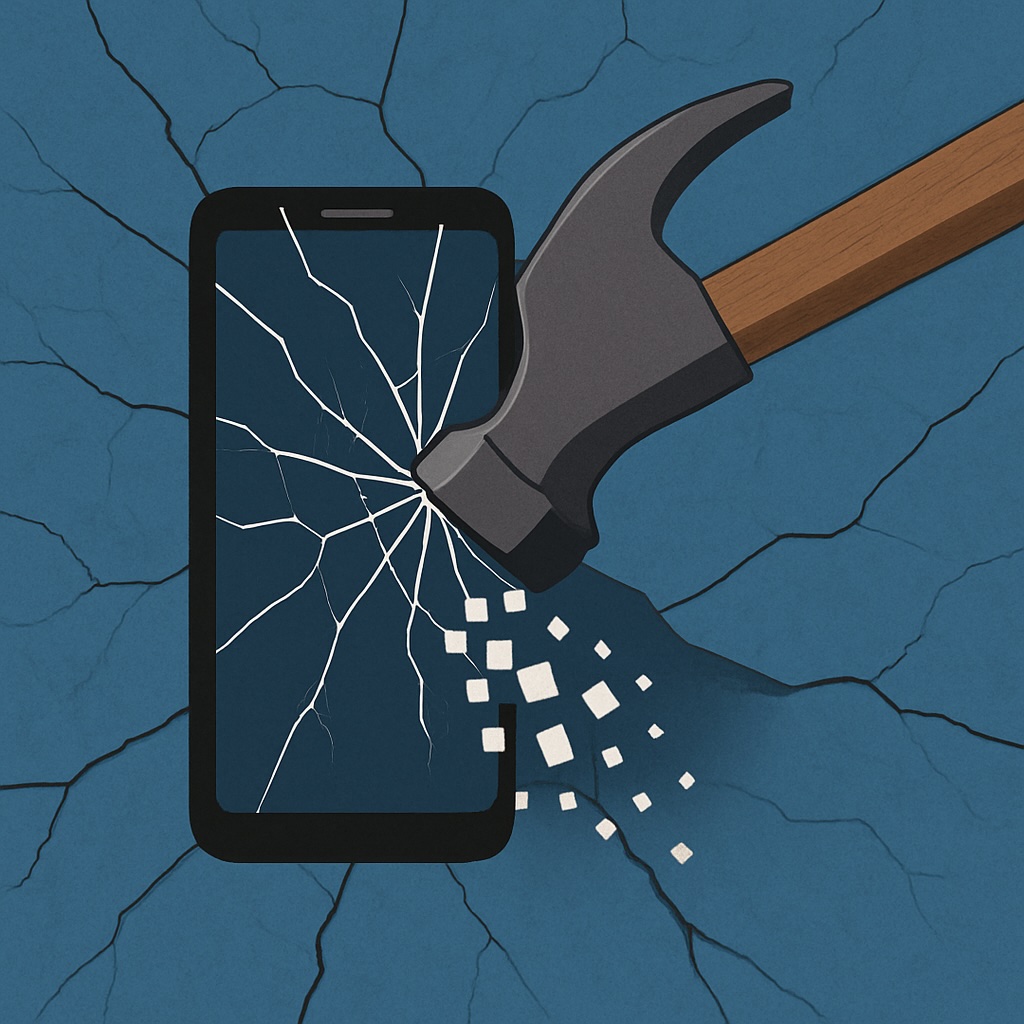
My Google Pixel 8 Experience And Allergic Reaction to Fingerprinting, The Digital Kind At Least

This blog has been around for 22 years, so there are definitely themes I circle back to. One of them is my strange, recurring relationship with Android phones. Even though I’m primarily an Apple user, I’ve probably owned more Android devices than most self-identified Android fans. The pattern is always the same: I buy one as a secondary device, I use it for a while, then it sits unused, and eventually I sell it. Time passes, I forget why I swore them off, and I start the cycle again. I even wrote a note to Future Scott to warn me away from doing it again.

In principle, I avoid Google services wherever I can. I don’t use Chrome, I don’t use Gmail, and I shut down Google accounts once I’m done with them. And yet, every so often, I’ll find myself picking up a Pixel or some other Android device, which of course requires opening yet another Google account. I tell myself it’s just a dabble, nothing serious.

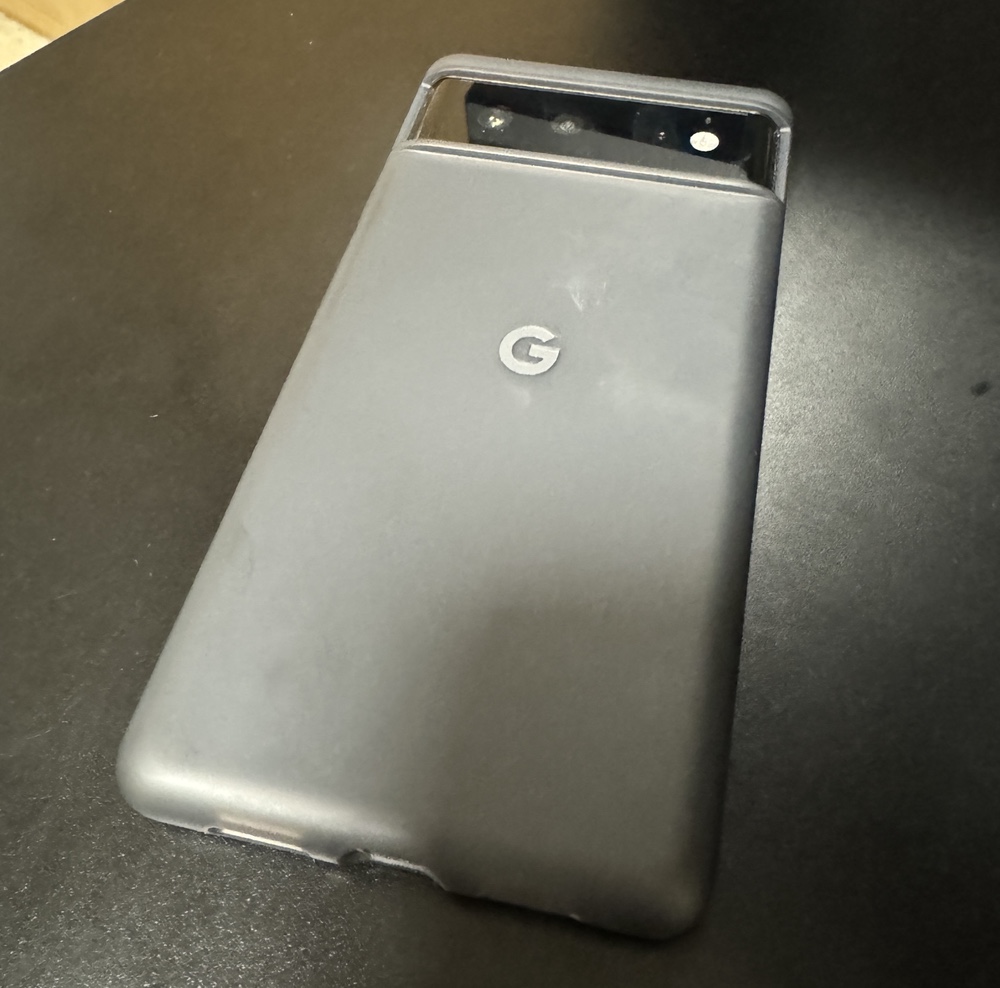
Late last year I bought a Pixel 8. At first, I was happy enough with it. It was a solid device, smooth to use, and it scratched that itch of trying something different. But right after I bought it, Google announced they were changing how tracking would work on their phones and browsers. Instead of traditional identifiers you could reset or mask, they were moving to device fingerprinting. In plain terms, that means every Google phone and browser gets a permanent, unique tag. You can’t get rid of it, you can’t change it, and you certainly can’t hide from it.

For someone like me, who’s allergic to oversharing by default, the idea of being permanently tagged at the device level was a dealbreaker. It didn’t matter how polished the hardware was; I couldn’t stomach it. I did a bit of threat modeling on my own use case, read up on the details, and then stopped using the Pixel. A few months later I sold it. I should have sold it sooner, but it was only a secondary device and I didn’t feel much urgency. I defaulted back to an older iPhone I had lying around.

Not long after I sold the Pixel, Google partially backtracked on their fingerprinting plans. Sort of. The walk-back wasn’t enough to matter to me. By then I had already closed out my latest Google account, and I’m hoping that’s the end of the cycle. No more Groundhog Day moments of buying another Pixel, dabbling for a bit, and regretting it all over again.

For me, the line was crossed when the tag became something I couldn’t remove. Control matters. Once that was gone, so was my willingness to keep using the phone.
Backup Network Version Number I Forget

I’ve been writing a lot about my tech setup lately because I’ve done quite a bit of work on it. I’ve been meaning to share my current private cloud backup setup for a while now.

The backbone of my private cloud network is still Resilio Sync. While I rely on it a bit less these days, it remains a core part of my strategy.

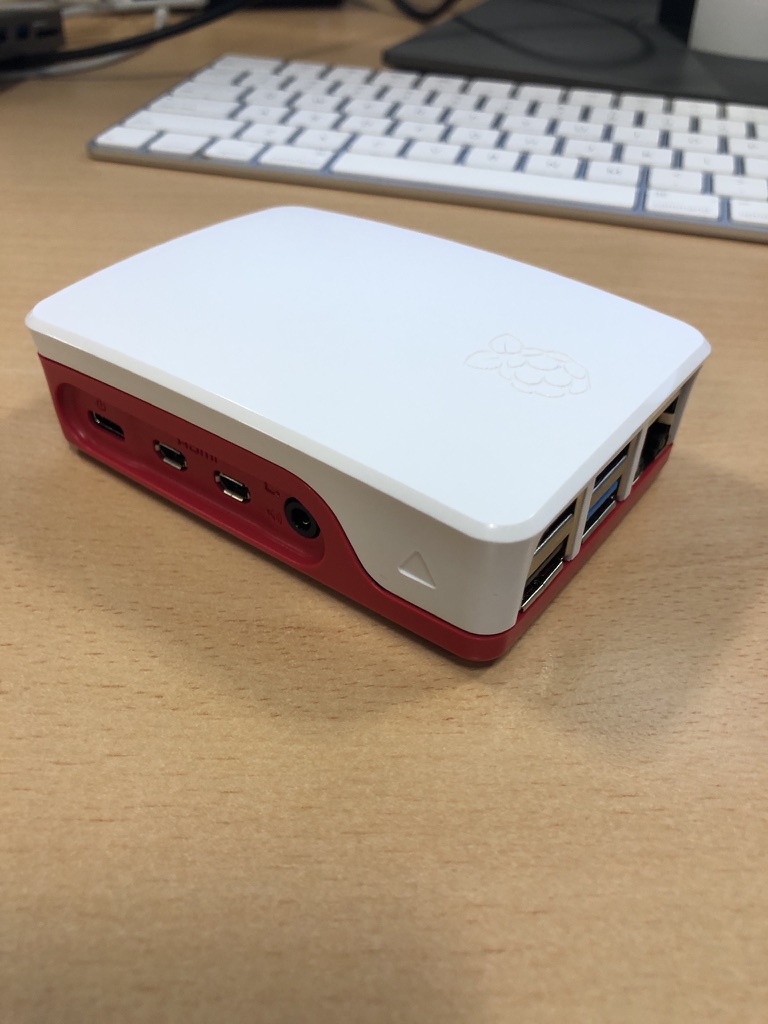
Right now, I’m using Resilio to replicate a full set of data from my Synology DiskStation to a Raspberry Pi 4. I also replicate a subset of this data—everything except the media center—to an SSD on my laptop. Soon, I plan to set up another Pi 4 as a backup for the same subset of data I have on my laptop.

At this point, I no longer keep any replica data at friends’ houses. I probably should, but when my last setup failed, my friend had to bring the device back to me when he visited from the States. Ultimately, it wasn’t worth buying new gear just to ship it back to him. Instead, I signed up for Amazon Glacier Deep Archive (or whatever they’re calling it now). It’s a cheap, long-term storage option where data is locked in for six months without modification or deletion options. My Synology DiskStation has a built-in client that made it easy to set up a backup of my personal data to Glacier. I still need to test a restore, but for now, I see Glacier as my remote storage solution. At about $1 per terabyte per month, nothing else comes close to that price. Setting up another Pi with a friend would cost around $150–$200, which makes Glacier far more cost-effective over a three-year period.

Because I’m still a bit unsure about restoring from Glacier, I’ve also started using Proton Drive for critical data, including my entire family photo and video library. Once I’ve uploaded the photos, that dataset stays pretty static, so Proton Drive makes sense. With our 3TB plan, I can gradually copy large, mostly unchanging files that I want securely backed up. Since there’s no automated way to sync this, it’s not my primary backup, but it adds another layer of protection.

Recently, with T in high school (or middle school if we were in the States), she’s been using the computer more often. It made sense to subscribe to the family plan of Office 365, which gives each of us 1TB of storage on OneDrive. I’m experimenting with Cryptomator encryption to securely store a subset of our backups on OneDrive. I still need to fully implement this, but it’s something I plan to sort out soon.

In addition to these replica copies, I take monthly RSYNC snapshots to a separate directory on my DiskStation. I have two scripts—one for odd months and one for even months—so I always have two recent copies. I also keep an annual copy of everything. It’s a bit less automated, but it works.

I’m also considering setting up another Pi as a remote Resilio node. Another option is to get a storage VPS again. The previous deal I had expired, so I canceled it last year. That’s partly why I’ve been relying less on remote Resilio replicas. When I got rid of my last remote Pi, I switched to a VPS running Resilio. Now, I’m debating whether it’s worth setting up another VPS instead of piecing together backups the way I have been. At around $80 per year for 2TB, it’s an option I’m keeping open.

Overall, the system works. When I had a catastrophic failure on my DiskStation before upgrading to my current one, I was able to verify that all my data was backed up somewhere. In the end, I didn’t need to restore because I managed to salvage the array on the DiskStation, but it was a valuable exercise to go through.

UPDATE: I wrote this before Christmas. Since then I have built a new Pi with a 2TB SSD and need to deploy it somewhere other than our house as a backup. I have also found a new cheap(ish) VPS storage provider. I have a 2TB VPS in Germany were I am now replicating my main Reslio shares to. I have stopped using Glacial since i haven’t been able to properly test it.  It is still by far the cheapest backup option out there however without being able to verify it works to easily fully recover i was a bit concerned.  The new VPS i have is a few pounds more per month but not outrageously expensive.

Building My Own VPN

I started writing the background of this blog entry. I looked at my own archive and realised I had stopped using remote access software sometime in 2016. I think I got spooked by the changes that logmein did to their free plan or that it got bought by someone.  I forget.  As an alternative I started with remote SSH to remotely manage my growing network of raspberry pi’s. As my setup evolved, I eventually upgraded to OpenVPN for my home network. This way, when I was out with my iPad or laptop, I could connect to my home network and manage my media center.

When WireGuard came along, I switched to that because it was so easy to set up. I’ve been using it ever since for those rare occasions when I need remote access to my house.

Recently, I started experimenting with Tailscale, which is a mesh network implementation of WireGuard. The concept sounded great, and their free plan supports up to 100 devices across three users, which is more than enough for me. I set up Tailscale on my workstation and most of my Raspberry Pis. Now, instead of using WireGuard to connect to my home network when I want to access the media center, I just log my iPad onto the Tailscale mesh network, giving me seamless access to all my services. To make things easier, I use CNAME records with one of my domain names, so I don’t have to remember the cryptic Tailscale-provided domain names. It’s all been working smoothly.

With M and the girls away this week, I’ve had time to play around with Tailscale’s exit nodes. This feature allows me to route all my internet traffic through any Tailscale client I set up as an exit node. I found this intriguing because it lets me browse the internet as if I were at home, even when I’m out. I also experimented with setting up an exit node on my VPS in Texas, so I could route my traffic through there.

I recently noticed Tailscale offers Mullvad VPN exit nodes as an add-on. Mullvad is a solid VPN provider; if I didn’t already have Proton for other services, I’d probably use them. This add-on is essentially a full Mullvad VPN plan for five devices, allowing me to configure Mullvad exit nodes. I’ve been testing it over the past few days, both at home and on the go with my phone and iPad. Like any VPN, there’s a bit of overhead in terms of latency and bandwidth, but I’ve been using the London exit node and haven’t noticed any performance issues.

What’s great about this setup versus a traditional VPN is that I don’t have to toggle anything off to access my home network—my connections just work. This setup is letting me keep a VPN on all the time when I’m out, which I prefer. The Mullvad add-on costs an extra $5 per month on top of the Proton services I already use, but it’s been worth it so far. With a single click, I can switch the exit node to any other Mullvad location or one of my own, like my home network or VPS.

I’m actually so happy with this setup that I’m considering configuring the girls’ iPads to have always-on VPN through Tailscale.

an extra $5 per month on top of the Proton services I already use, but it’s been worth it so far. With a single click, I can switch the exit node to any other Mullvad location or one of my own, like my home network or VPS.

I’m actually so happy with this setup that I’m considering configuring the girls’ iPads to have always-on VPN through Tailscale.

Since I had some extra free time this week, I bought an additional Raspberry Pi 4 specifically as a VPN exit node for the house. I’d been experimenting with an existing Pi 4 as the exit node while it was handling other tasks, but I ran into some routing issues and didn’t want to troubleshoot on a device already in use. So, I spent about £50 on a new Pi and case. I do have a couple of Pi 3s lying around, but I didn’t want to use them due to their 100meg network bandwidth limitations. A Pi 5 seemed like overkill for this purpose, though I did pick one up for another project (which I might write about later).

So far, I’m very pleased with my new mesh VPN setup!

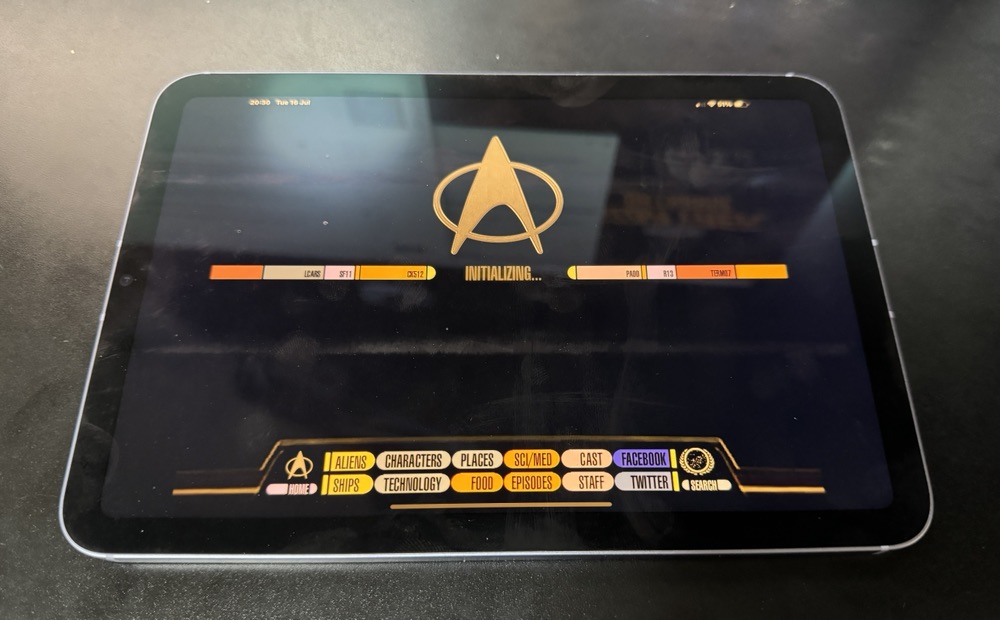
Star Trek PADD’s are not as good as an iPad Mini 6

Years ago, when I was working in New York, I got my hands on one of the first-generation iPads. It was fantastic. Right from the start, I knew this device was going fit a tech gap I didn’t even realise I had until I saw it.

One memorable day, my boss called me into his office. As usual, I grabbed my iPad—I often used it to jot down notes or show something relevant during discussions. Walking into his office, I felt a bit like a character from Star Trek, carrying something essential. I couldn’t resist sharing this thought with him: “I totally feel like Commander Riker walking into Picard’s office to discuss something important.” It earned a good laugh and lightened the mood.

Recently, this memory came back to me while I was thinking about how indispensable my iPad mini has become. It’s with me almost everywhere, serving as a book, a large phone, or a general input device. Comparing the sleek design of the current iPad mini with the clunky Star Trek PADDs from science fiction 30 years ago, I couldn’t help but appreciate how far technology has come. Back then, they only thought about each PADD doing seemingly one thing since people walked around with many of them. 23 century suckers, my iPad mini can multi-task.

Reflecting on these advancements, it’s clear that our modern ‘PADDs’ have far surpassed the sci-fi visions of the past.

Everyone Gets an IP Address

I just got a new internet provider (might blog in more detail about them another time. One of the reasons I like them is they are not restrictive. I get a static IP address on my router. Nothing is filtered. I even get a /64 IPv6 range. Now I am trying to figure out how to use that many addresses. To non tech folks it’s never. That is how much it is.

All I Want Is A Dumb TV

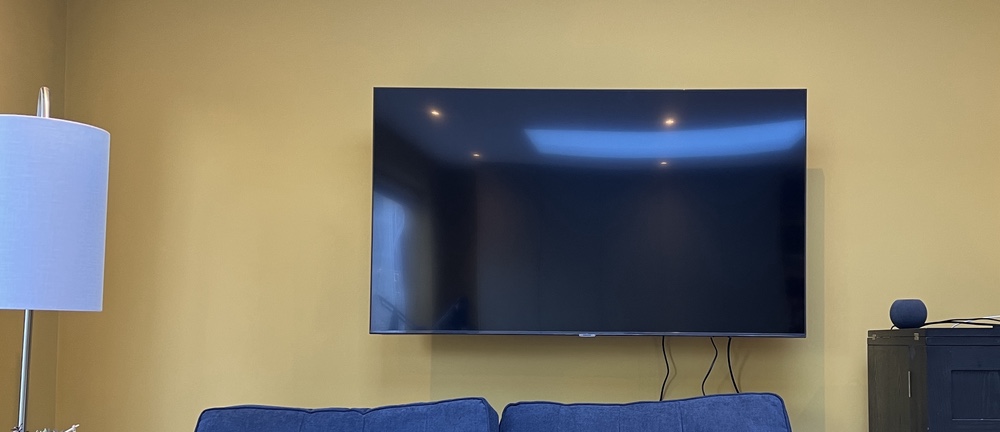
We got a new television back in October 2022. As much as I try to stay up on the trends in technology, purchasing televisions has always made me apprehensive. When I bought the television in our living room nine years ago, I remember spending a lot of time researching and still not being 100% sure what I was getting was just right. The time before that, when I got my first LCD TV, was just as stressful. There are so many features that I really don’t know if having them matters. Even when reviewers say you need 240 Hz or whatever is the thing to get, I question whether it’s really worth the extra money when M doesn’t really care and my eyes aren’t exactly perfect anyway. I digress. I just want to talk about one bell and whistle in TVs today that you cannot avoid: the smart in smart TVs.

When I bought my last television in 2013, it was pretty hard, if not impossible, to get a decent TV without smart software. I didn’t like it then. I only used the Wi-Fi on our other television a few times to update firmware. That turned out to be a great decision on my part. The Vizio TV we had was one of the models where they were caught up spying on their customers. I forget exactly what they were doing, but I think it was either using the microphone to listen in or to see what advertisements people were interacting with. Either way, it was creepy and illegal. It didn’t impact me since my Wi-Fi on the TV was off, so there was no way for the TV to communicate with the vendor.

When I received our new TV, the folks from John Lewis went to set it up for me (it was part of the deal of mounting it on the wall). They asked what my Wi-Fi details were. I told them they didn’t need to do anything and that the television would never join my Wi-Fi network. It turns out, however, that I was incorrect. I tried to keep the television off the Wi-Fi network, but if I did that, I got a warning that remained on the screen until I connected it to the Wi-Fi. I guess the TV was smarter than I thought! 😂

Full disclosure I took the original complete blog entry I wrote previously and ran it through Microsoft Copilot, because why not. The results were not far from what I wrote but just better enough that for fun I am posting it!

The Story of my Technology Stress Dream

In the summer of 2019 I woke up to wrote down the details of a crazy stress dream I had. In the dream, I was working for the leader of a country that was just a bit unstable. Everyone around them seemed pretty out of it and I was trying to be reasonable and rationalise my working there.

Then I woke up. For a minute I was really confused and was not really sure why in the world I had a dream like that. Then I told M about it. And as I was talking to her it dawned on me. The night before I had purchased a SIM card from Google-Fi for our trip to New York that summer. Now it was not as difficult as you might think to associate working for an almost dictator and buying a Google-Fi.SIM card. I actually fretted over the SIM card purchase. I had spent many months previously ridding myself of all direct usage of Google services. Now here I am buying their phone service that inevitably was tracking me in ways that if I fully understood I would probably be very concerned. Then I rationalised the purchase because it was inexpensive compared to most other options and gave me a US number for our trip.

If I’m honest with myself I subconsciously associated buying Fi mobile service with going to work for an evil dictator. It’s not however I should have gone with my initial instinct and stayed away from their services. I know that they harvest data from my information and that’s okay if you know that and are okay with it. I’m not ok with it. I typically try to avoid it for my privacy. I’m also happy to encourage others not to do it. That doesn’t mean that Google is a horrible company. They really aren’t. I have friends that work there that love it. I even went to several interviews with them years ago and seriously contemplated working there.

I found it fascinating that I had that particular stress stream the day after I. made that purchase. I did use the service for the month we were in New York. I then cancelled it and have no intention of getting it again. Besides whatever data collection they do when you have the service it actually was pretty good service. And that is the problem. Not many people say google doesn’t offer nice stuff. it is the true cost that I am not ok with.

Is This Tech Snobbery?

Is it wrong to be tech biased against businesses (by not using them) in 2023 that still say email us and they give a Hotmail address?

Replace Hotmail with AOL and it’s the same question.

If you said ok to the first question do I assume the same is true if a merchants website looks like it originally was on geocities? Points for you if my last sentance makes any sense and you know what Geocities was!

Maybe I have a Hoarding Problem

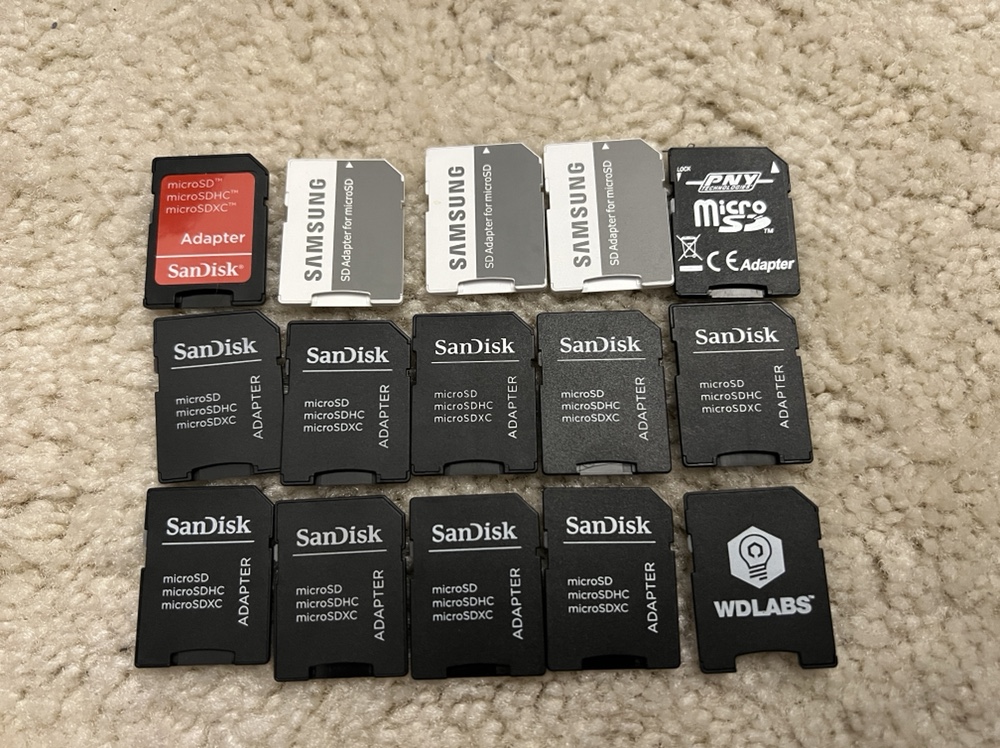
So saving one or maybe 3 of something “just in case” is ok. Having 15 micro SD to SD card adapters is likely past the point of being considered a hoarder.

If having 15 was borderline hoarder then realizing I did not even have a slot on my computer to use the SD card adapters most likely put me over the top.

Classic Text to Speech Voices

Siri

I do not know why I find it funny every time I hear the automated announcements from Amtrak or the LIRR for that matter too. It’s 2023 (almost 2024). In the age of Siri and Google Assistant sounding almost like real people, Amtrak is sticking with a voice that reminds me of (because it’s the exact voice) a text to speech voice used in bad (and good) YouTube video voice overs from 2009.

London or all of England Train announcements are made by real people or pre recorded by people. Amtrak is at least trying to be modern with a full text to speech system. Or cheap, since they don’t have to hire voice actors. I think this particular voice was so widely used because it was free.

So what sounds more modern the old school person recordings or the synthetic one that is literally used in cheap cartoons?