
Please Take My Money: Outback Steakhouse Edition

We were visiting my mom in April and one of the things on the agenda was Outback. I wanted my annual Bloomin’ Onion fix. One of my daughters wanted a a steak. My other daughter wanted anything cheese, Mac n cheese, grilled cheese, whatever.

But that’s not actually what I want to talk about.

This is a new entry in my ongoing Please Take My Money series, where I chronicle the seemingly rare occasions when a company makes it genuinely easy for me to give them money or when they make it really really difficult to do so. This time the subject is Outback Steakhouse.

Outback has tablets at the tables now. Let’s face it I have lived in London for over 8 years. Even though I have been back to Outback a few times since moving I do not recall when they put these things in. For all I know it’s been years. The are little battery powered things on stands. You can play games on them apparently, which I find mildly annoying. I don’t love screens at restaurants. But whatever, we ordered normally, the waiter came by, we talked, it was fine.

When dessert came around he kind of gestured at the tablet and said just order from there whenever you’re ready. So we did. Took our time, browsed, ordered. Completely seamless.

Then came the real test. Paying.

Paying at restaurants in the US is a whole production vs the UK or Europe. You get the bill. You give them your card. They disappear with your card. They come back. You add the tip. You sign. They take the bill and everything with it. You wait for the receipt. The charge your card again for the new total. The whole thing has like six or seven steps and your credit card is out of your possession for half of them, which from a security standpoint is not great. Europe figured this out a long time ago with chip and pin. You never hand your card to anyone.

So I was curious how the tablet checkout would go, half expecting to hit the usual wall. You know, they could make it easy. They sell you on how quick and easy it is and then you get there and it wants you to create an account. Enter your email. Set a password. Agree to marketing emails. All of that. None of it for your benefit.

Thankfully Outback went with customer convenience over their data collection. The screen showed the bill, everything itemized. Tap to pay. I tapped. It asked if I wanted a receipt by email or text, or not at all. That was it. Done. I get they can get your email or phone number by getting the receipt. I prefer that since it doesn’t stop me from paying. I also have no problem giving an email with no account creation since I have disposable emails give out for situations like this.

This was genuinely one of the smoothest restaurant checkouts I’ve had in the States in years. So good on you, Outback. You make a solid steak and apparently you also understand that sometimes people just want to pay and leave.

On my please take my money scale Outback got top marks.
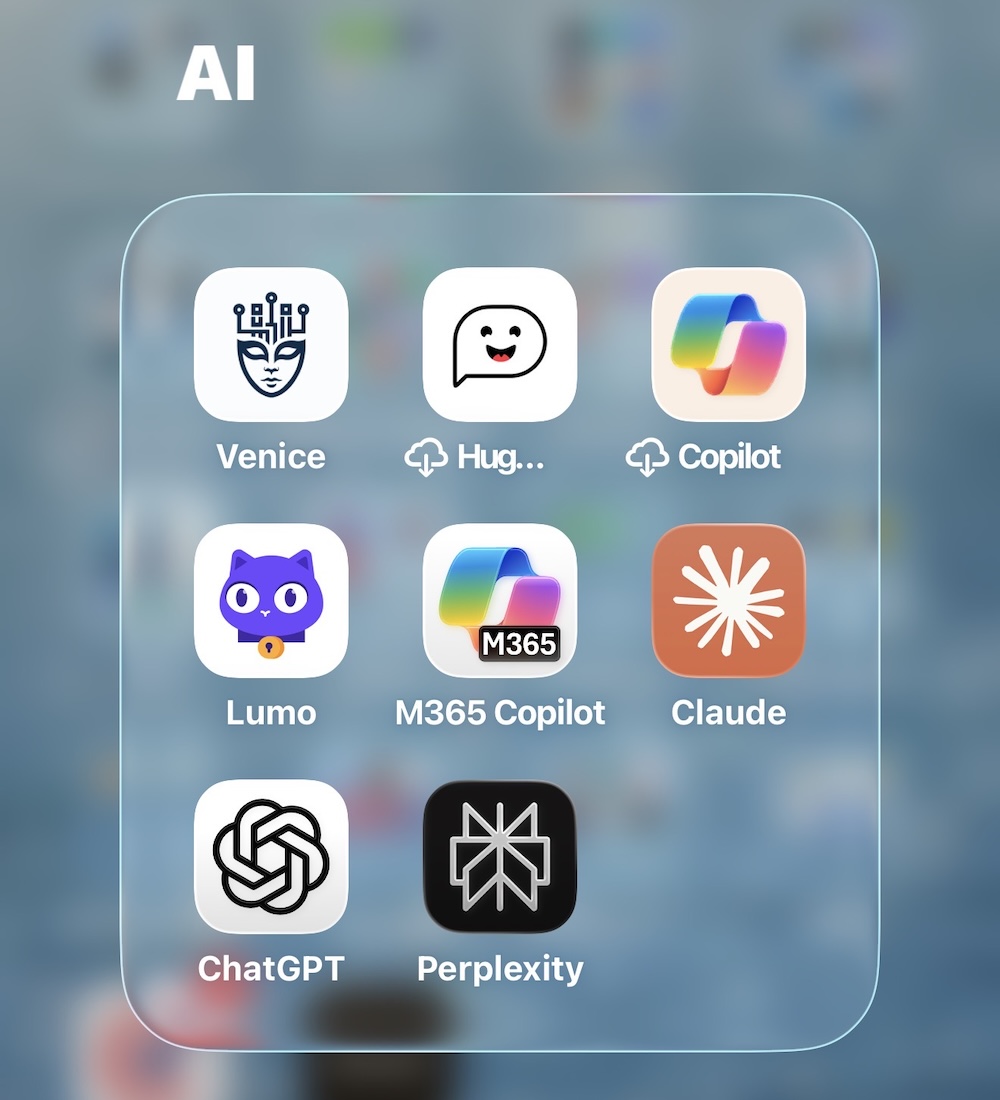
What I Actually Started Using AI For

I’ve been writing about my AI journey for a few posts now, and I’ve talked a lot about which tools I use and how much I trust them. But I haven’t really gotten into what I’m actually doing with them day to day. That’s what this one is about.

Trip planning was one of the first things that clicked. When you’re searching for flights and hotels, every website limits what details you can give it. With AI I could be hyper specific. If I’m flying with just the kids it’s this configuration. If my wife is with us it’s that one. These are the types of hotels we like, these are the amenities we need. It could actually hold all of that and work with it.

It didn’t book anything, but it helped me build out exactly what we were looking for and where to go look for it.

Then it evolved. I used to use Trello boards to track trips day by day, reservations, what we were doing when. Now I do all of that inside the AI itself. It exports as a YAML file I can save and reload if I need to start a fresh chat. Since privacy matters to me I’ll delete a chat when I’m done with it, but the file means I don’t lose anything. I have a general preferences file I keep updating, and then a separate file for each trip. It works really well.

I did something similar for days out with the kids. I took a week off last August and it was just me and the girls. I built out a history file of things we’d done and liked, threw in our preferences, and used it to plan the week. On Tuesday we have this, I need to figure out Wednesday, here’s a restaurant nearby that fits. I’d already been doing some of that in a neglected Trello board, but this way it was all queryable and easy to update.

Date nights with my wife got the same treatment. I’d go through our preferences, confirm them with her, and then present her with suggestions. I’ll be honest, I wasn’t exactly hiding where the ideas came from. More like, hey, I told the magic box what we like and this is what it came up with. Sometimes it was completely off. Sometimes it was genuinely spot on.

More recently it’s been helping with meal planning for the kids. Mine are picky eaters, so it was a lot of back and forth on what might actually work. It helped me land on a couple of new meals and then built a schedule to track them. Basic stuff on the surface, but genuinely useful in practice.

One that I found unexpectedly cool was using it to wrangle my Trello data. I have boards for things to watch and books to read. When I tried to pull that data into an AI the file was massive. So I had the AI help me write some scripts to strip out everything I didn’t need, took a two meg file down to about 50K, and then I could actually work with it.

Which brings me to audiobook recommendations. I was a little cautious about feeding it my reading history since it builds up a fairly personal picture of you. But I write about what I read anyway, so it felt like a reasonable trade. I’d give it what I read, when I read it, what I thought of it, and ask for recommendations.

Hit or miss, honestly. Some suggestions were weird and when I pushed back on them it would just fold immediately. That should always give you pause. But when it got it right it was actually pretty useful, and interrogating the reasoning often got me somewhere interesting even when the initial answer was off.

Which is a good lead in to something I want to dig into a bit more. It does some genuinely impressive things, but it’s far from perfect, and that part matters too.

The Case for a Private AI

So when I started paying for ChatGPT, I’d hesitate before putting anything into it. I had to make conscious decisions about what I was okay sharing and what I wasn’t. In some cases it was easy. I don’t care about this, so fine. In others it was something I did care about, but the convenience won out and I’d bend my own rules a bit.

Come May or June 2024, I read about Venice.AI. It was intriguing because I wanted a private AI, and what these guys had built was designed from the ground up around privacy. Nothing stored, no logs kept. Yes, there’s still that moment in time where they’re processing your data, but they’re keeping nothing after that. Their entire business model is built on trust.

Are they 100% trustworthy? No. The only way to truly guarantee that is to run your own model. But they were offering something real, so I was intrigued.

The reason I hadn’t gone the local model route already was my hardware. I had an M3 MacBook Air with 16 gigs of RAM. I could download LM Studio and run stuff, but it was slow and clunky. Just not the experience I was looking for. I looked into cloud-hosted GPU options too, the kind of thing a friend had mentioned, but it was a lot of configuration and effort I just didn’t want to deal with. Funny enough, nowadays I could probably have Claude Code help me set that up in an afternoon. But I’m getting ahead of myself.

So when Venice came out with a pro plan at $49 a year as their introductory offer, which has since tripled, though as of my last renewal I was still grandfathered in, I figured for that price it was worth trying. It’s definitely more rudimentary than ChatGPT, but the privacy confidence is real. I’m still careful about what I put in it, but I’m more willing to share certain things there than I am with the public models.

They’ve since launched different models with different privacy levels, which is worth knowing. Some are fully private, some are anonymised but not fully private. You have to pay attention to which is which.

Fast forward to summer 2025. Proton, who I’ve been writing about for over ten years now, and at this point calling them just my email provider doesn’t really cover it, they do storage, VPN, and a bunch of other stuff, launched Lumo, their own privacy-focused LLM. I gave it a try.

The free version was pretty limited, so I added their paid tier for a few months while waiting for my main Proton plan to renew in December. The jury’s still a bit out on it. It did some things okay. From a pure trust perspective I probably trust it more than Venice just because I’ve been a paying Proton customer for a decade. But the way Venice has architected things, it’s actually more private. Lumo is more convenient though, and private enough for most of what I need.

One of the trade-offs with Venice’s full privacy mode is that nothing persists. No data moves between devices or browsers when you log in. Lumo does sync, but you’re trusting that it’s still zero-knowledge on their end.

I’ve actually been using Lumo recently for some things that are genuinely private, things I wouldn’t put near a public model. My logic is simple. I’ve been paying Proton for years to store sensitive documents privately. So why not use that same platform’s LLM to process those same documents? I’m not going to get into specifics here for obvious reasons, but it’s been useful.

The broader point is that I don’t always trust the public models, and honestly you shouldn’t either. But over time I’ve become more relaxed about certain things. It’s a constant cost-benefit calculation. The privacy models are getting better, and even the public ones will sometimes tell you that for certain tasks you don’t need high-level reasoning anyway, so a privacy model is probably fine.

The hard part now is knowing which model to reach for. Which is a whole other post.

As with the first post in this series I used AI to generate my banner image. I am not saying it’s good. I am just saying what I did.

From Sceptic to Subscriber: Beginning of My AI Story

I can’t believe I’m only now really starting to talk about some AI stuff, and ChatGPT launched in November 2022.

Looking back, I really didn’t do very much with it for over a year. The first six months was kind of like, okay, that’s cool, fine. I did a lot of reading about it separately, but I really didn’t do a heck of a lot until February 2024.

So over a year later, things were mature enough that I decided to take the plunge and try one of the paid services. Through the summer of 2023 I was definitely doing things here and there, but I was sceptical on what it could do. I was sceptical on its privacy. Well, I’m still sceptical on its privacy. But I didn’t pay for anything, and I was what you’d consider a light, casual user.

February 2024, I upgraded to Copilot. I also upgraded the family to the Microsoft 365 family plan at the same time, which you kind of need for Copilot Pro, or don’t, I forget. But there was a reason I did both at the same time. I treated it like a trial. Paid for it, but gave myself 30 days to see if I’d actually use it.

And I liked it. But the main reason I’d gone with Copilot was for the Microsoft Office integrations. That’s what sold me on it for personal use. In practice though, they just didn’t meet expectations at the time. And once I started talking to friends about it, the logic became pretty clear. Copilot is powered by ChatGPT anyway, and ChatGPT at the time had more plugins and a lot more flexibility. So why was I paying for the middleman?

I only used Copilot for about a month before switching to ChatGPT in March 2024.

I started using that on and off. In the beginning I’m not sure I really got my money’s worth, but it was worthwhile to have something and actually use it. I was able to use it for things like tutoring the kids — there’s literally a way to set it up so it won’t just give them the answer, it walks them through the problem. Stuff like that. A whole bunch of different use cases.

But what became apparent straight away was that there were things I was very hesitant to do with it, because it was, and still is, unclear what they actually do with your data.

For context I ran this story through an AI image generator to get a banner for this entry and after 3 tries it came up with what I used.