
Ever since I started working on building my backup network using raspberry pi’s and BitTorrent Sync I’ve started a list of other home projects I want to do with technology. One of the things that’s been in my head however not high on the list actually do was create a VPN endpoint with my home router so I could VPN in while remote. I tried to play around with open VPN and ran into some pickups. Didn’t have all the time I really needed to sit down and figure it out so I gave up on the project. Even while I was trying to set up an inbound VPN friends of mine at work were saying it was probably overkill anyway.
At least one if not more people recommended that I set up a SSH proxy on one machine and use that to connect to all the other resources. I like the idea but never gave it much focus until recently. I have a Zotac ZBox C Series Mini Computer that I have been running Ubuntu Linux on for a while. I’ve been baking it in as a next-generation BitTorrent Sync machine for my network. I hadn’t deployed it yet and figured I would try using that as my SSH proxy.
The proxy itself was trivial to initiate to the box. Deciding how I would configure my computer was not difficult however it took some thought so I could be connected to the proxy in one web browser and not affect all other Internet traffic. I opted to try FoxyProxy in Firefox. I do not normally use Firefox on a day-to-day basis so being able to dedicate that browser for direct proxy connections to my home network seemed reasonable.
The setup worked with less than 30 minutes of configuration. Once I was able to prove to myself that I can do this and maintain I needed to figure out what my permanent solution would look like. The Zotac likely won’t stay at my house and I’m using it for other things. If ongoing have a proxy I use often I want isolated and basically have it do one thing only. I opted to set up one raspberry pi as a dedicated SSH box. At the moment I have enough spare pi’s to dedicate one. I initially had concerns about the 100 Mb limit on the network card however I doubt I’ll be doing anything of high traffic that I should worry.
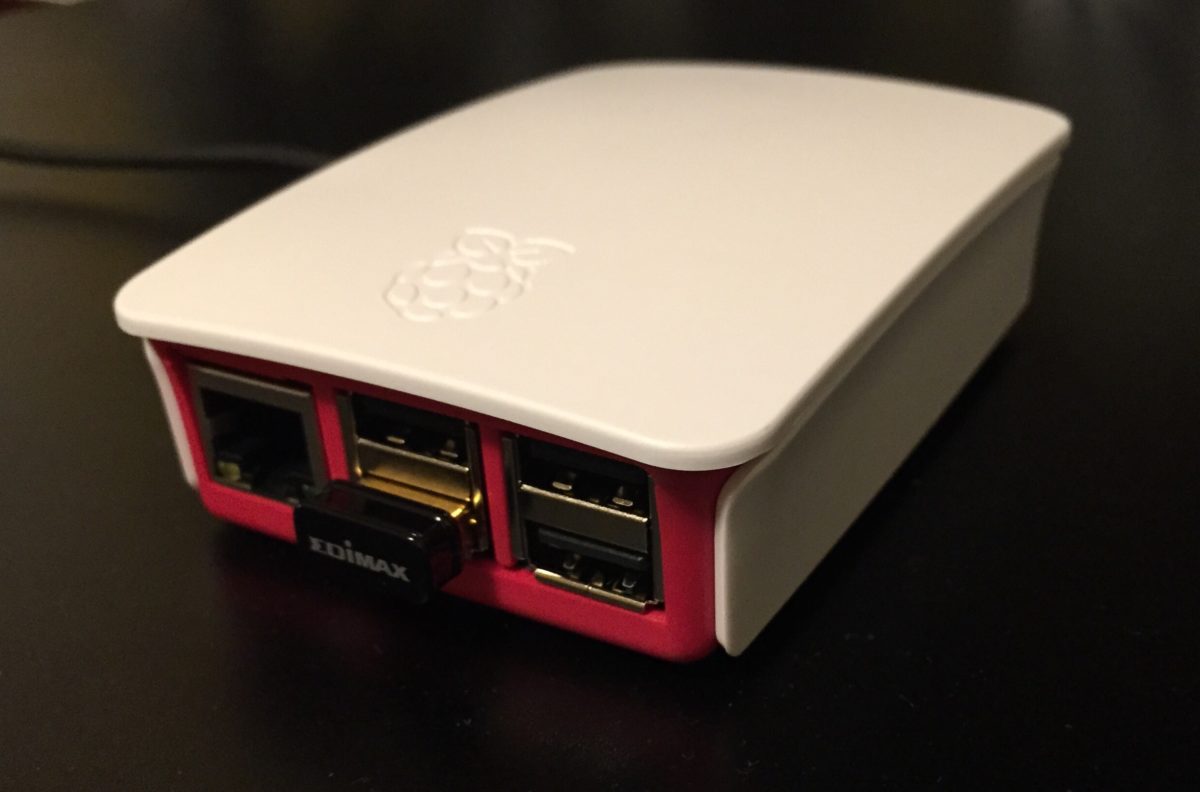
My set up for now is simple enough. I have a plain-vanilla Rasbian install on a Raspberry Pi 2 with a 16 gig SD card. I have the pi plugged into an ethernet jack on my router. Besides SSH I installed Fail2ban to protect myself from potential attacks on the Internet. I also used a password of significant complexity for the login details. I have a dynamic DNS entry set up so it’s easy to connect from anywhere.
This setup works well on my laptop however I am not sure if I could get it working using my iPad. That’s one trade-off with this configuration however most if not all of the services that I previously exposed to the Internet should be fine with this limitation. If anything I can use remote desktop software from an iPad to connect to a local machine and then bring up those services.
The next thing I want to do involve making it easier to access my home network while on my laptop remotely. That mainly involves configuring Royal TSX sessions to use my proxy details. I also would need to set up the proxy connection within royalty TSX. I also need to finish creating localhost entries for my home network services as well as bookmarks within Firefox to make accessing everything easier. As much as I want to do that all up front it’s a little bit of effort that I will probably just take care of as I need it.
An additional enhancement I would like to make is to go beyond having Fail2ban and a strong password to enabling to factor authentication. That will require A bit more skill for me to learn and at least one hardware USP token. For now I consider that a reach goal.
I still want to find some time to play with inbound VPN configuration. Even if it’s just to show myself I can do it. For now however the SSH proxy more than meets my needs and is working today. There are other projects on my “Technical Maker Board” that I set up that I’d like to get to next.