
2nd data breach in a week or so where my data is exposed. “Under Armour discloses breach of 150 million MyFitnessPal user accounts” it is the 3rd or maybe 4th in a year. On one hand really glad I use one off emails and random passwords for MyFitnessPal. On the other hand compared to the Equifax breach this is nothing:(
Technology
Pi Net Expands
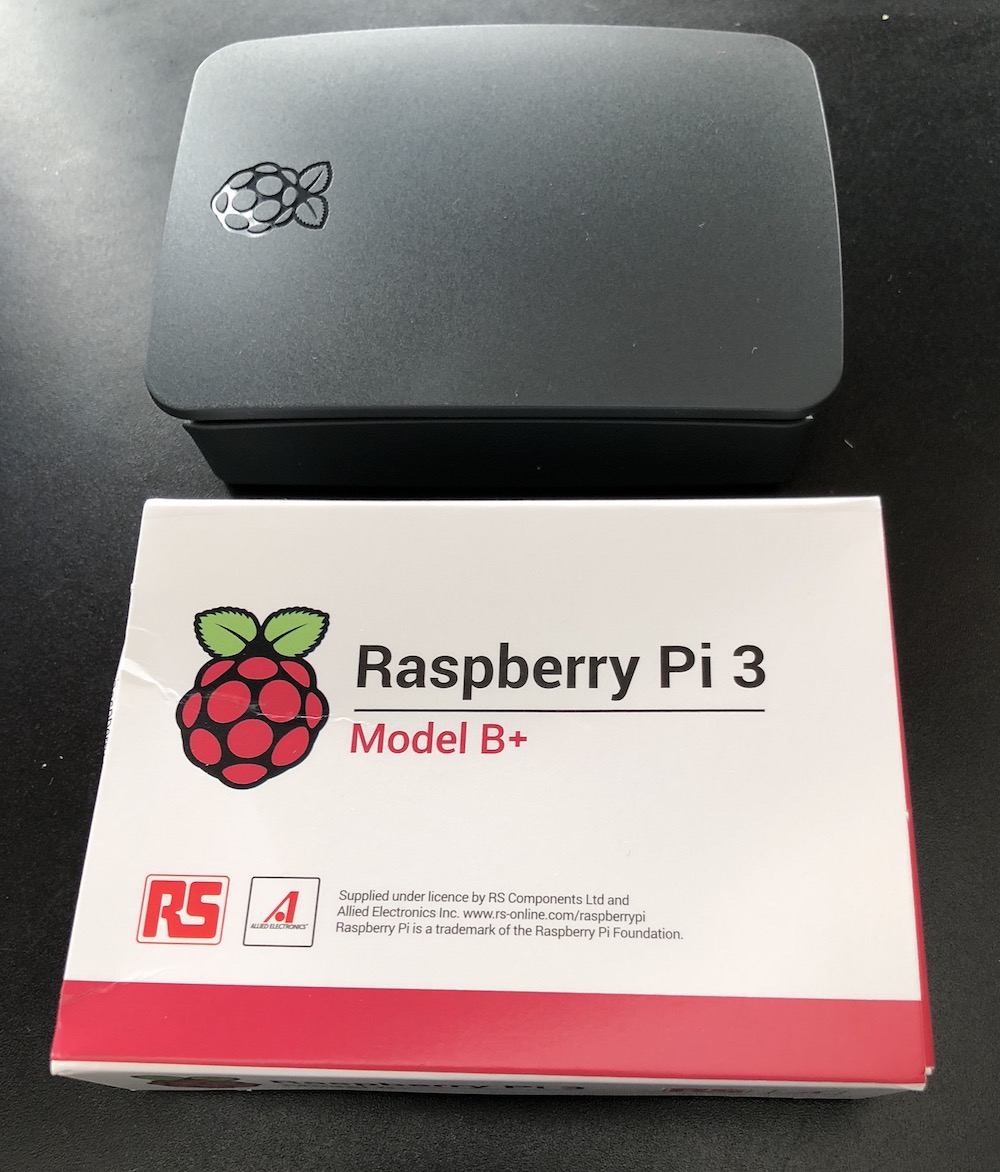
My new Pi 3 B+ arrived today. All my other Raspberry Pi’s are 2’s so this one should be significantly more powerful. I didn’t really “need” it however I wanted to play around with it. I haven’t written longer posts in a while however I now am using a Pi for RetroPi game console, an OSMC (Kodi Open Source Media Center) and two other ones I am trying to setup a docker swarm with. I hope to write more about my projects later. Now off to install Rasbian.
IRS Scam
Hi IRS robo-call that sounded like you were from the movie War Games. Here is the thing. You called on a number I do not think I gave the IRS. You sounded very threatening. Good job scaring people however I don’t think the government will do that. Also how is 2 phone calls all you give to warn people? The real IRS has reached out to me in the past. it is several letters, not just two calls. Nice try.
The best part about this is when I called the number you called me at you answered the phone right away. Like one ring. Do you really think i am going to believe that a government agency like the IRS is going to pick up in one ring with no IVR saying hello IRS? I was tired so I didn’t decide to play with the guy who I got on the other end of the phone but I thought about it before I hung up.
All of that and a simple internet search of the number you used for your caller id: 347-966-5628 comes back with reports of spam. https://www.callercenter.com/347-966-5628.html#complaints
I should be annoyed however I was slightly amused.
My Never Ending Qwest for the Perfect Task App
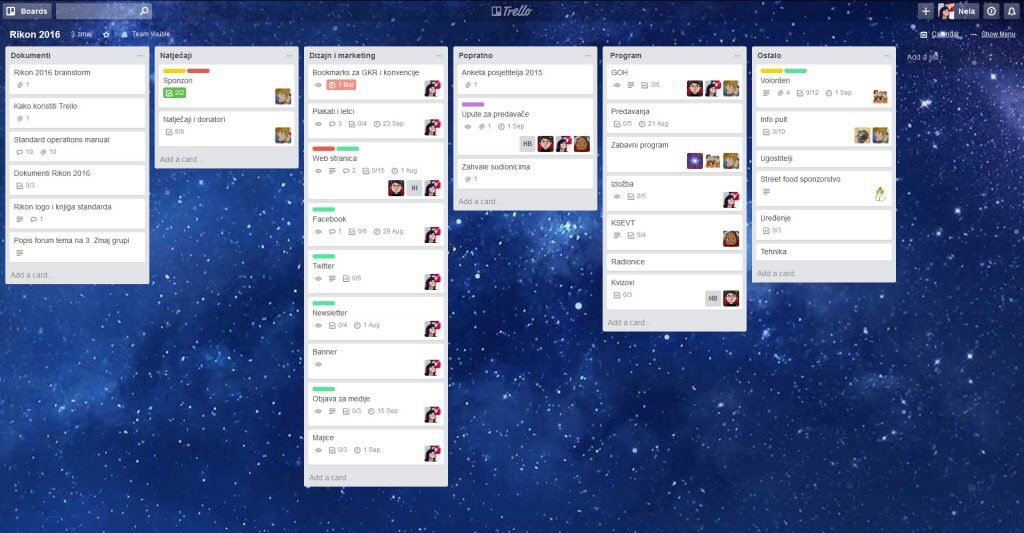
Some would say i am a pretty organized person. I sometimes it doesn’t feel like that, however most of the time I would say i am generally pretty organized compared to most people I know. My problem has sometimes been my tracking of what i need to do has gotten too complex.
For several years I had been trying (and sometimes succeeding) at following the Getting Things Done approach to taking care of my actions. I had been using a web service called Remember The Milk to do that. I have written about it a few times in the past. RTM has iPhone and iPad apps that made it easy to take my actions lists with me and edit them offline. I was content using it for several years but sometimes I dabbled with other systems trying to find something better. I never really found anything and always ended up back with RTM.
Back in 2014 I started implementing a kanban approach to some procedures we do at work. Reading up on kanban has gotten me to think adopt some of the concepts to my personal life. That line of thinking got me to branch out from RTM. A big part of kanban is visualizing your work. RTM just generates basic lists. I tried having several lists to denote different steps on a personal kanban system but it was lacking a lot of the visual element when i couldn’t see all the steps at the same time. I also had challenges with sorting projects in RTM. I could create them but that required a smart list for each project. That caused me to have a ton of different smart lists that i had to look at in order to see my tasks. RTM also had a limitation in that they didn’t offer sub tasks for a task so in order to group several actions together i had to create a project even if it was small and could be represented by one “card” and several sub tasks.
In searching for several different options I came across Trello. After testing and playing around with several similar applications I settled on moving my work and personal task management to Trello. Since the summer of 2014 my use of Trello has exploded. Not only do I use it for personal and work boards. I track meeting agendas in it. At one point we had a training schedule at work using it. For personal projects such as planning for vacation we use it. I have a board for places we want to try or like to go to for lunch at work. The board I like to show as an example of how to use it when people ask is my Mixology board. There I clipped from the web recipes of mixed drinks that I want to learn or have already mastered creating. I try to share a few family boards with my wife however she is not as big on task organization as I am.
The biggest drawback to Trello originally was the fact that there mobile applications didn’t really handle off-line synchronization. In the past year however they’ve added that functionality so while I’m on the subway I am able to update a board or individual cards and they sync up to the cloud when I get network signal. There are some small limitations to this however not something that has prevented me from using it. Things like checklists don’t load when you open the card without network signal.
I’ve been happy to pay the five dollars or so a month in their Trello Gold subscription. I almost want to pay for the full $15 a month professional plan however no one else I interact with does that so functionality would be limited.
In the several years that I’ve been using Trello (I didn’t realize it has been over 3 already) I have tried to look for alternatives. Not because I’m unhappy, just because I’m always looking for the next great option. Folks at work have used the GIT task board. I have played with Microsoft office 365’s task boards and neither of them come close to ease-of-use or functionality. So for now Trello it is. Until at least Atlassian messes it up now that they own it. Here’s to hoping they don’t.
Please Take My Money CVS
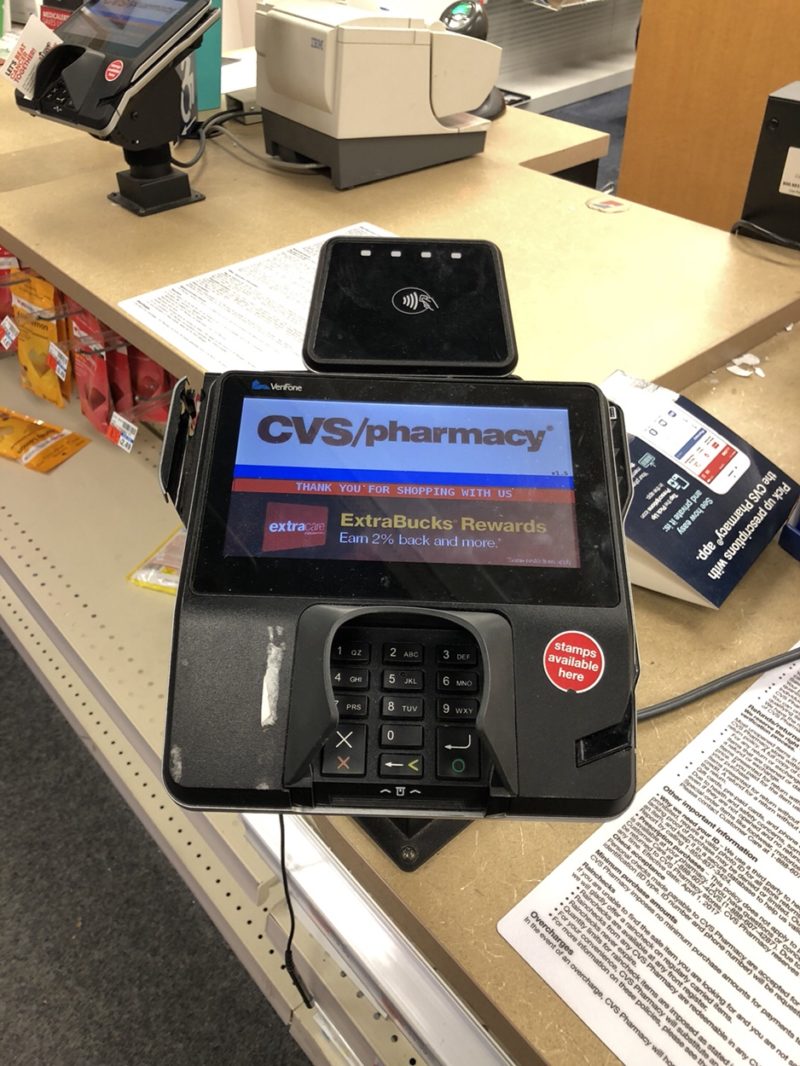
Prior to my big move while I was on the topic of writing about target and NFC payments regarding Target I had to go to CVS and pick up something. While I was waiting to check out I was reminded that CVS has the shiny new point-of-sale terminals with the big logo for tap to pay that doesn’t work. If I remember correctly they used to allow it and then when Apple Pay came out they turned it off. It was because they were a partner of CurrentC and didn’t want their competitor to work.
Whatever happened to companies going sure I will take any form of your money so you can buy our stuff? It reminds me that I wanted to create a web series about “Please Take My Money”. It started with Macy’s. I wrote about it a few years ago: If I wrote more about it, I would chronicle all the challenges I’ve experienced with companies not simply letting me buy their stuff or give them money when it should be really easy. In CVS’s case it’s they want to save money on the transaction fee they pay credit cards. To do that they turned off all cordless payment systems that competed with CurrentC. Thankfully that service that was only good for the retailers and not the consumers failed. Apple Pay still not working at least at my local CVS.
Dragon Anywhere vs Siri
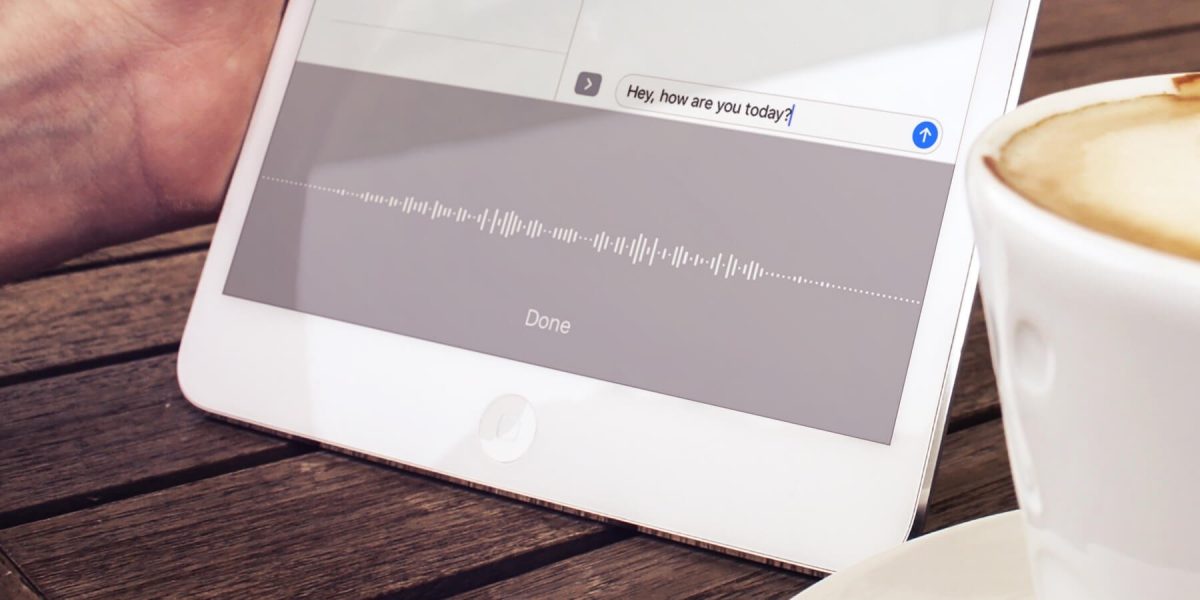
For a little over a year I was using Dragon Anywhere on my iPhone to dictate my journal entries and this blog. I found it very useful. It was pretty accurate. It was much better than Siri however not as good as the Dragon Desktop app on my Mac.
The app was great for when I was walking and could dictate things I was thinking about. I found myself doing much more writing when I could reliably use that app. The downside however was the price. It cost around $15 a month. Over the summer I stopped using it for a few weeks and got wondering if I really needed it.
When I started to use dictation again it was right around the time that iOS 11 gold master was available. I was trying that out along with the dictating some texts. I noticed that the dictation function was more persistent than previously. That means I could talk for longer without it dropping off. The user interface also stayed on screen for the dictation icon instead of reverting back to the keyboard all the time. This made it easier to actually dictate more in the native keyboard. On top of that it seemed that Siri had gotten much better at dictation. It is still not better than Dragon however it is much more compelling to drop the $15 a month expense of dragon now.
Interestingly I’m not missing dragon that much. I am however not dictating as much as I did previously. I’m not sure if that was just a psycho I’m going through where I write less and then go back to it. Or if ease of using Dragon really is worth it. Right now my primary objective is to cut costs so in unnecessary $15 charge is gone something else to replace it however I feel that’s much more compelling and on related. That’s for another story.
I find time to write when I’m walking. This blog entry for example is being written, dictated while I’m walking to pick up my kids from school. It’s a great time filler and allows me to clear my head. What I really need to do is set aside time when I’m home and use my computer and the dragon software there. It’s much better at recognizing words however it requires dedicated personal time but I’m not always willing to give up..
At Least My Amazon Tap Is Ready For London
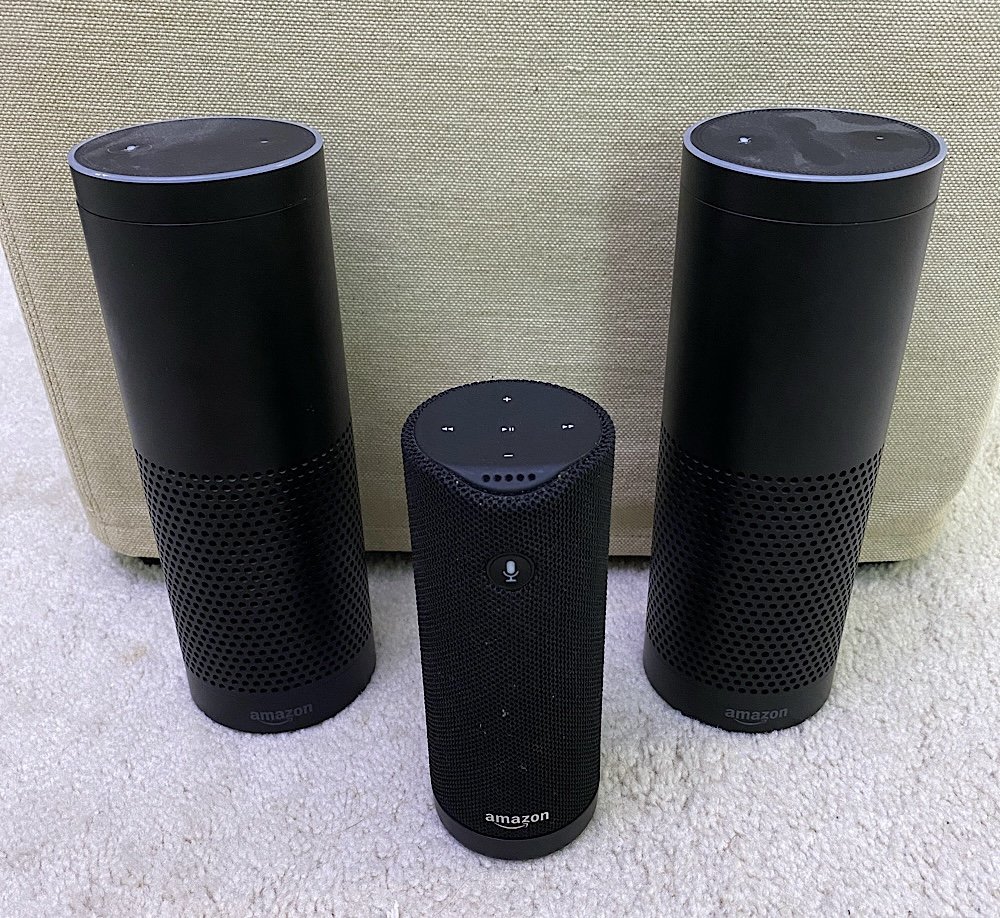
I followed a how to on Reddit for how to get my Tap working in the UK. It wasn’t straight forward like an Echo since it apparently is not sold in the UK. I was prepared for a challenge however it worked on the first attempt. For the next day i have to remember the time it gives me will be in GMT. MC and I are also going cold turkey and have the Tap giving us weather in Celsius. Apparently its a thing. Thankfully the Tap can convert stuff for us when we have no clue what it is telling us in Celsius.
A Test of The HorcruxNet
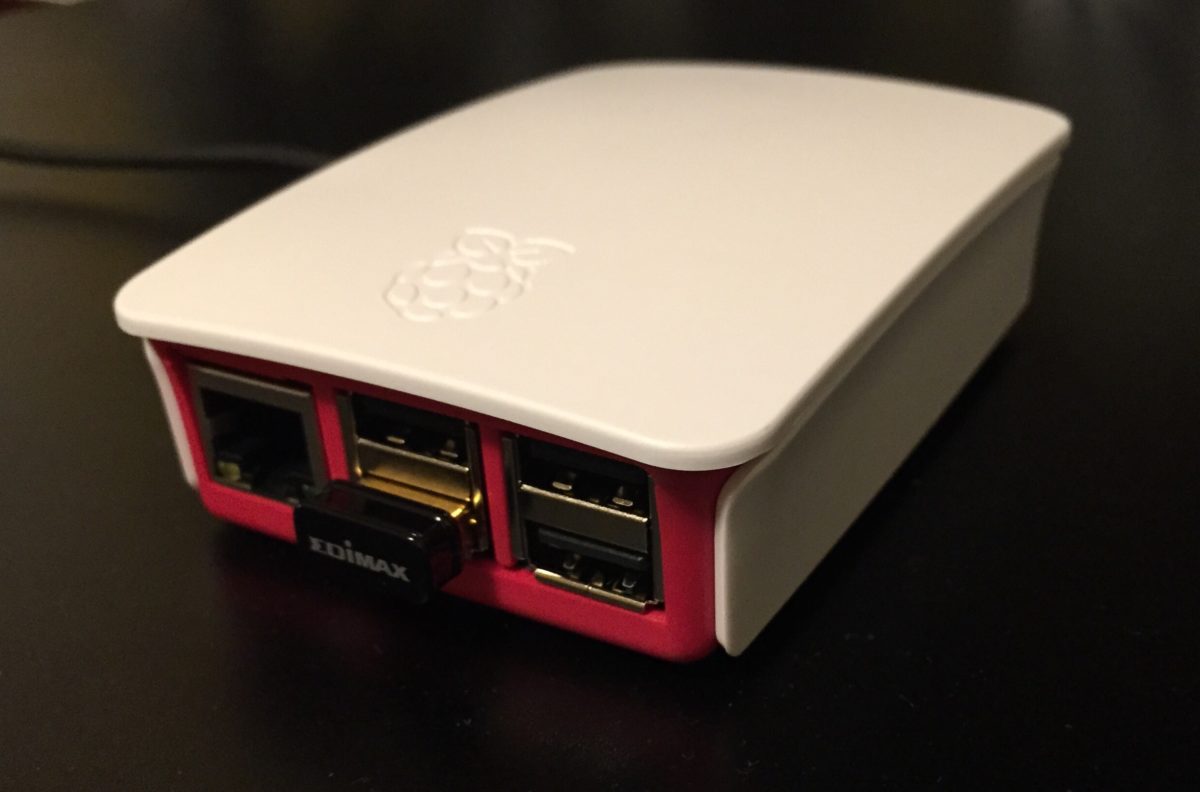
When explaining my Resilio personal cloud setup to someone at work they replied that i have my own personal Horcrux minus the killing. I liked the idea so I think i am naming my Resilio backup setup HorcruxNet.
The network is having its biggest test this week in its 3 or so years of existance. I am moving. Movers are packing up our stuff tomorrow. That means i am putting my electronics into “Cleaning Lady Safe Mode”. it is what i used to have to do when our cleaning lady showed up. I would unplug everything so she didn’t mess stuff up. She did a few times.
I have expanded my network to have replica or partial replica copies on my laptop. I also have 3 working remote sites thanks to friends and family hosting some nodes. While we move and my two primary full nodes (my Synology) and mac mini) will be offline for about 4-5 weeks. During that time my remote hosts will hopefully keep humming along. With my home network offline i doubt there will be much changes however since my laptop has a partial replica if i do make changes it will propagate out.
I love a nice well configured computer system if I do say so myself.
Amazon Tap, Tapped Me Out
I bought an Amazon Tap so my spooky spying music speaker can travel with me around my new house. I know officially the Tap isn’t sold in the UK however I have read a few people who documented the hoops (and there are a few) to go through to get it to work.
My Tap arrived yesterday and setup was super easy. I did notice that the wake word is Alexa. Unlike the Echo you are not able to change it. I was cleaning up around the apartment and took it with me to listen to Spotify. After about an hour it stopped working. it kept saying it lost its connection. My Echo and all other devices working fine. I repaired the tap with my wireless yet it still isn’t working. I bought another Amazon speaker partially because it was branded easy to set up and get working.
I didn’t have the mental energy to deal with trying to reconfigure this. By the 3rd restart of the device while it was in its charging base it started working again. Lets see if it stays working ok.
From Cellular to Mobile
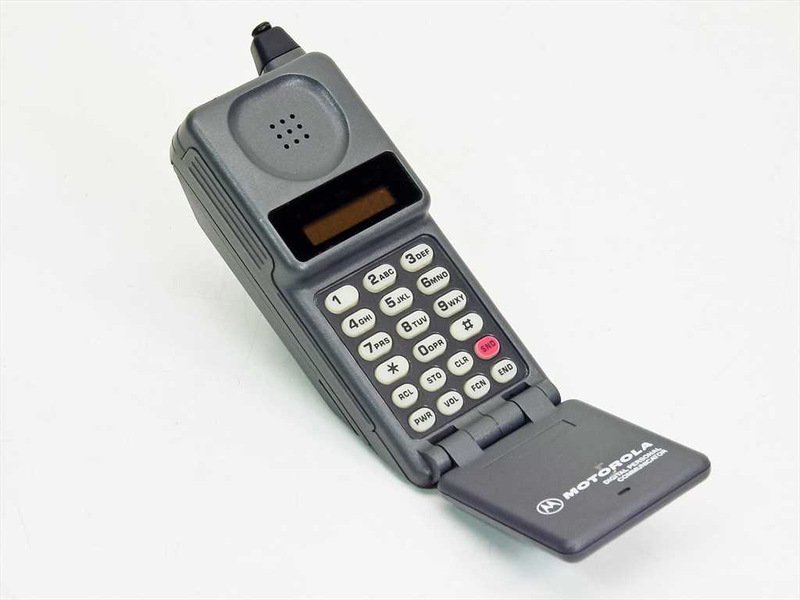
One of the first things I need to get in England is a phone. More specifically a UK Sim card for my iPhone. It sounds pretty simple. You can get them pretty much anywhere. Seriously the recommendation was to buy one in a Tesco (a Grocery Store) Surprisingly for an American they’re super cheap compared to US plans. I think we pay around $130 for two iPhones and one iPad with about three or four gigs of data and unlimited minutes between them.In the UK you can get close to unlimited or unlimited minutes and three or four gigs of data per line for about 15 to 20 pounds a month. What I found is not all plans are created equal.
I’m probably a stickler for technical details more than most people however there were a few things that I’m concerned about. For one what is the service look like where we want to live and near my office? When I had AT&T in time square I basically could not use my phone for three years at work. That’s not really acceptable in 2018. Since we own our phones were looking for a pay as you go or a pay monthly without contract.
I’m going to try 3. The reviews have been decent. I’m concerned about coverage but I’ll have to be there to test it. The advantage they have over everyone else is for about the same price they offer complete roaming in Europe and the US for no additional charge. That means calls to the UK and data usage is like I was still in the UK even when traveling. I would need to continue the use of voice over IP solution when calling US phone numbers however that’s not different from when I would be in the UK as well. That set up seems like the most liberal roaming policy of everyone. It’s even better than the T-Mobile options I have in the states now.
One thing I learned that I heard rumors about previously was you by prepay some cards from the grocery store. That’s a little different from the US. While on our house hunting trip I bought a 3 & EE SIM card at a Tesco. I wasn’t able to use 3 Sim card I bought. I was able to use the EE card for my phone and i bought another one for my iPad. I didn’t really pay attention to signal strength in the neighborhood we were looking to get a house. I also wasn’t near the office very much. I was hoping to settle on a carrier during the trip and then keep the number when we moved. What I learned when I went top up the prepay card while I was there was to do a top up remotely you need a local address. Even though I had a local debit card it’s still tied to my US address until we move. At the time of this writing we don’t have a house sorted so I will either not use the number I got or once the house is sorted I can top up a card and be ready for when we arrive.
I know I can do most of this when we get there however especially for technology challenges like this I want to be prepared. This particular challenge won’t get resolved until were actually living there. I will likely post an update once I have figured out what we will do and then see how it goes.