The Story of Plex Back on my DiskStation

My Intel NUC i5 inexplicably died in late February 2022. I am not sure if it was the main board or the power supply. I got a new power supply on eBay and that did not fix the issue so it was an internal component. I was not sure if the computer is fried or it’s an easy fix. So after procrastinating a bunch I just gave up on it. It was likely a lot of effort to fix or just toast anyway.

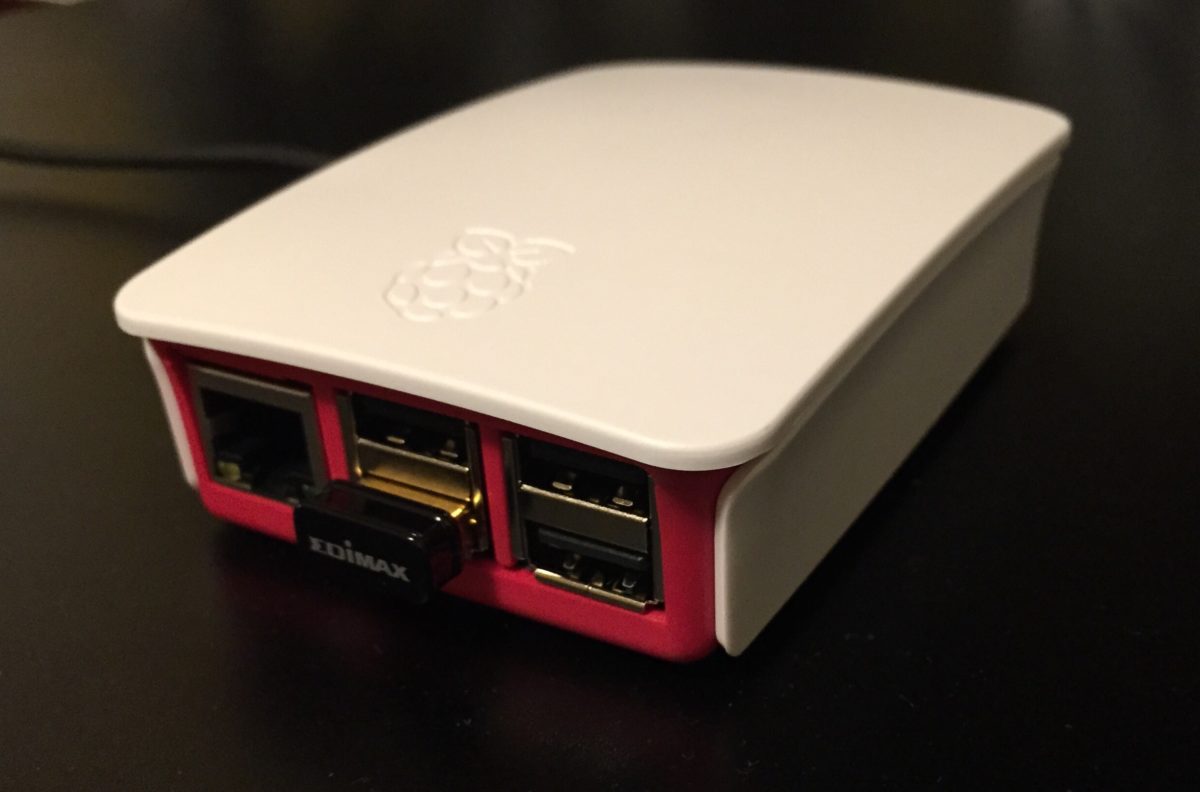
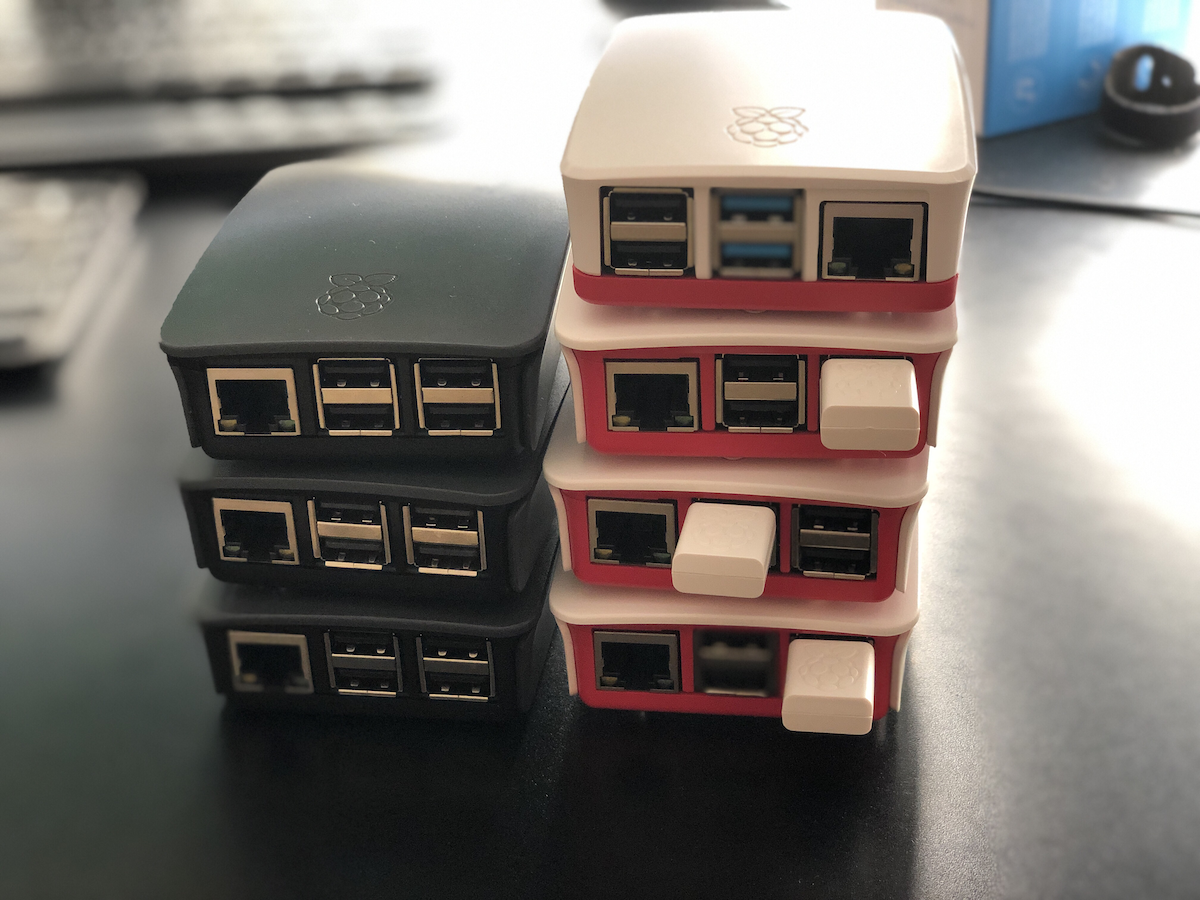
Until I can either replace or fix the NUC I needed somewhere to run my Plex Media Server. As luck would have it I already had an instance of Plex running on a Raspberry Pi 4. It couldn’t transcode but it worked ok. It was not a real replacement for the NUC.

Instead I installed Plex (again) on my Synology Diskstation. I hadn’t run Plex on my Diskstation in years. The main reason was both my backup software Resilio & Plex running on my Synologu DS422+ at the same time would crash it with out of memory errors. After some testing I was not able to replicate the failed state with both software now. I am not sure what I am doing differently or if one or both apps improved memory management. I was able to get them to coexist. For now that means my Plex lived on my diskstation.

Then in October my Synology Diskstation DS412+ had a power failure. The array was degraded. The Diskstation was over 10 years old by then. I made the decision to upgrade to a new Diskstation DS920+. I also upgraded drives to give myself approximately 35tb vs the 10 I had previously. Luckily the array was degraded on the DS412+ however not totally destroyed. I was able to mount 3 of the 4 original drives in the new Diskstation and then over a few weeks one by one replace and expand the array with the new bigger drives.

I have been running on the new Diskstation for a few months now with no issue. The Dikstation with all the apps I use only averages 25% CPU, and with 8 gig RAM only on average is using about 1/3 of that. I can go bigger on the RAM if I want to so I have some room to grow. The hardware transcoding on the DS920+ is why I chose that NAS over others. I have not been disappointed so far. The only annoyance was less than a week after I bought the DS920+ the DS923+ came out. I had waited so long to buy a new one in the first place hoping the new model would come out only to finally get one after giving up on the 22 models then have a new one come out straight away. A small consolation is the reviews of the new device are mixed so I may have been lucky to get the old one.

The Story of The New New New Web Hosting Provider

I have had numerous hosting providers in the past 25 years. Do I date myself by saying that? It is the truth I guess. I have hosted a website in one form or another for easily over 20 years. Trying to think of them I cannot recall all the providers I have used. I have had full service web providers. I have hosted my own. Way back when I first started out I even used free sites like Geocities or hosting via my AOL account. Yes I had one of those. I have had dedicated service providers for just mail and blog. And probably for a while I might have done nothing other than simply used Gmail. Over two years ago I moved to a provider siteground.co.uk. They hosted my blog, some email domains of mine that are not on Protonmail and any odd and end webiste I put up. For what they offer it is probably overkill for me. I signed up because the previous provider I had Hostpoint.sh contract was up. Hostpoint was on the expensive side.  They were a great provider for what they offered. The cost benefit for me did not make it economically sensible to continue to use them.  Siteground had a really good deal so i signed up for a 3 year contract with them. For me three years is like a lifetime. I never used to like 1 to 2 year mobile phone contracts. The deal was too good to pass up so I signed for that term.

Now as I write this I have less than 6 months on my site ground contract I looked at how much the renewal cost will be for my hosting. Without the deal the prices it is about triple what I was spending. I have had zero problems with Siteground. Like Hostpoint they have been a fantastic hosting provider. My challenge is for what I use them for the price they’re charging just seems ridiculous. I could host a site myself at home if I wanted to sort out mail relaying. I do not want to so I started looking for alternative providers. Oddly most hosting providers are not very cheap.  yeah $5-$15 (£3-£12) or so sounds inexpensive however it adds up over the year. Most of the good ones are on the higher end of that range.

Giving up on the relitivly expensive consumer proivders I ended up looking at lowednbox.com for deals for a VPS.  If you do not know a VPS is. a Virtual Private Server. So basically a virtual machines at a hosting provider. A friend showed me the lowendbox site ages ago and i really didn’t bother looking into a VPS.  I was doing too much with my Raspberry Pi’s so did not want to pay for any remote systems.  Now however a cheap (£1-£3) a month VPS (Virtual Private Server) might just do it for me.  Most of what is offered at the £1 range may not be enough RAM for my needs however for slightly more or basically £15-£23 a year i can get a pretty decent virtual server that i could replicate most of what i get from a provider. In my search I even found a provider that does shared hosting (what most people get as webhosting) for $1.50 a month.

I wasn’t sure what i wanted so i picked up two seperate deals (3 if you could a VPS i got for a VPN project that i may write about another time) from lowendbox.com.  I got the cheap $1.5 a month shared hosting as well as a VPS for a year for £22.  Even with both providers I am paying 25% of what i would have paid if i renewed siteground.

After a bunch of trial and error with the cheap shared hosting provider and the VPS I settled on the VPS. While I was figuring out what to do and realised the $1.50 a month basic provider didn’t seem to be working out I approached the situation a bit differently. My VPS can support my website pretty easily. Even if there is a reliability issue the website doesn’t need to be up 99.99% of the time like email kinda needs to be. That meant I could decouple my mail hosting from my website if I could do it cheaply enough. I went about trying to find an email only hosting provider. The problem was just like with regular hosting everyone offered really cheap introductory rates and then the price was much higher. With email only hosting providers it was kind of funny since the price they were offering I could buy a cheap complete hosting package for the same amount of money. I then continue to look for relatively easy to maintain out of the box email applications so I could possibly host a dedicated email VPS. That was proving problematic.

In my research around hosting my own mail on a dedicated VPS I stumbled across someone reviewing a relatively inexpensive email hosting provider. Their annual plans that offered more than what I needed were pretty cheap. What was even more interesting was the fact that they offered a lifetime plan that was only slightly more limited than the annual offering I was looking at. That lifetime plan options was also more than enough for my needs. It was approximately three years worth of hosting upfront to get the lifetime plan however the company seemed to be around for a while and pretty stable. I assume that I could at least get a return on my investment in the first three years. If I am lucky I won’t have to worry about paying for mail hosting for a while beyond that. The email provider was MXRoute.

I set up a few of the email domains that are use already and the system has been pretty stable. The final cut over was moving the mail domain my mum uses and that I sometimes use. The move was pretty easy. The only challenge was setting up mum up while she is in the US and I am in the UK. The fix was getting her to use GMAIL. She had a GMAIL account she previously used already. I just directed her GMAIL account to pull from her old hosting provider I had. I then switched her over to gmail in two FaceTime sessions with her. Then once GMAIL was working I simply changed the POP account settings in GMAIL web for her and migrated the MX records of the domain. Overall there was not may issues.

With mail sorted I went back to the VPS I setup and got my blog setup. I decided to use Yunohost for the VPS. it is an app that sits on top of Debian that lets me administer the server and install other apps pretty easy. it had a one click install for WordPress (what I use for the blog) as well as many other applications. After playing around with the setup for a while I decided to move the blog over and hope for the best. I found a plugin that pretty easily migrated the blog from one instance of WordPress to another. I then changed my DNS and everything moved over pretty well. I am finishing writing this in on 6-April, exactly one month from when I moved over to my VPS. So far things are working fine. Only thing different for me and the old provider so far is that I need to remember to monthly take a backup of the site in case I break something.

Overall my VPS is costing me £24 a year. If I kept site ground that price would not cover 2 months on the regular priced plan I would have to move to when my contract runs out. Now lets hope I do not mess up my setup since I only have myself and friends to fix it vs a provider!

Editing note I wrote this in Feb 2021 and agave been slow to post. Funny enough even though I change my tech setup a lot this post is still accurate a year and a half later.

Coffee With Cortana

I did not goto the office from March 2020 through August 2021. Since August i have mainly worked from home with periodic days in the office. I’ve said it before that my walking to and from the train on my commute was the bulk of my exercise.I was lucky in the sense that walk give me about 80% of my daily activity and step count needed for at least a basic level of movement. While at the office I would deliberately walk further when doing things to get more movement in throughout the day.

I’ve written about some of my exercise routine during the lockdown so I won’t rehash most of it. Since April 2021 and the restrictions on lockdown easing I have been trying to get out more and more for coffee. It is one way I try to offset the lack of my commute and the exercise that comes with it.

I had been typically meeting up with friends in the morning for coffee. The way my schedule works is early morning is really the only consistent time I could get away. The challenge was catching up after taking a 30 minute break or getting peoples availability on a consistent basis.

On a separate thread that becomes related later I’ve been playing around with Microsoft outlook on my iPhone. For several months now Microsoft has had an option that it will read you your mail and allow you to audibly take actions on it. at first it was a novelty. Then they kept adding features and I figured out a workflow that was useful for me. I found that if I had a lot of messages I could listen to them and flag the ones that I wanted to look at in more detail or respond to, or take any action on later. Things that weren’t important or I didn’t need to do anything with I could simply archive. I also could except or decline meeting invites. In essence I wasn’t able to completely control my inbox using Cortana reading to me however I can organize it in such a way that when I sat at my desk I could focus on specific things to do.

One day when no one was around to have coffee I figured why don’t I just go anyway since it was a lovely day. before that point I was not really using the Cortana read to me functions that much so it did not dawn on me to just go to coffee and sit and listen to my mail. On one faithful day in June that’s just what I did.

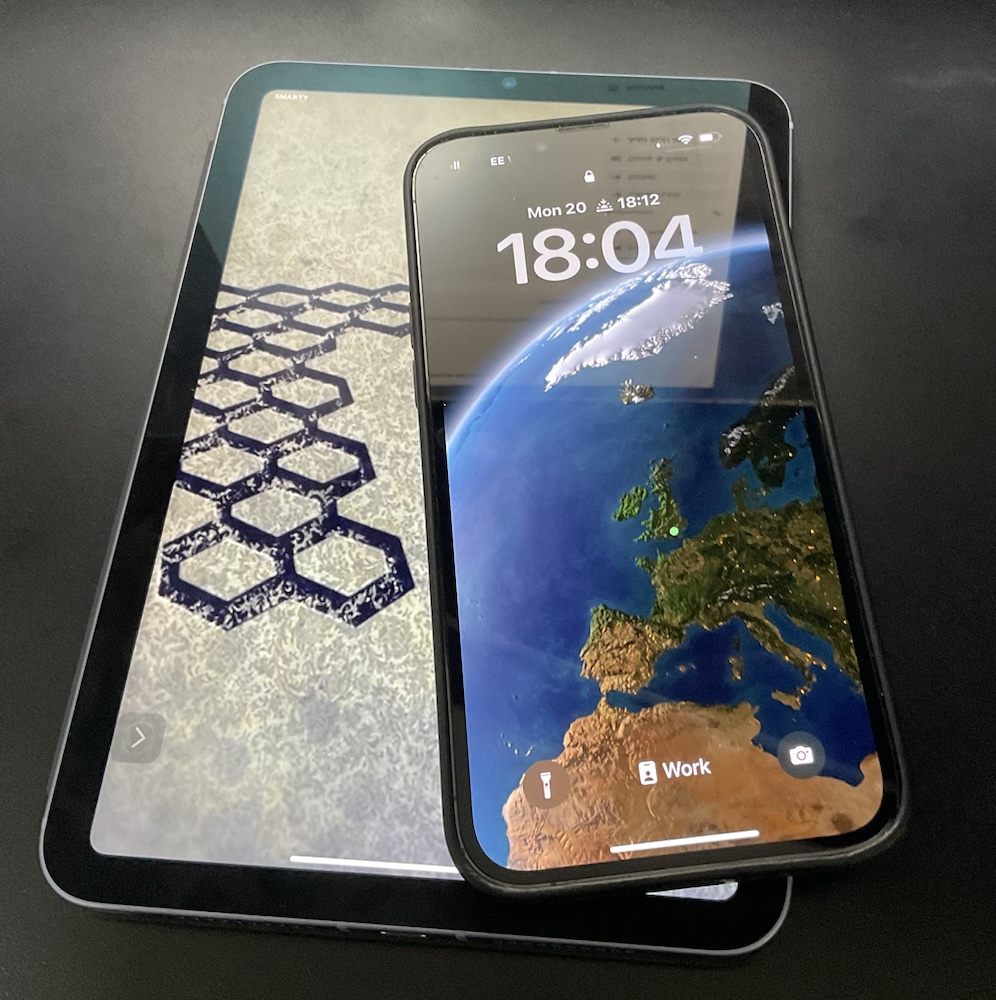
Once the males done being read to me I typically have a list of flagged mail that I need to either file away or take actions on. usually I break out my iPad and write responses to things. Anything that requires further research or dedicated time on a bigger display I’ve created to do task from that. From there I generally have a good feel for what immediate work I need to do today beyond my longer-term project and task list.

The coffee shop I have been going to is near my house and after the school drop off appears pretty empty most of the time. The staff is always super lovely and I can sit out in the back garden when it’s not cold or raining. Actually I think they even have heaters when it’s cold however I’ve only done that once or twice. i’m pretty pleased with my routine and hope to continue doing it weather permitting.

I originally wrote this article over the summer of 2021. Sadly the coffee shop i wrote about is gone. Now a days I go to other ones and generlaly am using Cortana more on my walk to and from the school runs with the kids.

The Story of Our HomePod Mini’s

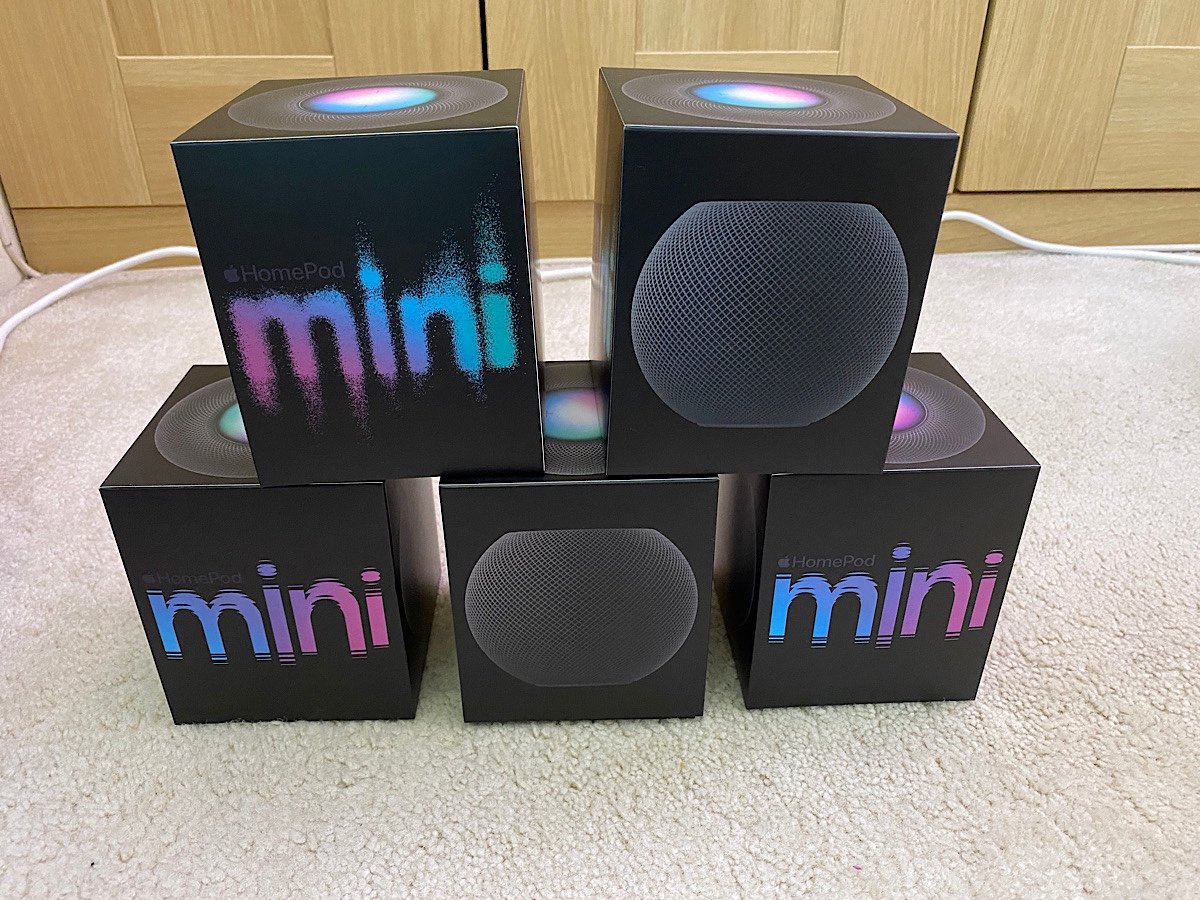
I mentioned in a previous post about Amazon Echo‘s “Comming Full Circle with Amazon Alexa” that the Apple HomePod minis came out at the perfect time for me. Not only did it fill a gap that I voluntarily created by not using Amazon echo anymore. I also had some gift card money and was able to pick up several of the HomePod mini‘s when they came out and not break the bank.

The original intention was to put speakers in every usable room. We put one in the kitchen to replace an echo. We replaced another echo in our master bedroom. I replaced the last echo in the guest room / office with another mini.

We had a charging base for the Amazon tap in the living room and we put two HomePod mini’s there. The intention with the two HomePod minis in the living room was to make them stereo speakers to use with the Apple TV. They sounded fine however we noticed early on that there was a delay between what was spoken and what we saw on the screen. That was really annoying so I reverted back to my Bose speakers that were hardwired into the TV. We still have both HomePod minis in the living room however it’s only for stereo music playing.

I like that I can handoff from my iPhone to a speaker to play music. What I don’t like is it’s not a consistent experience yet. There are times when it takes a really long time to hand off. There are other times when it tries to hand off to my office speaker when I just have my iPhone on my desk near it. Same problem happens on my nightstand at night sometimes.

Another function I like is streaming to multiple devices at the same time. Although that has been a problem in the past when there were a few instances that I couldn’t break the pairing as easily as you would think. It feels like the functionality is improving however it’s not quite fully seamless.

I also like the intercom. The girls like it as well. They’re not yet using it to message us between rooms however they are using the speakers to put music on every once in a while.

As of this writing it’s been over six months since getting the speakers and they may not be functionally on parity with an Amazon echo for us they are working out just fine.

My Experience With Our School Acceptable Usage Policy For Parents

One of our daughters is moving up into a new school. As part of this transition there is a lot of paperwork to fill out. I could rant that in 2021 why is there 25 pages or more of physical papers i need to fill out instead of some online form. I could however this post isn’t about that. Within that paperwork is a document that I need to sign called the “Acceptable Usage Policy for Parents”. It relates to technology and social media.

In theory i like the idea of the document. It outlines what us as parents should be doing and not doing related to our kids, other kids and the internet. The document is written for people of all levels of technical experience. That is why when i read the section that starts with “I understand that whilst home networks are much less secure than school ones…” i could not stop laughing. I thought it was very cute they thought their network was more secure than most people’s houses. For one thing with so many people and devices coming and going from their network i doubt that statement is true for most people. It is laughable in relation to my home network.

I am not even a network security expert. I know most of my non-tech friends think I am however I am no where even close. The last time i logged onto a firewall that wasn’t my own must have been 2006. Still yeah sorry school that I won’t say its name, no you are not more secure than home networks. I wouldn’t even think of joining your network without a VPN.

Thanks for turning a morning of filling out boring forms into an entertaining blog post though!

Note the photo is unrelated to this post. I needed something “techie” as the default photo for this. I took the photo of my iBook circa 1999 a week or so ago when i powered it up to check it still works. It does.

I wouldn’t

Apple Watch Went British

My Apple Watch is sporting UK colours for the Tokyo Olympics. Well in commemorating the Tokyo Olympics Apple came out with Country colour watchbands. I was already debating another band for my watch so I was intrigued at the options.

Out of all the national ones to choose from I thought i could only get away with the UK or US ones.Out of all the options I kind of liked the Swedish one the best. Since I don’t live there and really have no affiliation to their Olympic team I went with the Great Britain colour scheme.

To all my American friends and family that is not a political statement. I kind of just liked it better than the stars and stripes American one.

I am still torn on who I will be rooting for in the Olympics. Either no one since I doubt I’ll watch it or the US team.

For full disclosure that watch face is on my watch however i am not using it since other than for this photo and to show off how cool it is. Using it totally takes away from the added value of the shortcuts on almost all the other watch faces of the watch.

The Story of Coming Full Circle With Amazon Alexa

I purchased my first Amazon Echo in April 2016. At the time I noted in my personal journal that the threat modelling used to justify the purchase said it was probably okay at the time. I also said and repeated for a while that I know at some point in the future I would need to likely get rid of the device for privacy reasons My friends who were big into security looked at me like I was crazy when I bought it and talked about. Most everyone else at the time had no idea what I was talking about. Those the new of the echo thought it was cool.

When we moved to the UK I purchased an Amazon Tap. The Tap is now discontinued portable speaker with Alexa. We used it around the house before we moved since the other echo was in transit. I packed it in our luggage and when we arrived in England and got our internet we had a music speaker. Even now we mostly use the smart speaker for listening to music and setting timers. Right after we moved simply having a speaker in the empty house was the goal.

Once we were settled in the wired Amazon Echo ended up in our bedroom. The Tap wound up in the kitchen so we could move it around and use it when we needed to. One of the advantages of the tap was that you could disable the always listening mode of Alexa. That way you could turn it on only when you wanted it to do something. It was less convenient but more secure. That was a selling point for me. Then we just got lazy and left it on all the time to unknowingly call out for it and have it not hear us two or three times before it reacted.

When I was debating on building out and an Internet of things network in the house I purchased another Amazon Ech Plus or whatever they called it. It was the version of the Echo that had the ability to become a home hub. That went into the guest room/my office.

Over time I kept reading stories of the privacy concerns people had with the the Echo speakers. I also experienced one or two shall we say oddities with the speakers that made me think it was listening a little more then you realise it should be. I convinced M to use a plain old “dumb” Bluetooth speaker for music in the Kitchen. I was able to get her one for £25. I also purchased myself a portable Bluetooth Speaker so I could listen to my audiobooks. With that new speaker I unplugged the bedroom echo. With M’s Bluetooth Speaker I intended to unplug the Amazon Tap in the kitchen however I didn’t feel that M was comfortable enough with just the Bluetooth speaker to do that.

Around this time Apple did a funny thing. They released the HomePod mini. Based on my current threat model that was my opinion the answer to my technical challenge. We had some gift card money so I purchased a few of the Home Pod Mini’s at John Lewis when they came out. I immediately removed all three of the Echo’s that we had.

The home pod mini is not as feature rich as an Amazon Echo. For what we use it for it has so far been good enough. That’s another story for a different day. The reason I bring it up is it was the final piece to the puzzle that enabled me to throw out the Echo’s and still have a relatively safe alternative.

Technically I did not throw anything out. I gave one of them to my nephew and another to a friend of mine. I think we still have one left to give away or may have given it away already. I cannot recall. We also still have Amazon Fire’s that the girls use. I severely limit what they can do and there is no always on listening. So it’s not like I just stopped using Amazon hardwa. It’s that we don’t use their what has always been a bit spooky audio devices. And now if you’re thinking about it I am not a hypocrite. Apple’s privacy policy and how they use the recordings on the surface seems much more palatable then what Amazon does. That means at least for now I’m happy to leave Apple devices listening in the home and not Amazons.