My MacBook Pro Repair

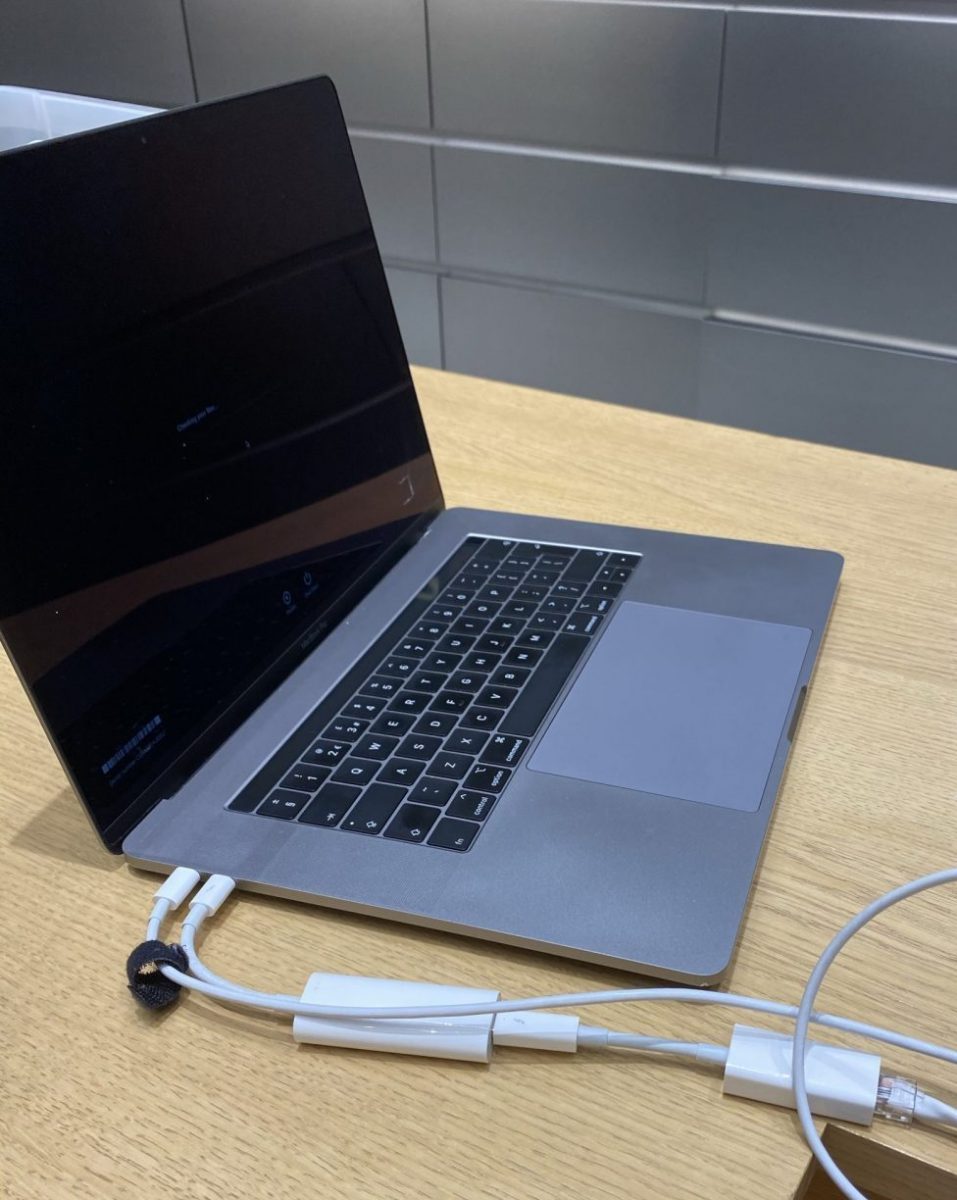
Even before the lockdown in March I was working from home a lot. It was cold, i was sick on and off in the early winter, etc. That meant that my MacBook Pro was almost always plugged into my desk monitor. One day a few weeks ago I unplugged reboot it and do something on the native keyboard and not use the bluetooth one I usually do. When i did i noticed that the lid did not close all the way correctly. The bottom bulged out a bit as well and did not sit flush with the table. I had a bad feeling something was wrong with the battery.

Once lockdown was lifted enough i wanted to bring the laptop into the Apple store. problem was all appointments seemed to be booked up. After days of trying i saw an appointment open up for mid week on the week i was on holiday. Turns out i was right and the battery likely had an issue. Luckily work had apple care on it with support left for over a year. I hopefully get it back within a week. To Apple’s credit I got a call/email 6 days later saying the computer was ready. I wasn’t able to get out of work early so I picked it up the next morning. Exactly a week after I dropped it off.

I am thankful that I setup a Windows 10 machine at home that I was playing around with. I was able to use it for the 2 work days that the MacBook was out at repair.

My New New New MacBook Pro

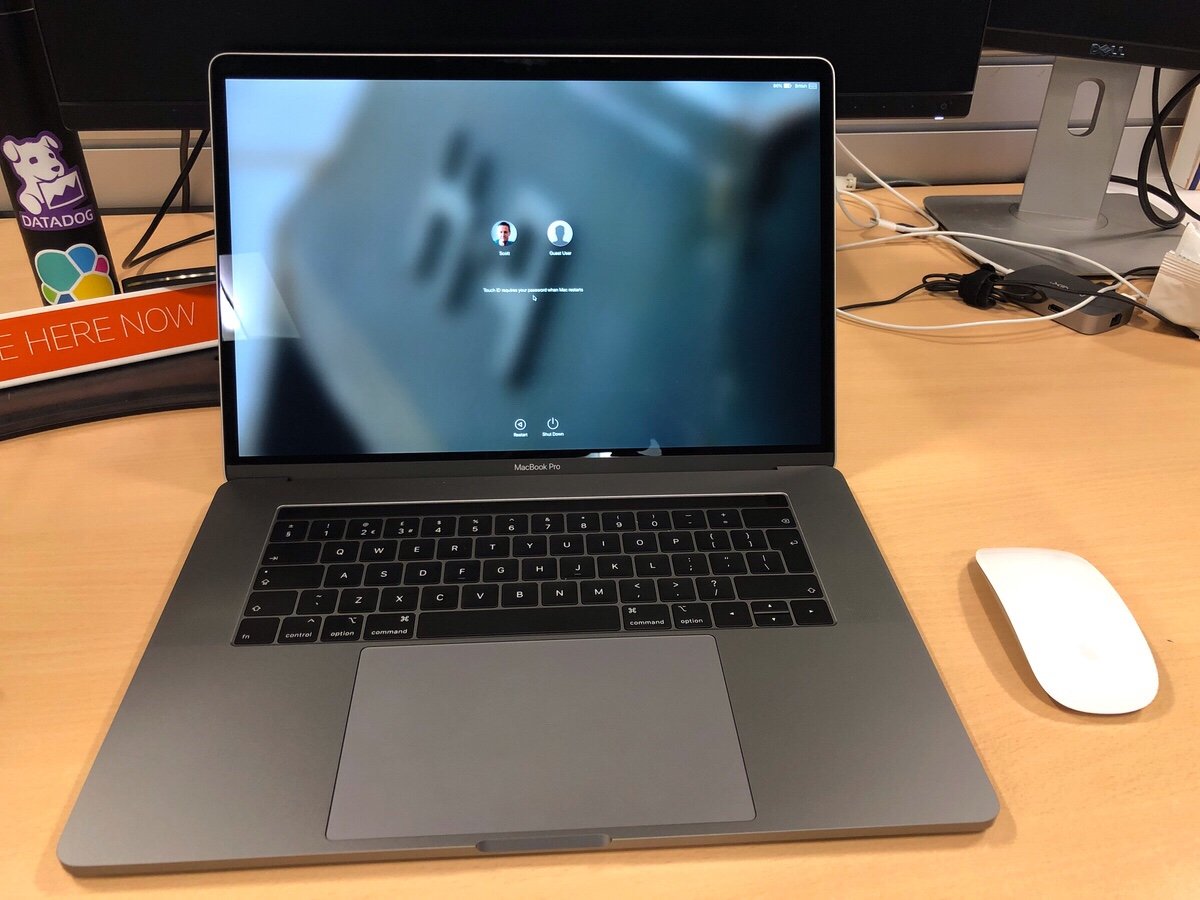
Yesterday (as of writing not publishing this) I got my new MacBook Pro for work. I requested it in May and due to several factors I only received it in late August. The good news about living through a huge lead time was that after the new model was announced I got automatically switched over get that one since they couldn’t source the old one. Turns out they will order you a new computer when the battery starts bulging on the old one to the point where it won’t lie flat on the desk anymore. On top of the fact that it was out of warranty.

Thew new MacBook Pro is pretty nice. It is a well-equipped 15″ touch bar in space gray. I spent all of my spare time over the past two days including last night on my couch trying to set it up. In many ways this computer is more powerful than the 2015 13 inch pro I have. In others it’s not. It has the same amount of RAM. It also comes with the same SSD size. The processor is several generations newer. There is a discrete graphics card in it and it is the same weight as my old 13″ model since prior generations made the machines lighter.

The biggest first world problem I have with it is that it’s a 15″ machine. It doesn’t fit into the bag I have and love. It may be the same weight as what I had previously but compared to a new 13″ model it is a pound heavier. One of the reasons I opted for the larger one is that a lot of time I work from an office that I am not officially based out of that is nearby. I don’t always have the opportunity to get a desk with a monitor. Working off a 13 inch screen with my eyes isn’t the most fun thing to do in the world. The 15″ is a bit better but still not obviously the same thing as sitting in front of a 24″ or 27″ monitor.

The decision I had to make was what has become the typical laptop trade-off question. Do I go for size at the detriment of performance? Or do I go for the bigger much more powerful machine? In my case I yin-yang and went with the larger MacBook. The final deciding factor was simplicity. The size and configuration I ended up with is a standard offering. The smaller 13″ MacBook would have to be a special order and thus take more time. The feedback I got from friends who tried it said just buy the 15 inch and be happy with it. So I did the opposite of what I did several years ago when I went from a 15″ to 13″. I went from small to big. My reasoning changed because my situation changed.

One of the huge downsides of the new Macbook’s are the fact that they require USB C. Since most devices are not USB C I need dongle’s. I have two USB to USB C adapters in my bag. A USB C to DVI adapter in my bag. On top of that I have a small dock in the office I travel to and a full dock at my regular office. Hopefully more USB C native devices will come out however its been a few years since these models were launched and its not much better than it was when they first came out.

Next up is getting my stickers on it…

The New MacBook Air

This week turned out to be a two laptop week.  I was already thinking about selling my existing 2010 Macbook Air and upgrade to the new i5 2011 Air’s that just came out in July  when I convinced M to order a new Macbook Pro but I finally pulled the trigger on the new Air today.

I was waffling for a while since the 2010 model is still perfectly good.  The big drawback for me was the processor wasn’t anywhere near a desktop or even a bigger laptop’s speed.  That changed when the new i5 Air’s came out.  After figuring how much i could sell my old Air for i decided to make the jump and upgrade.

I have bought lots of stuff at the 5th ave Apple store but today was actually the worst experience i have ever had there.  It was super crowded and it took forever to find someone to help me, only to have them tell me oh you need to find a free computer and tell the ipad sitting next to it you need assistance and then you will go into queue to get help.  Problem there is everyone is on these laptops for hours surfing Facebook and two no one tells you that is the process.  I have bought more than one computer from this store and this is the first time i have ever had to do that.

Drama aside i was able to get the model I wanted and headed home.  Well after more minor train drama i was able to get home but that is another story.

I had already taken a backup of my old Air using Carbon Copy Cloner so setting up this computer was as simple as plugging in the backup hard drive and saying yes restore from an external hard drive.  For that function alone i have to love Apple!


Another Convert

Today the unthinkable happened.  I ordered M a new computer.  Since 2003 M has had the same HP laptop.  Long ago I gave up making fun of her for it.  For me I like something new, and I know that most people don’t.  For her even though the laptop was old by any standard it worked for her.  If she was happy, I was happy.

Recently however M has been rebooting the laptop constantly and commenting on how slow it is.  I am not sure if something changed recently or if it was just that she has been using my new iMac and noticing the difference in speed.  She was hesitant to spend the cash on a new one.

I finally convinced her to take the plunge.  I was pushing a Macbook Pro, but I really didn’t know her usage requirements so I wasn’t sure if she could do everything on a Mac.  After running a test of the one app in question I ran into a snag.  A remote desktop app she used required an activeX control and couldn’t be used on a Mac.  After talking with M I realized that app wasn’t used that much so using VMware was an option.

With the activeX issue squared away we ordered the entry level Macbook Pro 13″.  I am hoping M will be a happy Mac convert.  She is not the first person I have converted to the Mac.  Besides about a dozen friends or more I finally got my parents converted to an iMac also.  I think everyone has been happy as a convert with the exception of Jayson, but Jay is now looking to get another Mac so I will have a 100% conversion rating.

We await the new Mac to arrive later this week.  Then I have to figure out how to migrate all the data from the HP to the Macbook Pro.

Parallels vs Vmware Fusion Update

Vmware released the public beta of its Fusion product since I wrote about the closed beta I had. In that time Parallels has come out with 2 more beta versions of their software. The last time I wrote I said that the Parallels beta had the leg up in features over the Fusion product. With the latest versions of each software now installed and running on my Macbook Pro I can say for now that Parallels still has the lead. I still think that VMware will eventually win the feature race, but for now Parallels is on top. Why you might ask? Coherence mode for one still rocks in my book. Also the new ability to create a shortcut on your mac that when launched will run a VM and then open the specified application. If that wasn’t enough Parallels now lets you see each application that you run in a VM its own dock icon. They also are on par with VMware now with there ability to drag and drop applications between VM and host.

VMware Fusion still works better in my opinion with USB devices. I cannot get my Treo to sync with Parallels but it worked with Fusion since day one. Unfortunately Fusion is still slow. Partly due to the mandatory debug mode they impose, but it is still slow. Hopefully the production version will be allot faster.

I will write more as I have more feedback to give.

Technorati Tags: , , , , , ,