
I have owned a Raspberry Pi for about a year. I had high hopes for it but never got around to building anything with it. A few weeks ago I saw that there was an official Raspberry Pi 2 case and I got to thinking about all the things I wanted to do with my original Pi. My mind then went wandering that since there was a newer version out and a shinny new case that goes with it I wanted to get the upgraded kit and check it out. I ordered the Pi 2 and a wifi adapter from Amazon for under $50. The case is on its way from a different vendor for $10. All in a computer for less than $60 is not bad.
My new Pi 2 and wireless adapter arrived earlier this week. Today was the first day that I finally had the time to sit down and install an OS on the Pi 2. Amelia was napping and MC was at a party with Teagan. My inlays were visiting but my father in law was relaxing on the couch and was interested in what I was working on so there was plenty of time to tinker.
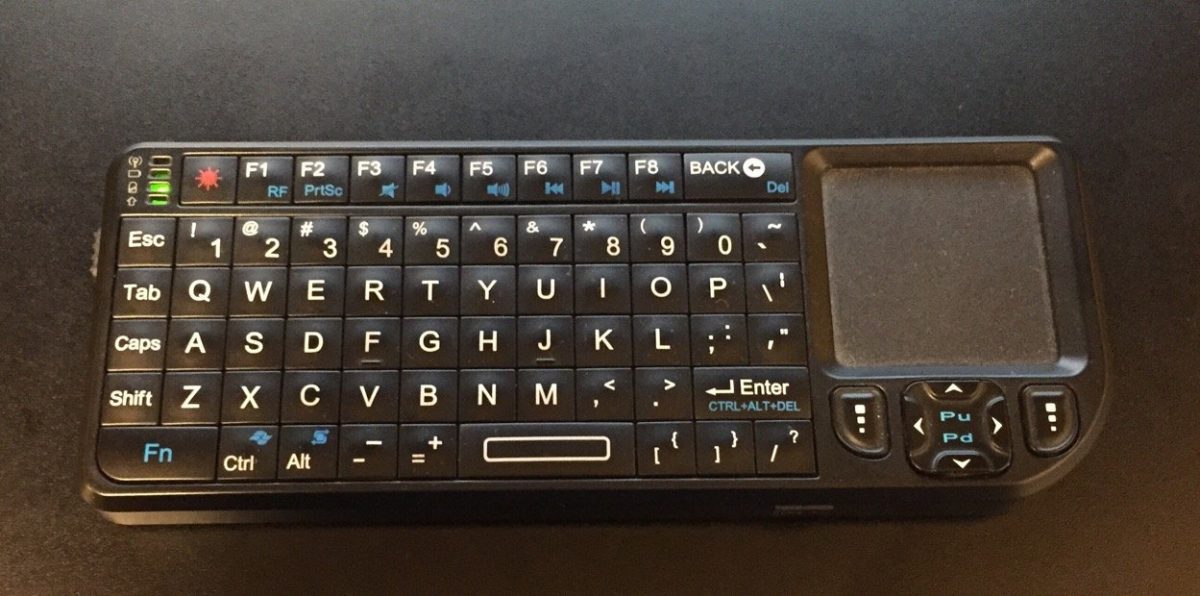
It took some digging for me to to find a Micro SD card that had enough space on it that would work with the Pi lying around. It only took a few minutes to download and prep the SD card and get the install going. I was happy that i still had my old mini keyboard and trackpad that i bought when i was using my Mac Mini as a media center. I was plugged in and installing the OS in only a few minutes. The Pi only takes HDMI video input. I have an HDMI to DVI adapter however I do not have any normal monitors in my apartment. My desktop computer setup uses an Apple Cinema Display and the only other monitor I have is a USB DisplayPort powered 15″ LCD I sometimes use in the bedroom when working from home. That meant I had to use the TV to setup the Pi. Not a big deal and the OS setup and wireless configuration only took a few minutes.
I had some minor challenges getting a VNC server setup but once that was done I had a completely working Pi with remote access running.
My next steps is to see what media center options I have.