My IOT Transition From Amazon To Apple

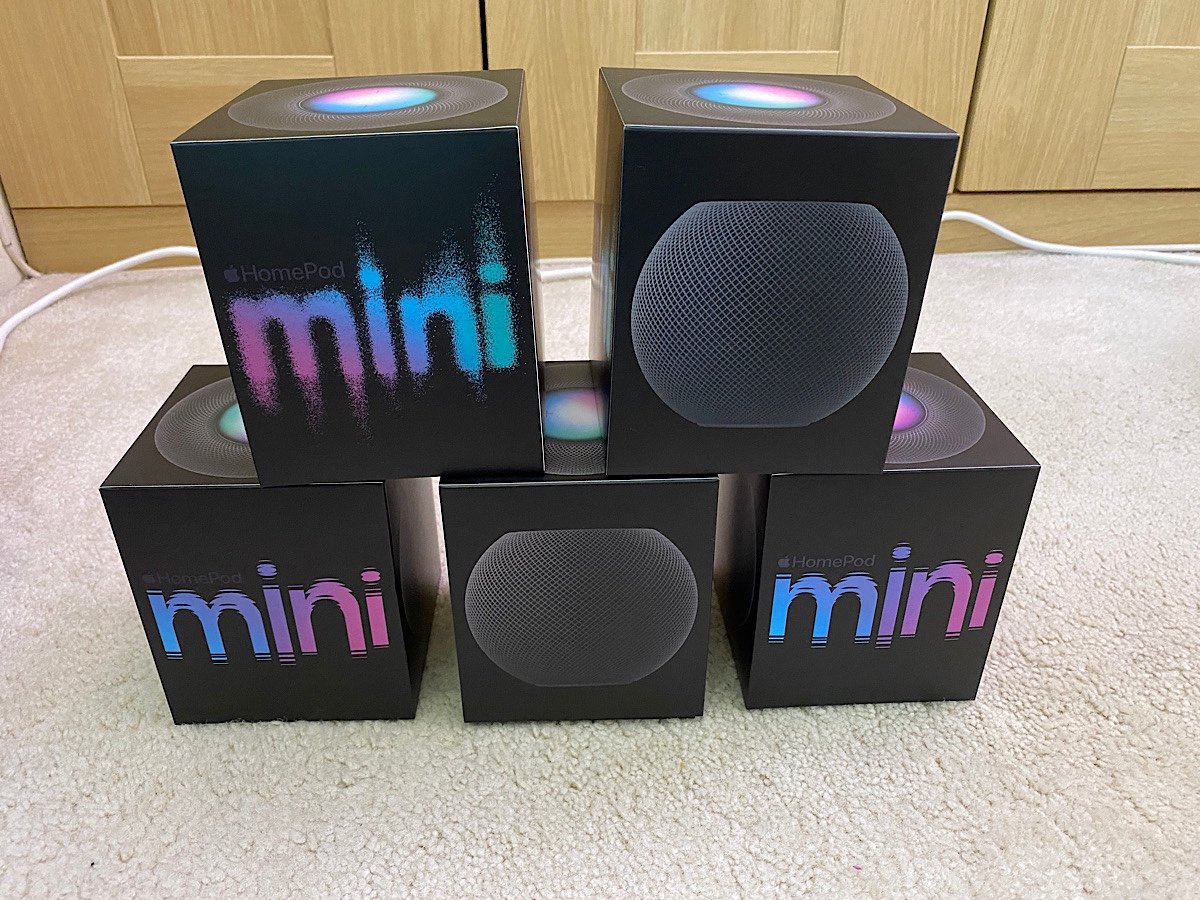
Even before I bought my Apple HomePod Minis I had been planning to dismantle my Internet of things network based on my Amazon echo plus hub. I decided a year or two earlier to build my iot network using an Amazon base. In the states I had smartthings. The version I had did not work in the UK. I tried to revive my Smarthings network first and then learned it was destined for the landfill. I refuse to use Google as my home hub for previously discussed privacy concerns. At the time my Apple TV 4 could be used as a HomeKit hub. The challenge was there were not that many devices compatible. And many of them were expensive.

Flash forward to the fall of 2020 Apple had come along way. It feels like there are more devices compatible still with Amazon or Google. That’s fine since there is a decent enough variety of devices compatible with Apple HomeKit. Since I had the Apple TV already and I own an iPad I did not need to buy any hub per se. All I needed to do was start buying devices.

I had spent some money on Amazon compatible devices previously. That was annoying that I would have to start over. On the plus side I only bought two smart plugs to turn on the lamp in the living room and in the office. Originally they were bought for when we were on holiday to set timers for the lights. I also bought a Ring doorbell as well as a Ring camera for our back garden. They were compatible with the Amazon set up and we’re not compatible with HomeKit. I was prepared to live with the Ring cameras not working with HomeKit until I found HomeBridge. It is a piece of software that at first ran on a Raspberry Pi I had and later simply on a docker container on a Pi I had. It bridges many devices to work with HomeKit. The integration was pretty slick and it solved my “Ring” problem. I at first augmented my Ring camera’s with Eufy camera’s using apple’s secure HomeKit video. That way I did not have video on Ring’s servers but still used the Doorbell as well a smart doorbell for real time feeds.

I simply replaced the smart plugs. The ones I had originally were also not that smart. For some reason they only worked on an older Wi-Fi technology. There was also no way to change the Wi-Fi name. That meant when I changed my Wi-Fi network name and upgraded I had to maintain an old configuration just for those smart devices. It wasn’t very secure and I was glad to be able to dismantle that.

I started my HomeKit network by purchasing the Phillips hue hub and bulb. I also bought two smart plugs to replace the old plugs I had. Since I started writing this post almost two years ago (yes another post I started and never published) I have grown my HomeKit network significantly more than I had with my Amazon based one.

Always Blame The Tools, OK Seriously Do Not Do That

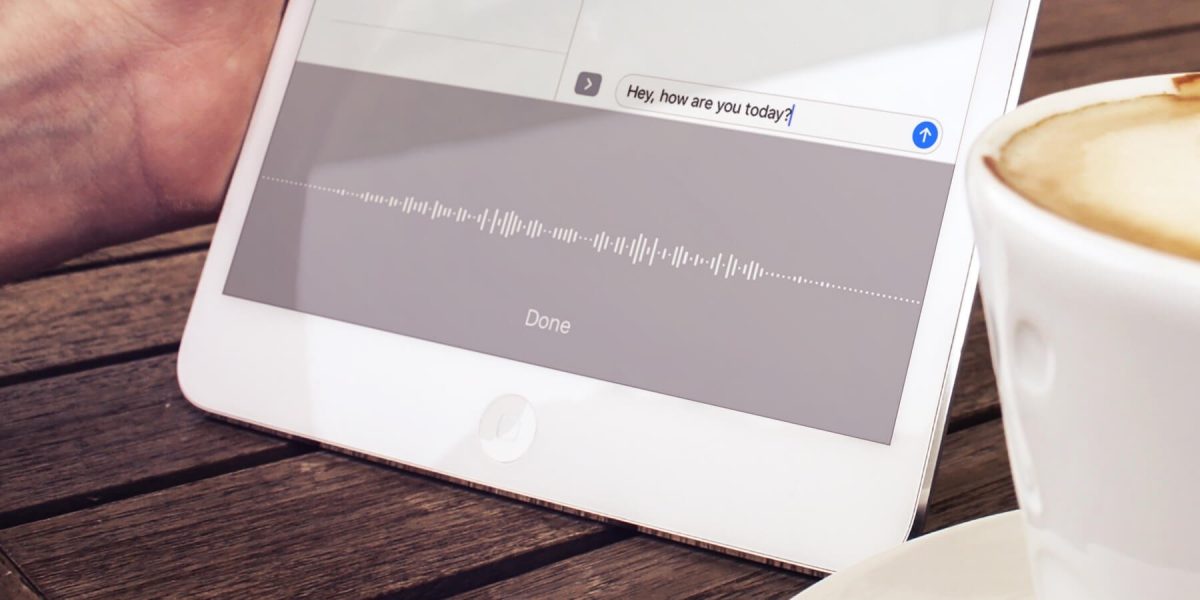
I wrote previously about my motivations or lack of motivations on writing.  With all that I wrote being true an added issue was recently writing was just harder to do.  I do a lot of my writing by dictating to Siri.  Previously to that i was using Dragon Anywhere and Dragon Dictate by Nuance to dictate.

Since I write when i have a spare moment that often is when i am away from my computer.  That means I leveraged Siri a lot.  I wrote about why I went with Siri vs Dragon Anywhere.  For a while before i wrote that post I was really not using Dragon on my phone.  Siri was working great so I couldn’t justify the costs.  I am not sure if it is my location (London wireless is as good or better than NY) or issues with the newer IOS versions however Siri isn’t as good as it was when I wrote that post.

Around mid May I decided to sign up for the Dragon Anywhere trial again.  I was able to blast out the bulk of what would be my first blog post really quick.  I was also able to write a detailed journal entry for the day I downloaded the app.  That was enough for me to be happy to pick up the subscription again (for now).  In the end i could have just used the dam dictation software I pay for on my Mac.  It is much less convinenentq than having it on my phone.  It happens to be better to use.  Just not that much better to make me sit down at a computer worth my while.

With the real or perceived obstacle of not being able to dictate out and about removed I am hopeful I can continue my fledgling writing/dictating streak.

Dragon Anywhere vs Siri

For a little over a year I was using Dragon Anywhere on my iPhone to dictate my journal entries and this blog. I found it very useful. It was pretty accurate. It was much better than Siri however not as good as the Dragon Desktop app on my Mac.

The app was great for when I was walking and could dictate things I was thinking about. I found myself doing much more writing when I could reliably use that app. The downside however was the price. It cost around $15 a month. Over the summer I stopped using it for a few weeks and got wondering if I really needed it.

When I started to use dictation again it was right around the time that iOS 11 gold master was available. I was trying that out along with the dictating some texts. I noticed that the dictation function was more persistent than previously. That means I could talk for longer without it dropping off. The user interface also stayed on screen for the dictation icon instead of reverting back to the keyboard all the time. This made it easier to actually dictate more in the native keyboard. On top of that it seemed that Siri had gotten much better at dictation. It is still not better than Dragon however it is much more compelling to drop the $15 a month expense of dragon now.

Interestingly I’m not missing dragon that much. I am however not dictating as much as I did previously. I’m not sure if that was just a psycho I’m going through where I write less and then go back to it. Or if ease of using Dragon really is worth it. Right now my primary objective is to cut costs so in unnecessary $15 charge is gone something else to replace it however I feel that’s much more compelling and on related. That’s for another story.

I find time to write when I’m walking. This blog entry for example is being written, dictated while I’m walking to pick up my kids from school. It’s a great time filler and allows me to clear my head. What I really need to do is set aside time when I’m home and use my computer and the dragon software there. It’s much better at recognizing words however it requires dedicated personal time but I’m not always willing to give up..

British Siri in America, American Siri in England?

When Siri first launched you basically got the voice they gave you. In the US it was a lady voice. In the UK it was a man. In later revisions they gave the option to choose between a male and female voice. Either at that same time or in any even further revision Apple gave you the option of choosing the accent. Originally you had one American voice for your iPhone. Now you can select an American, British, or Australian accent in either male or female voices for your English-speaking iPhone.

I’m not sure why however I light the British female voice better. I’ve been using it on my phone ever since. On my iPad to differentiate I use the British male voice. I even now use ways with the British accent voice. I have been doing this long before there was any plan to move overseas.

Now I’m asking myself the question when living in England do I set the voice to be an American female? The dilemmas I ponder while sitting on the subway during my commute. Other people might think about world peace, however I wonder what voice to use on my iPhone.

Dragon Anywhere

By the looks of my posts on this blog it would seem like I’m not writing much for some time. In recent months as far back as February I’ve started to journal more. The difference I guess is that the journals are private. The fact that I am writing at all is a positive for me.

I wanted to write more in general for some time. I’ve also wanted to be more active in my journaling. It’s something I wanted to do when Teagan was born and I did for a little while but didn’t keep it up. I’d like to say I’ve improved because of my determination to write. Slightly true however I feel like there is a different answer. That answer to me is Dragon Dictate. My so-called writing isn’t in fact writing it all. It’s mainly my dictation letting the software do the typing. I’ve had Dragon Dictate for several versions on my Mac. I think it’s a fantastic piece of software. My proof is that I think over time spent more on upgrades for it then on any other single piece of software. Unfortunately what has happened in the past is I will get it and use it and then start using it less over time. Part of that was due to feeling self-conscious about using dictation at work. The other part being probably just general laziness. Flash forward to this February I think I got rid of the laziness factor and just started dedicating some more time to writing. Using the dictation software I was able to actually write faster. That meant I could write more in the same amount of time or just get finished quicker.

Once I started sitting at my computer and dictating it was still challenging to find time to do that. I started using the dictation option built right into Siri on my iPhone to dictate into the journaling I use DayOne. That work rather well however it did require corrections more often than I would like. It also required me to do bursts of sentences quickly before the dictation stopped listening. This method still enabled me to keep writing almost daily.

The next big improvement for me was signing up for the Dragon anywhere subscription sometime around May. As a monthly service it’s kind of expensive for what it does. It gives me and always listening dictation option. I find that much better and more accurate than the built-in Siri option for dictation. I figured for $15 a month I would give it a try. What I found that I’m doing now is that I will dictate as I’m walking. I get a lot of my journaling done now between walking from the subway home and walking from the subway to my office. I probably just look like someone talking on the speakerphone to someone however it works surprisingly well.

I still want to do more. I’ve a list of draft topics in my Dragon anywhere app for things that I’m either partially done with or to do’s. That gets me back to trying to find more time in the day to dedicate towards “writting”. My other option is to just go on longer walks! Either way if unable to carve out more time I hope to write more about topics fit for this blog. I’m trying to do some cool things as a hobby however I don’t have the time talk about it.

Other than a few manual corrections this in my last several posts were entirely dictated.