
For a little over a year I was using Dragon Anywhere on my iPhone to dictate my journal entries and this blog. I found it very useful. It was pretty accurate. It was much better than Siri however not as good as the Dragon Desktop app on my Mac.
The app was great for when I was walking and could dictate things I was thinking about. I found myself doing much more writing when I could reliably use that app. The downside however was the price. It cost around $15 a month. Over the summer I stopped using it for a few weeks and got wondering if I really needed it.
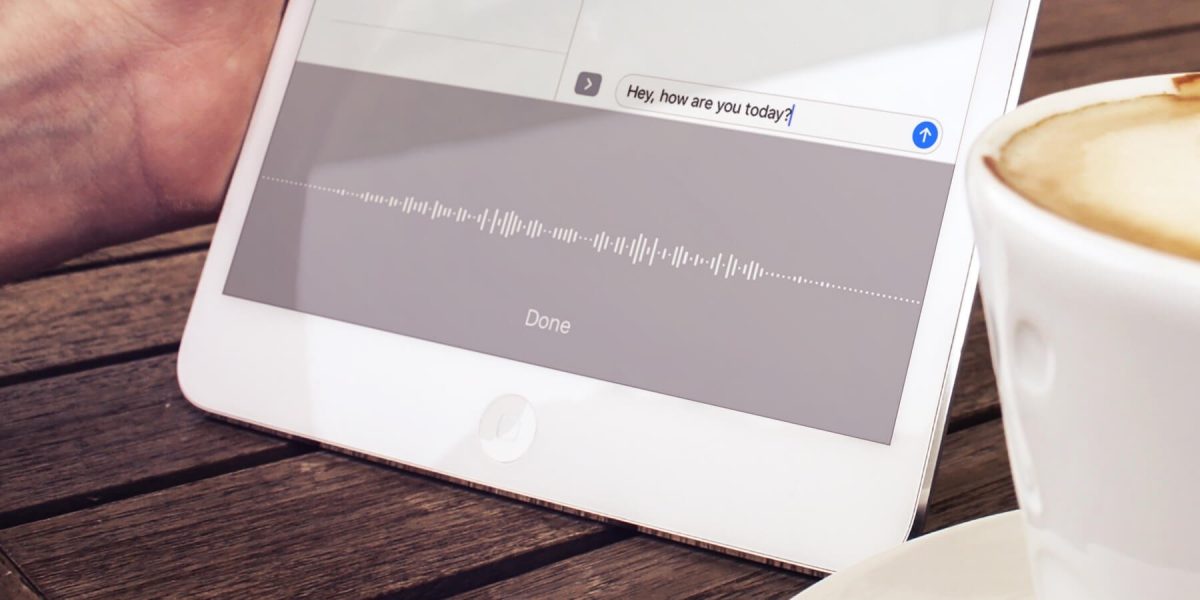
When I started to use dictation again it was right around the time that iOS 11 gold master was available. I was trying that out along with the dictating some texts. I noticed that the dictation function was more persistent than previously. That means I could talk for longer without it dropping off. The user interface also stayed on screen for the dictation icon instead of reverting back to the keyboard all the time. This made it easier to actually dictate more in the native keyboard. On top of that it seemed that Siri had gotten much better at dictation. It is still not better than Dragon however it is much more compelling to drop the $15 a month expense of dragon now.
Interestingly I’m not missing dragon that much. I am however not dictating as much as I did previously. I’m not sure if that was just a psycho I’m going through where I write less and then go back to it. Or if ease of using Dragon really is worth it. Right now my primary objective is to cut costs so in unnecessary $15 charge is gone something else to replace it however I feel that’s much more compelling and on related. That’s for another story.
I find time to write when I’m walking. This blog entry for example is being written, dictated while I’m walking to pick up my kids from school. It’s a great time filler and allows me to clear my head. What I really need to do is set aside time when I’m home and use my computer and the dragon software there. It’s much better at recognizing words however it requires dedicated personal time but I’m not always willing to give up..